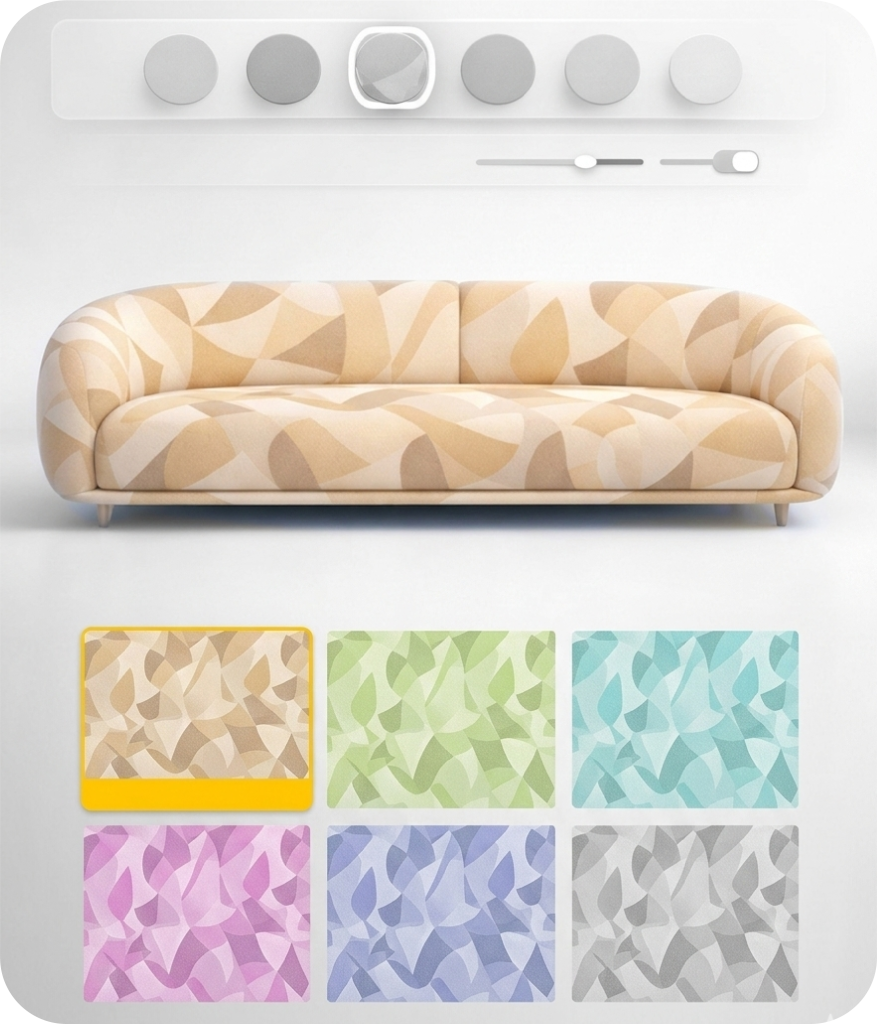
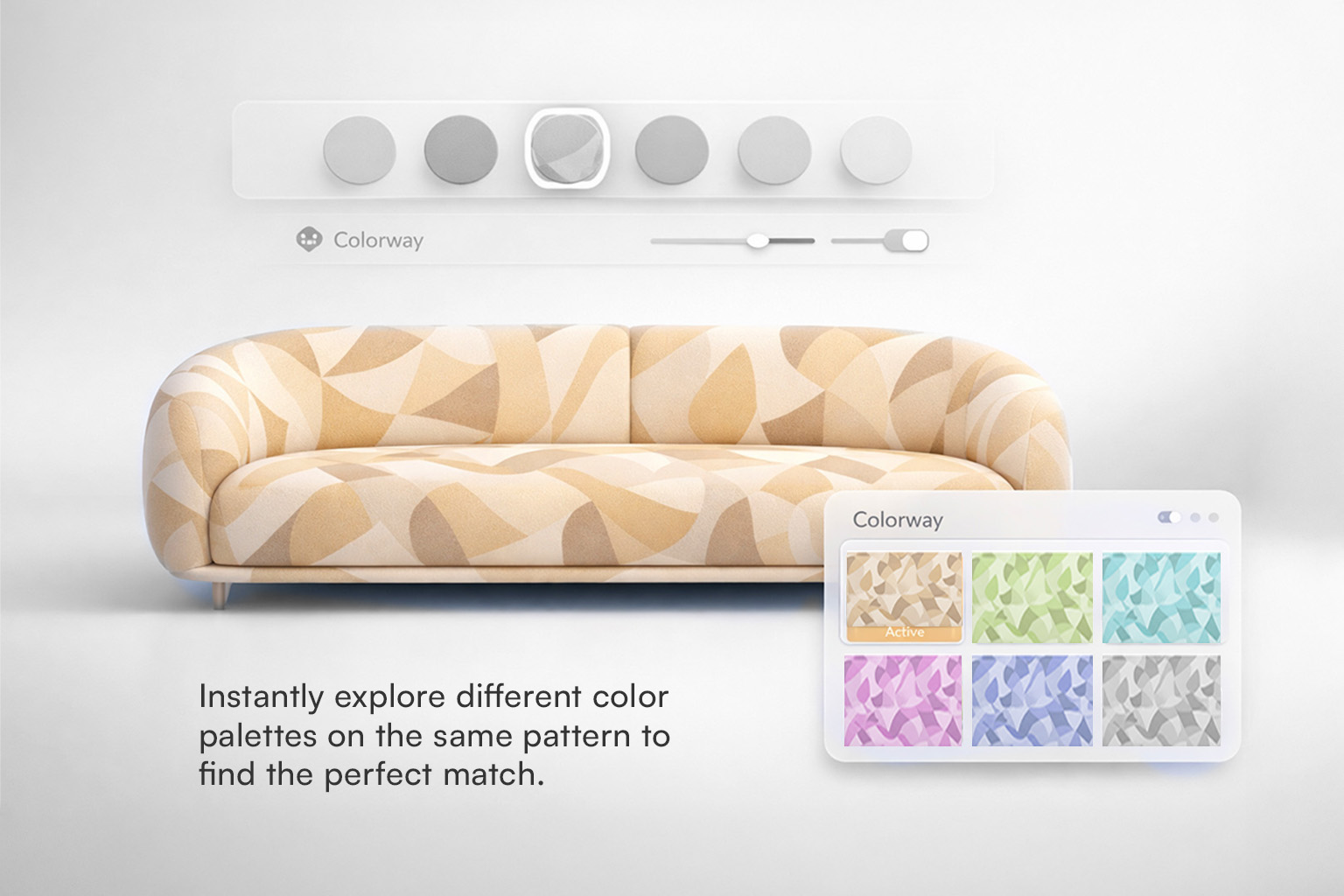
Colorway generates multiple color variations of an existing design without changing its composition. It allows you to explore a wide range of color directions for the same pattern quickly and efficiently.
Unmix deconstructs the existing colors in a design, breaking apart what is already there into separated layers. AI GPU generates entirely new color variants, reimagining the design's color language from the ground up.
You can upload a moodboard or image to extract a palette, or manually pick colors using an eyedropper tool. Color layers can be added, reduced, or merged based on your production needs.
Monotone, Analogous, Complementary, and Random. You can also upload a custom palette or select specific colors to guide recoloring in a controlled direction.
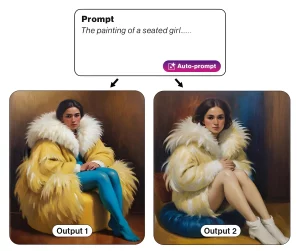 Text to Design
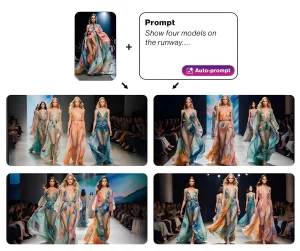 Image & Text to Design
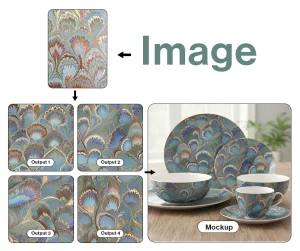 Image to Design
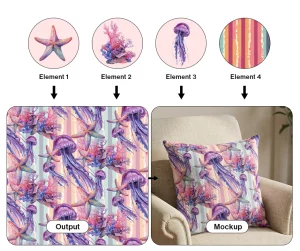 Make with Elements
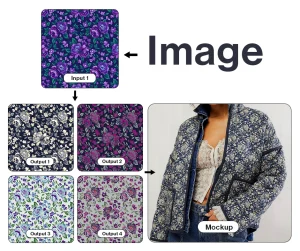 Colorway
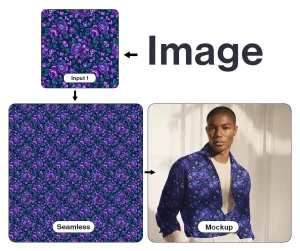 Make Seamless
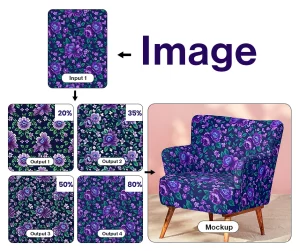 Generate Similar
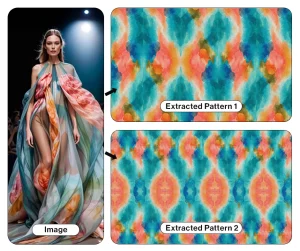 Pattern Extractor
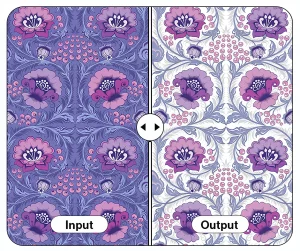 Background Remover
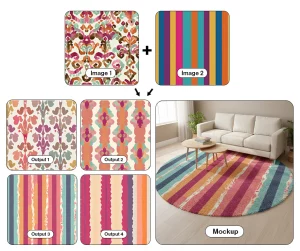 Multiple Images to Design
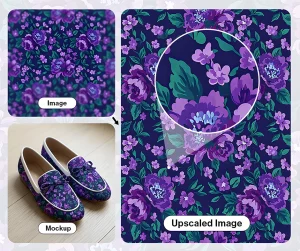 Upscaler Pro
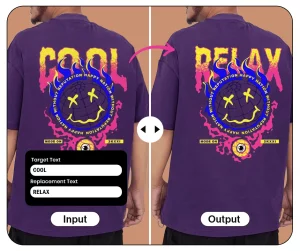 Text Editor