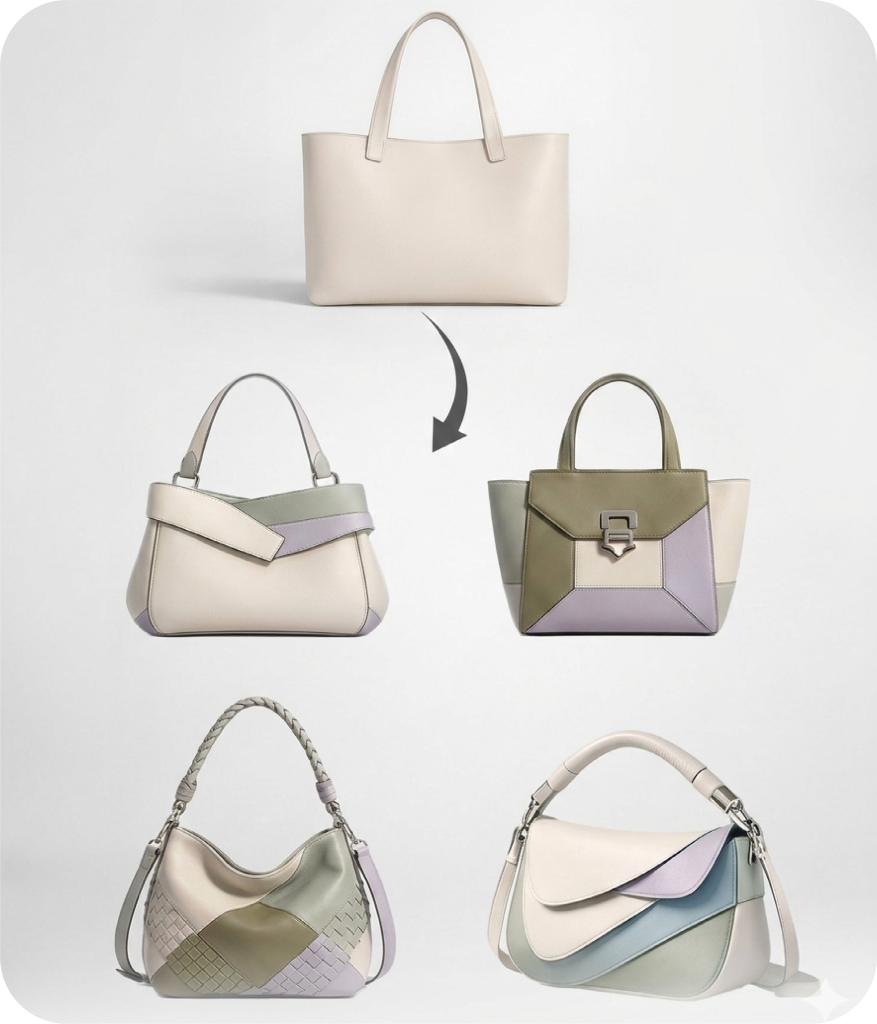
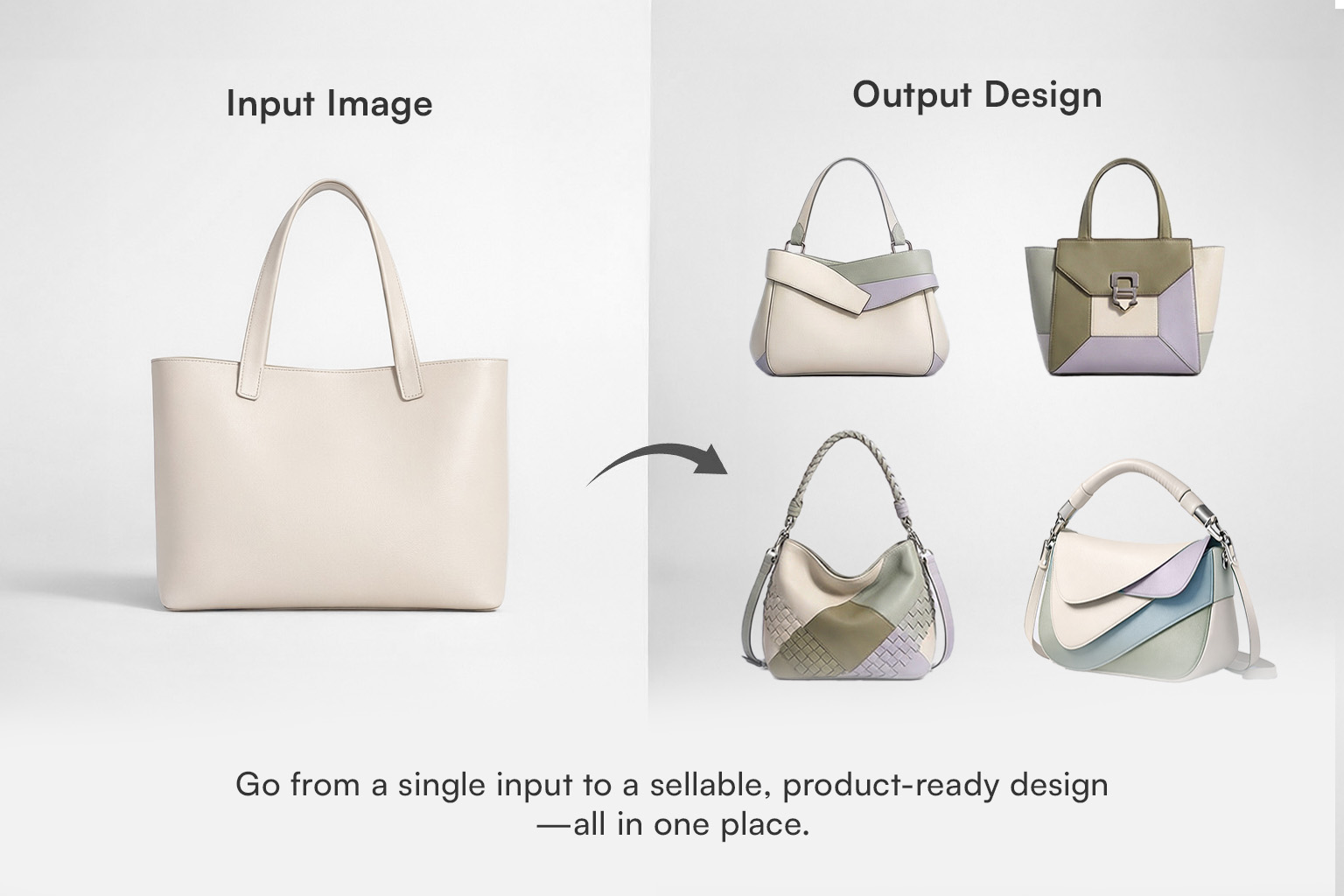
It takes an uploaded image and generates multiple design variations based on it. The tool interprets the visual content of your image and produces new design directions you can refine and develop further.
Clear, high-quality images with good lighting and strong contrast give the most controlled results. Clean artwork, textile swatches, illustrations, and structured visual references work particularly well.
Sharpness adjusts the intensity of detail and edge clarity in the output. Higher sharpness enhances fine lines and textures for a crisper result. Lower sharpness produces softer, more blended transitions.
Block, halfdrop, and brick repeats are available. You can also choose between square, vertical, and horizontal ratios, and adjust the number of images generated per session.
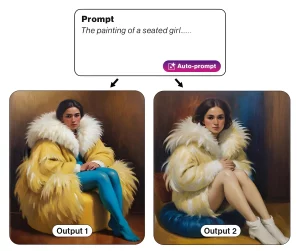 Text to Design
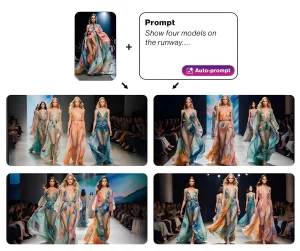 Image & Text to Design
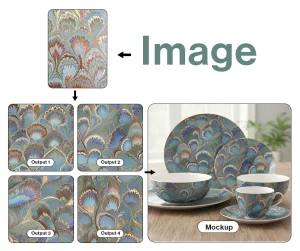 Image to Design
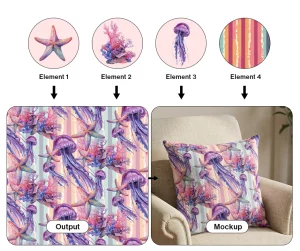 Make with Elements
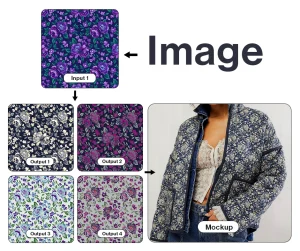 Colorway
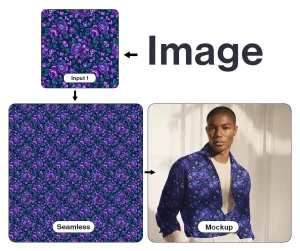 Make Seamless
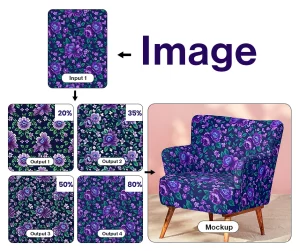 Generate Similar
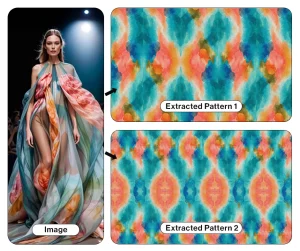 Pattern Extractor
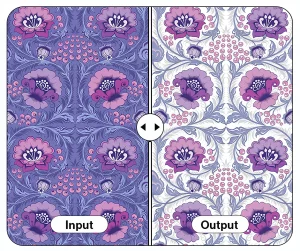 Background Remover
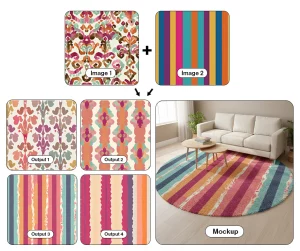 Multiple Images to Design
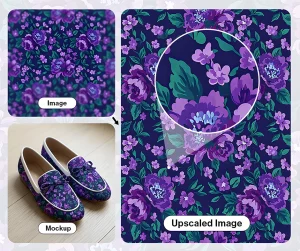 Upscaler Pro
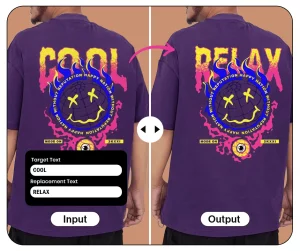 Text Editor