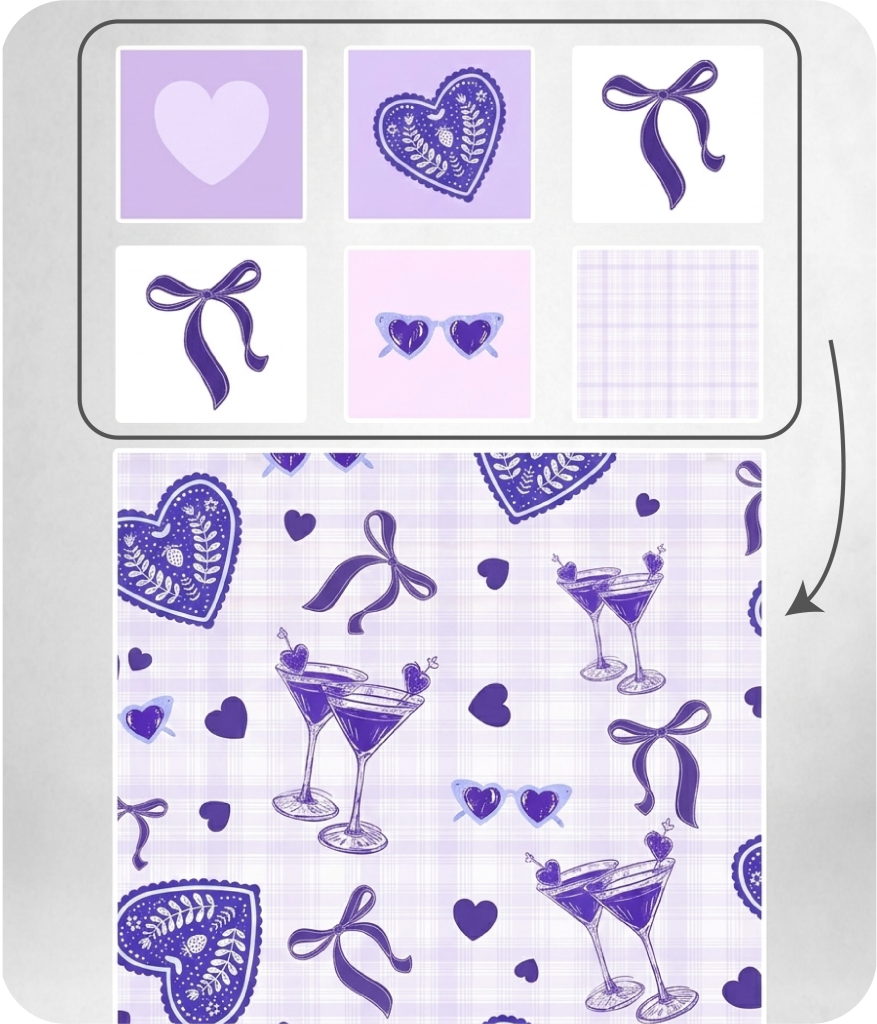
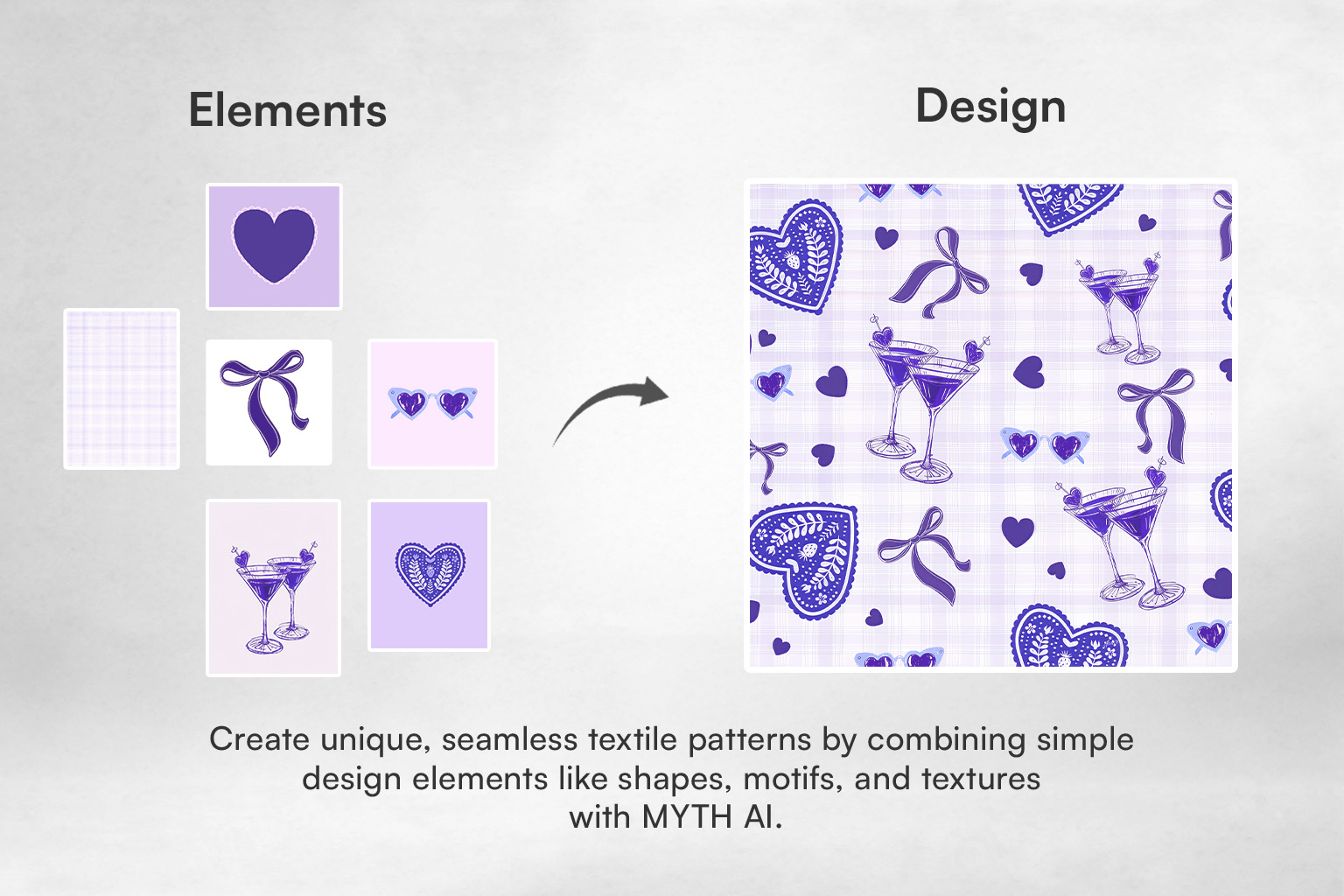
A blank canvas tool for building seamless repeat patterns from scratch. You bring your own motifs and elements - the tool handles the construction, preview, and export.
Upload any image directly onto the canvas. Background removal is done in a single click, with two auto-cropping options: Contiguous, which crops based on object or motif boundaries, and Color Range, which crops based on selected color values.
Yes. Apply a solid background color or upload a background image and fit it to the canvas. You can also select your repeat format directly within the tool.
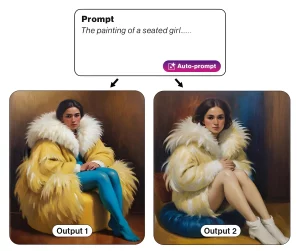 Text to Design
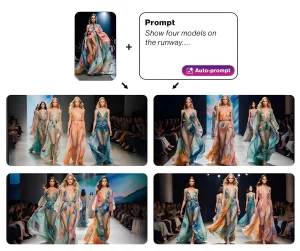 Image & Text to Design
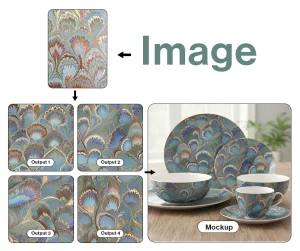 Image to Design
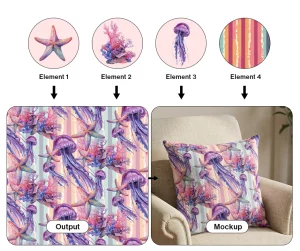 Make with Elements
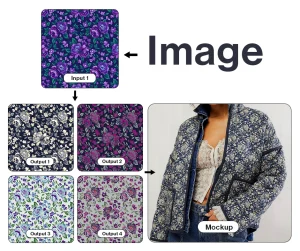 Colorway
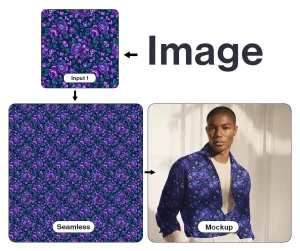 Make Seamless
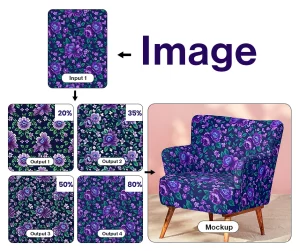 Generate Similar
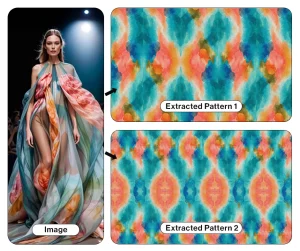 Pattern Extractor
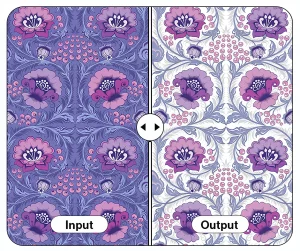 Background Remover
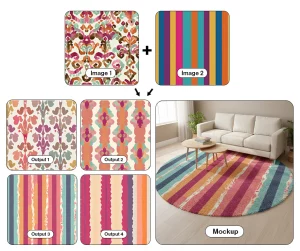 Multiple Images to Design
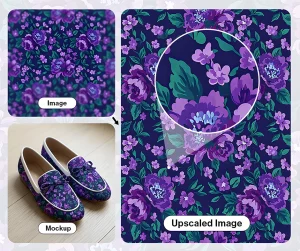 Upscaler Pro
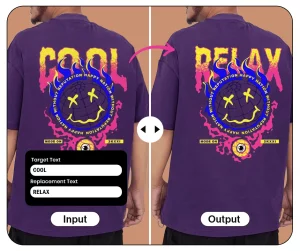 Text Editor