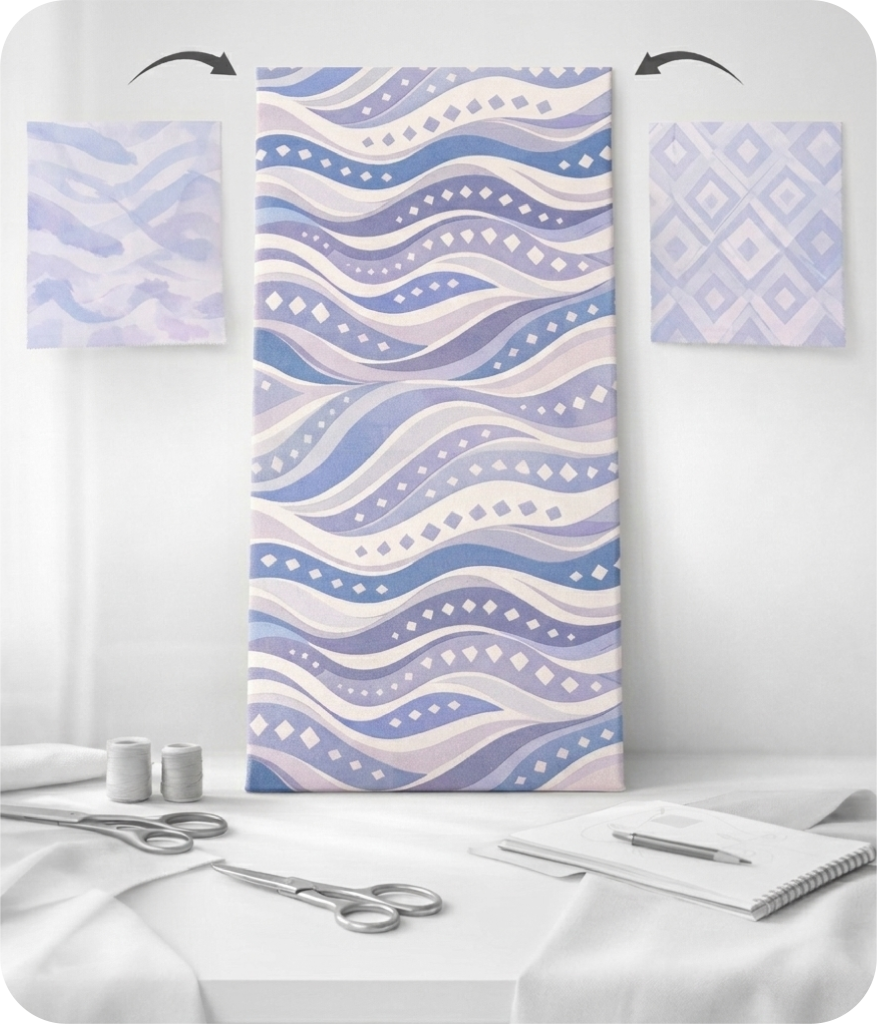
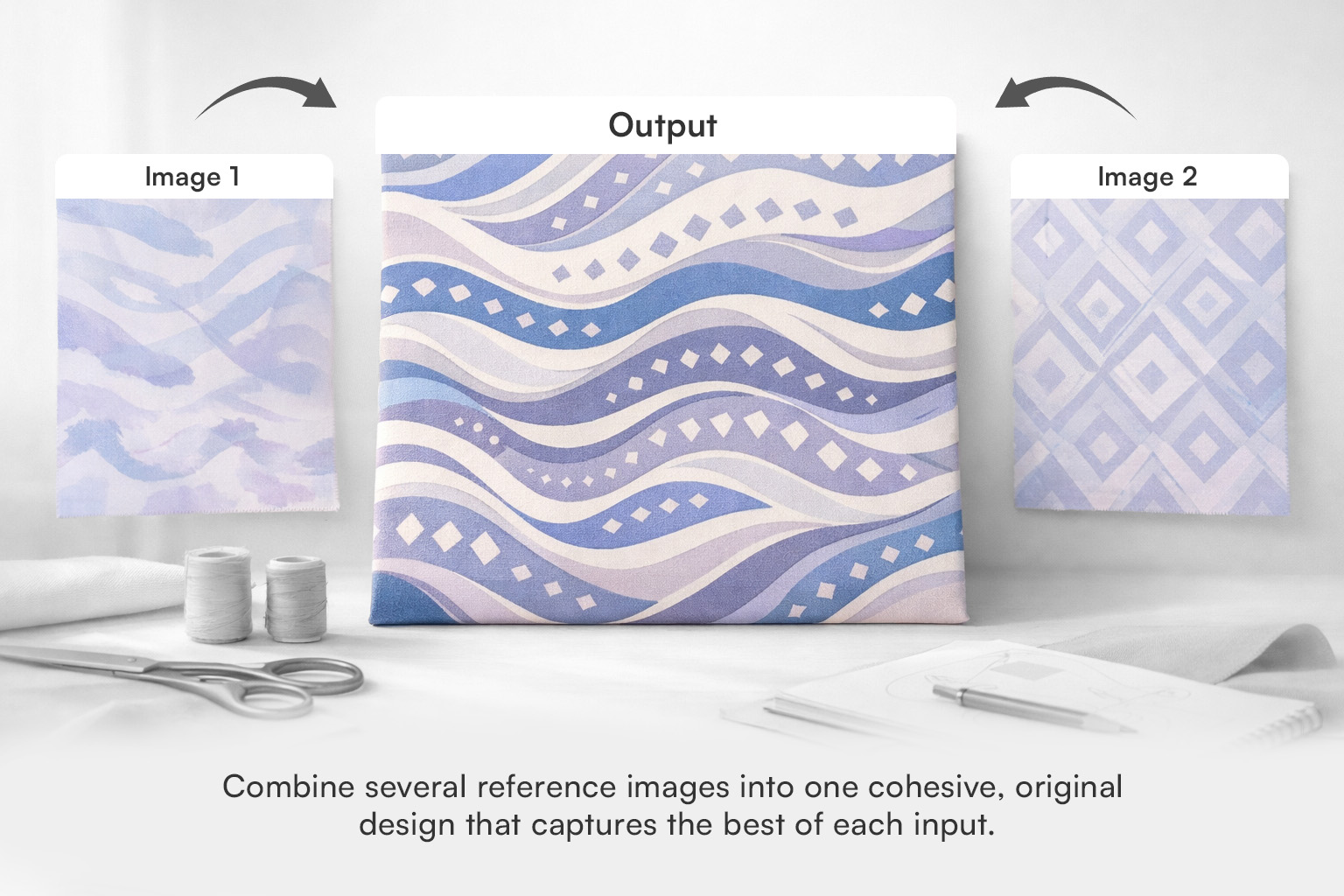
It blends two reference images into a single design output. The tool analyzes both images and produces a result that draws from both visual references in proportions you control.
A preset slider lets you decide how much each image contributes to the final output. Sliding toward one image gives it more weight; the other image has less influence on the result.
Block, halfdrop, and brick repeats are all supported for production-ready output. You can adjust the number of images generated and choose between square, vertical, or horizontal ratios.

 Text to Design
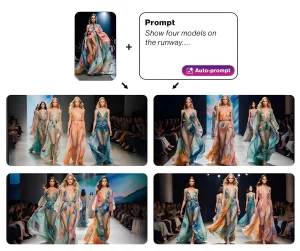 Image & Text to Design
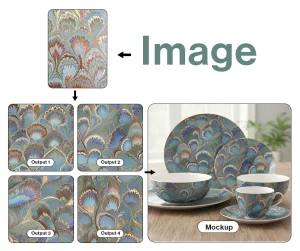 Image to Design
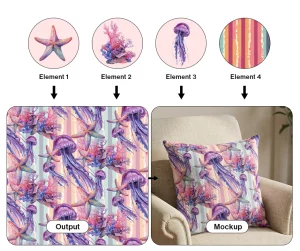 Make with Elements
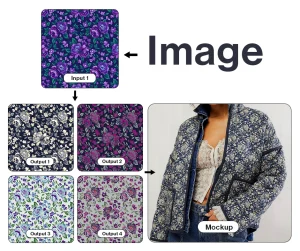 Colorway
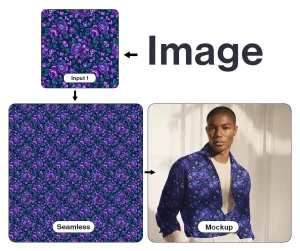 Make Seamless
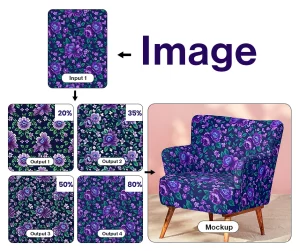 Generate Similar
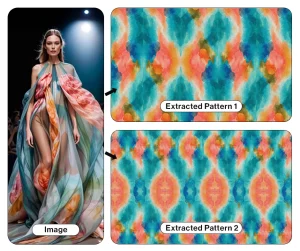 Pattern Extractor
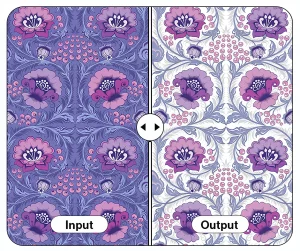 Background Remover
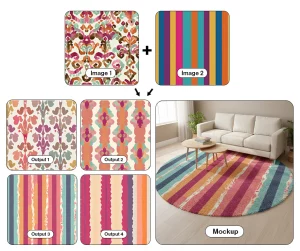 Multiple Images to Design
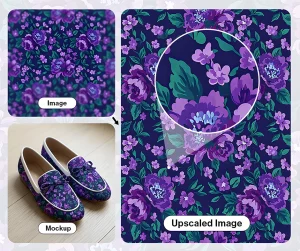 Upscaler Pro
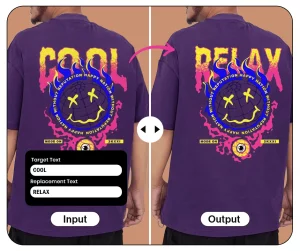 Text Editor