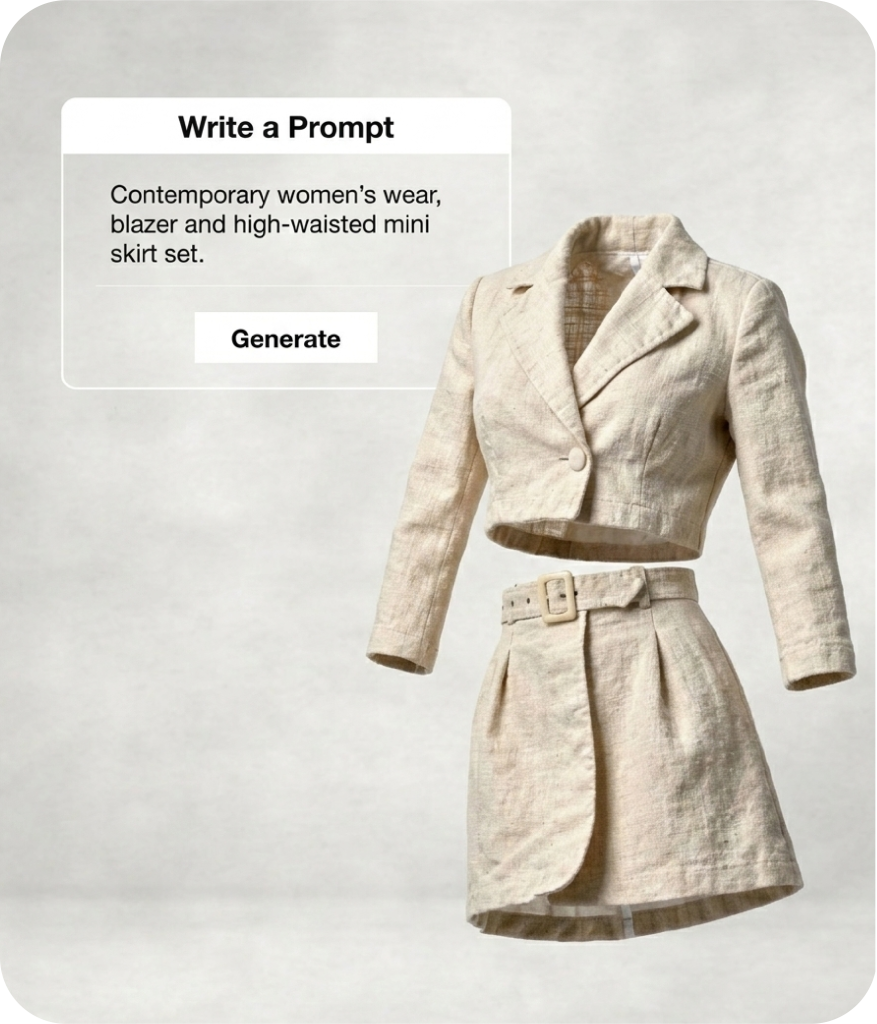
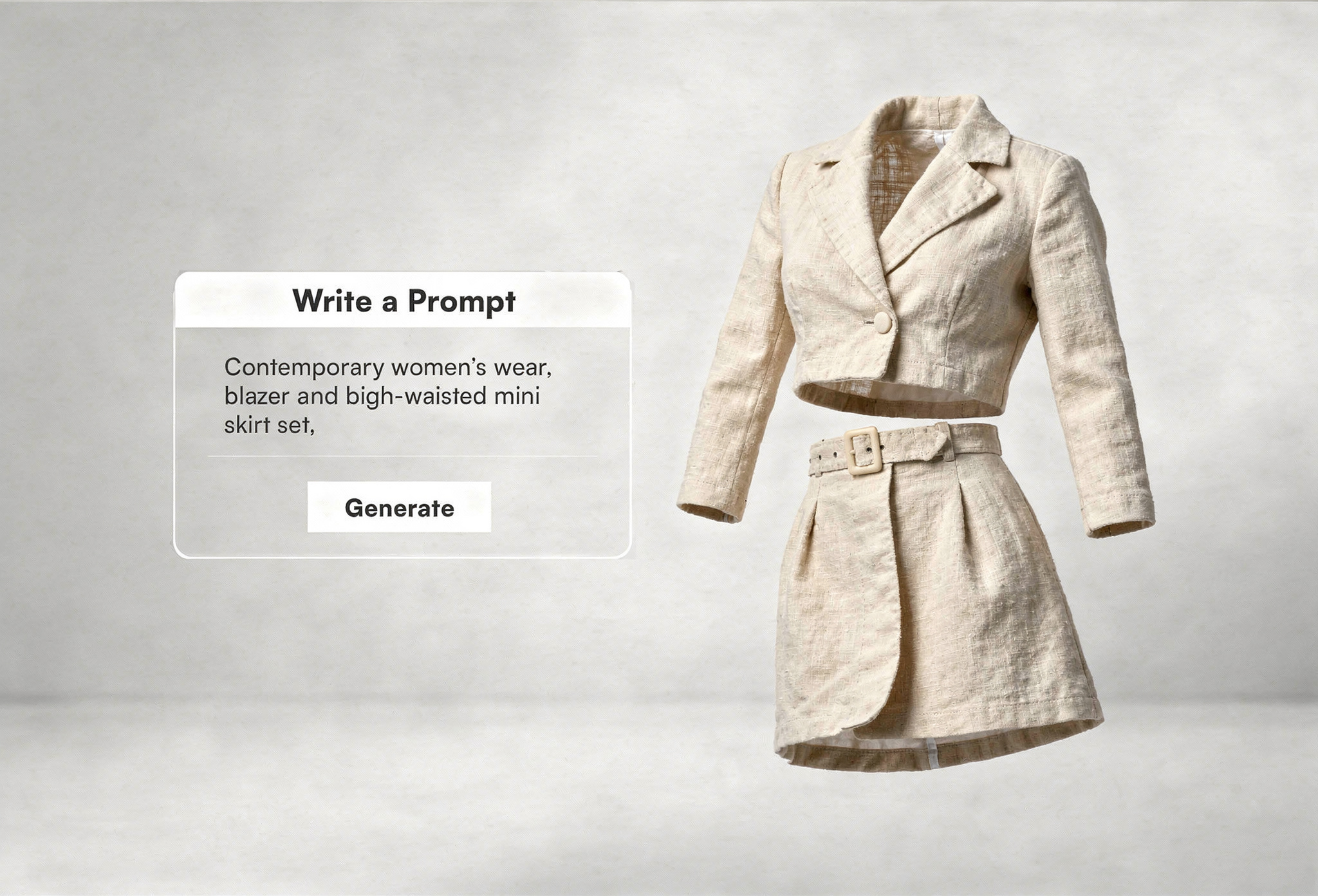
It generates original designs from a written prompt. The Enhance Prompt button automatically expands your keywords into a detailed description, so the AI better understands your creative direction. You can also add a negative prompt to specify what you want excluded from the output.
Sharpness adjusts the level of detail and edge clarity in the generated design. Higher sharpness gives a crisp, defined look. Lower sharpness produces softer gradients and smoother transitions.
Yes. Designs can be exported in TIFF, PNG, JPEG, BMP, WEBP, PDF, and GIF formats. You can also adjust DPI settings, and the system automatically aligns the physical print size to match the selected DPI.
What MYTH AI Can Do for You?
Text to Design
Turn your prompts into ready-to-use designs and patterns.
Image & Text to Design
Combine your images with auto generated prompts to instantly generate original, style-accurate designs.
Image to Design
Transform any reference image into fresh, AI-generated design variations.
Make with Elements
Build new motifs and patterns by selecting and assembling elements as per your imagination.
Colorway
Instantly create multiple color variations to explore palettes in seconds.
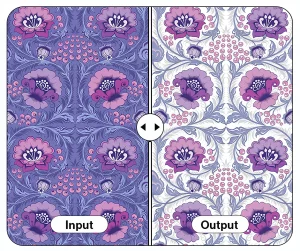
Make Seamless
Convert any design into a perfect repeat-ready seamless pattern.
Generate Similar
Create multiple design variations that match the style, mood, and structure of your reference.
Pattern Extractor
Extract motifs, elements, or pattern tiles from any image with one click.
Background Remover
Remove backgrounds cleanly to isolate motifs, designs, or elements for reuse.
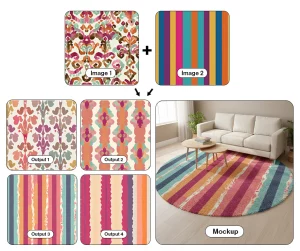
Multiple Images to Design
Blend multiple references together to generate unified, original design outputs.
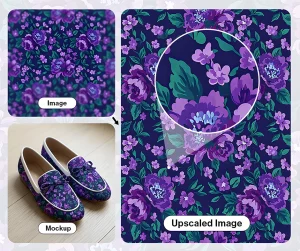
Upscaler Pro
Enhance and upscale designs to high resolution without losing quality.
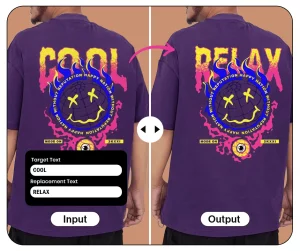
Text Editor
Edit, refine, or rewrite your own text on any image or design.
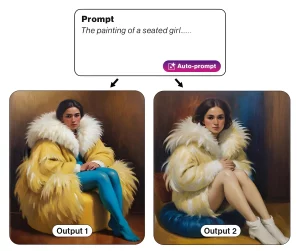 Text to Design
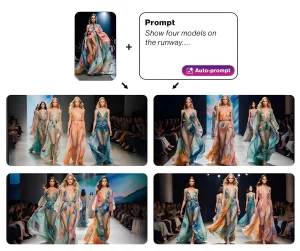 Image & Text to Design
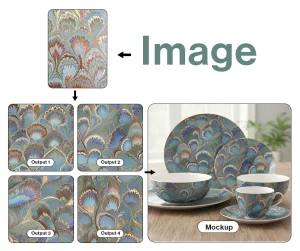 Image to Design
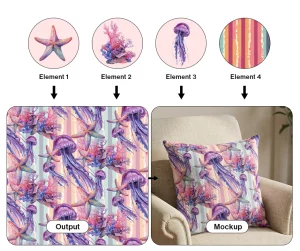 Make with Elements
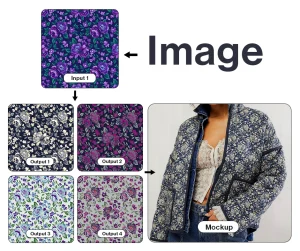 Colorway
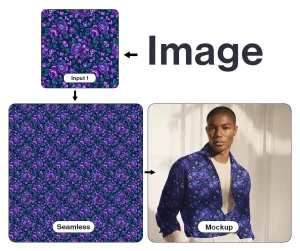 Make Seamless
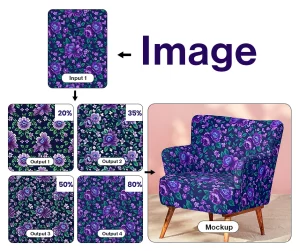 Generate Similar
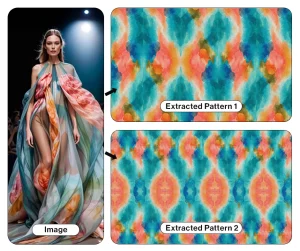 Pattern Extractor
 Background Remover
 Multiple Images to Design
 Upscaler Pro
 Text Editor