



01 · Text search
Describe it. Find it.
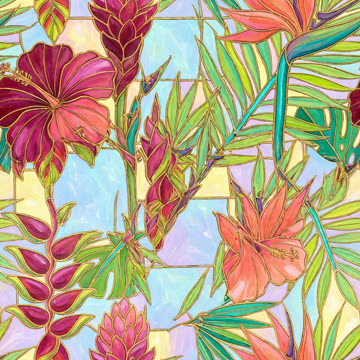
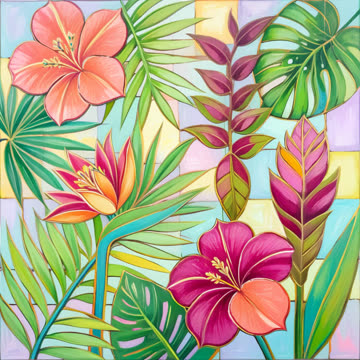
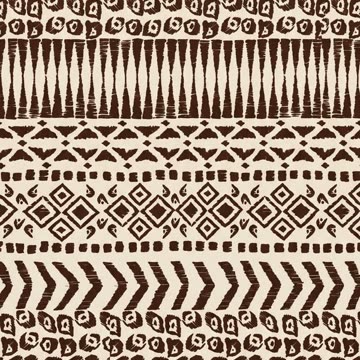
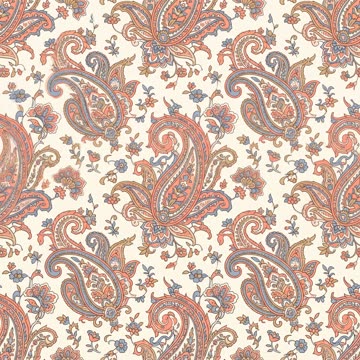
Type what you remember: a motif, a style, a colour. Results are matched by meaning, so the words do not have to be in the file name.
MYTH Digi · design archive software
Keep every design your company owns in one private archive, then find any of them by describing it, typing its code, dropping in an image or picking a colour.
Private to your company. Never used to generate designs.
Search four ways
A name, a picture in your head, a swatch on your desk or a colour from the brief: each one finds the design in seconds.
01 · Text search
Type what you remember: a motif, a style, a colour. Results are matched by meaning, so the words do not have to be in the file name.
02 · Code search
Type part of a file name or design code. It is the fastest, most exact search, and it answers even when the AI search is busy.
03 · Image search
Drag in, paste or choose a photo or a swatch. Search by its content for similar designs, or by its colours.
04 · Colour search
Pick colours on screen or type a HEX, Pantone or Coloro code, and combine several in one search. 2,310 Pantone and 3,500 Coloro colours are built in.
Upload and organise
Drag in files or a whole folder from your computer. Digi reads each design for colour and content and tags it for you, so it turns up in text, image and colour search a few minutes later.
Open any design for its colours with the nearest Pantone, its AI and team tags, notes and similar designs. Switch to Tile to see it as a repeat: Block, Half Drop, Brick, Horizontal or Vertical.
Share and work together
No more long sample rounds: pull designs into a collection, send one on in a message, and let roles decide who looks after what.
Group designs for a season, a client or a moodboard. A design can sit in many collections without leaving its folders. Keep a collection private, or make it public.
Share a design straight from its page on WhatsApp or Telegram, without downloading it first.
File designs by season, client or series. Drag a design onto a folder to file it there; one design can live in several.
Seats come with your plan. Everyone searches, uploads and organises; admins and managers look after the rest.
Insights rank the most downloaded and most viewed designs across the company. Your own history keeps your searches, uploads and downloads, for your eyes only.
On a computer, a tablet or a phone, with nothing to install. Light or dark, in seven languages.
The interface comes in English, Türkçe, Español, Français, Português, Русский and 中文.ENTRESFRPTRUZH
Privacy
Digi only searches. Your designs go in to be found by your company, and never to make new ones.
Your archive lives in your company’s account. Other MYTH customers cannot see it, search it or copy from it.
Digi runs search models only. Your designs are used to find designs in your archive, never to make new ones.
Admins and managers add the people who use your archive and give each one a role: admin, manager, member or guest.
MYTH Digi plans
Six plans take you from the $199 Demo to a hundred thousand images, with users and storage growing along the way. Larger archives get an Enterprise plan sized to them.
Questions
Something else? Ask the team.
MYTH Digi (MYTH Digi Archive in the app) is MYTH AI’s design archive software: one private archive for every design your company owns, searchable by text, file name or design code, image and colour. It tags each design for you and shows any design as a repeat.
No. Your archive belongs to your company’s account, and other MYTH customers cannot see it or search it. A design leaves the archive only when someone on your team shares it, for example on WhatsApp or Telegram.
No. MYTH Digi only searches. The models that find your designs are kept apart from the ones that create designs in MYTH AI, so your archive is used to retrieve designs and for nothing else.
No. Upload them in bulk, as files or as a whole folder. Digi analyses each design for colour and content and tags it for you, and it shows up in text, image and colour search a few minutes later. Your team can add its own tags and notes on top.
No. It runs in the browser on a computer, a tablet or a phone, wherever you have an internet connection. The interface speaks seven languages and comes in light or dark.
Yes. Each variant is kept as a design of its own, so give every file its own name: a file named like one already in the archive is skipped. Keep the variants together in a folder or a collection, and find them all at once by searching for the code they share.
Image files: JPG, PNG, TIFF (including large and multi-page TIFFs), WEBP, BMP and other image formats. PDF and EPS files are not accepted. A download gives you the original file as it was uploaded.
Text, image and colour search run on MYTH’s AI service and can slow down at busy moments. Search by file name or design code instead: code search runs directly on your archive and always answers.
MYTH Digi
Open MYTH Digi, or book a demo and see the four searches at work.
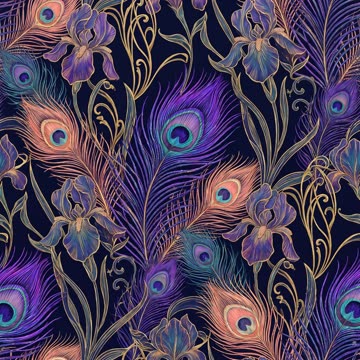 peacock.jpg