- All in MYTH
- Pattern AI
- Generate Similar
Pattern AI · Similar pattern generator
Generate Similar
Same motifs, a new design.
Start from a reference and get up to four new designs that keep its motifs, style and mood. One slider sets how close they stay.
Similarity 10–90%Up to 4 a run
How it works
Three steps in Generate Similar
- 01
Add the reference
Put the design on the Reference Image tile: an upload, one of your generations, a collection image or one from MYTH Gallery.
- 02
Set how close
Move Similarity between 10% and 90% (50% by default). Higher stays closer to the reference; lower allows more variation. A Styles pick is optional.
- 03
Generate
Ask for 1 to 4 under Number of Images and press Generate Similar. The button shows the credit cost before you run it.
See it work
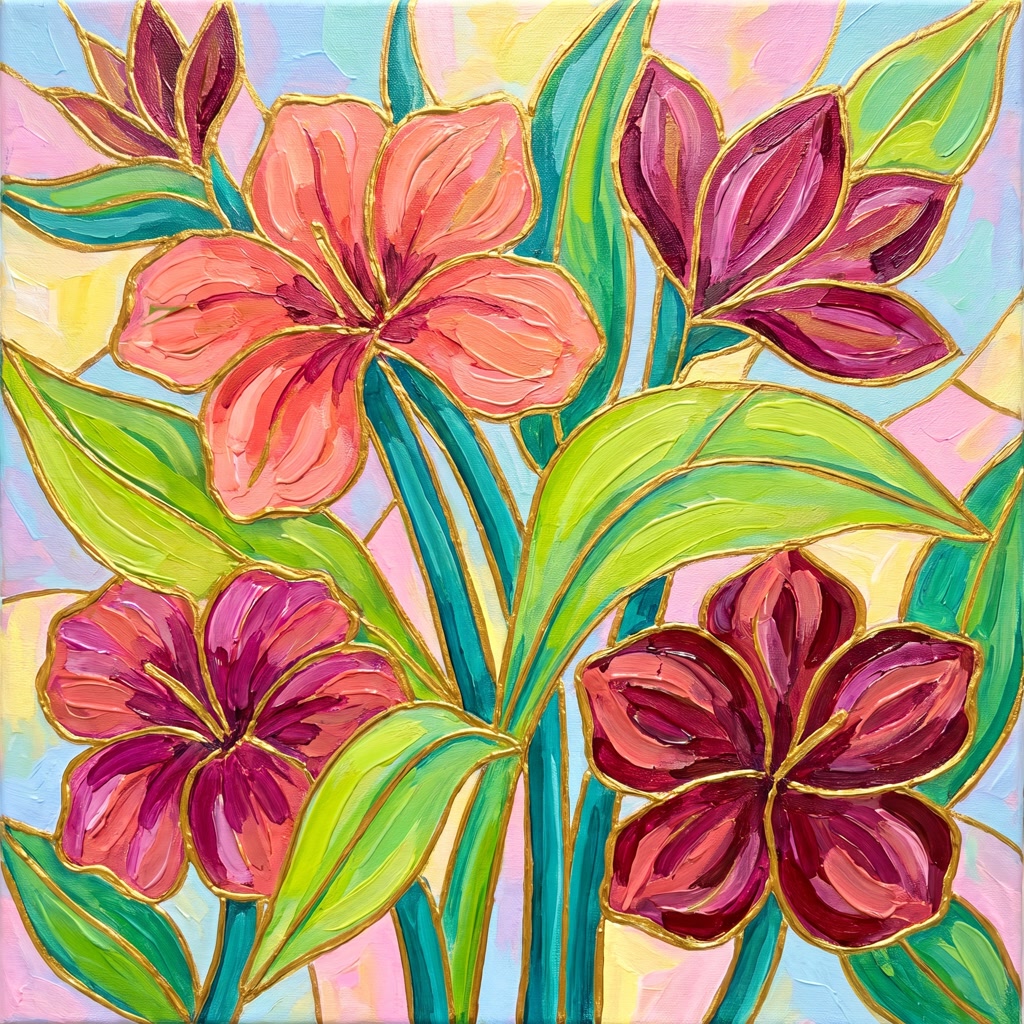
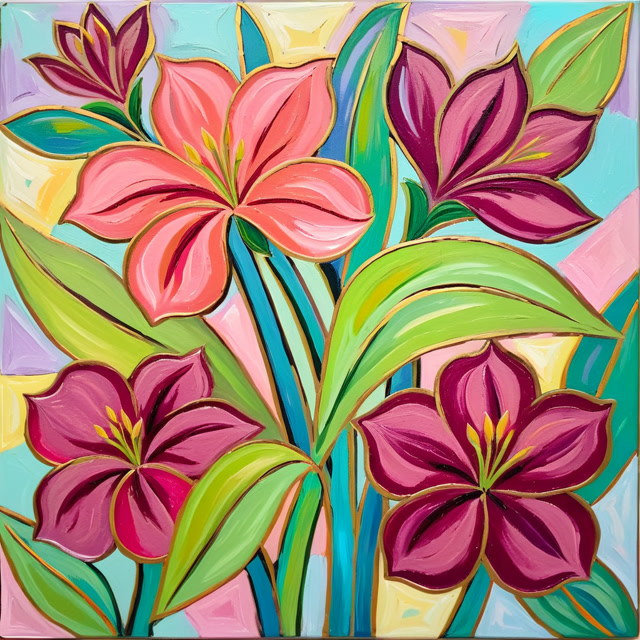
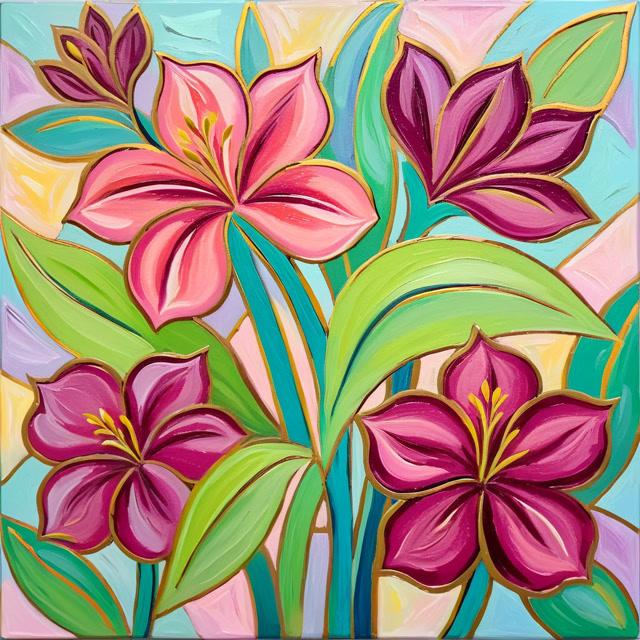
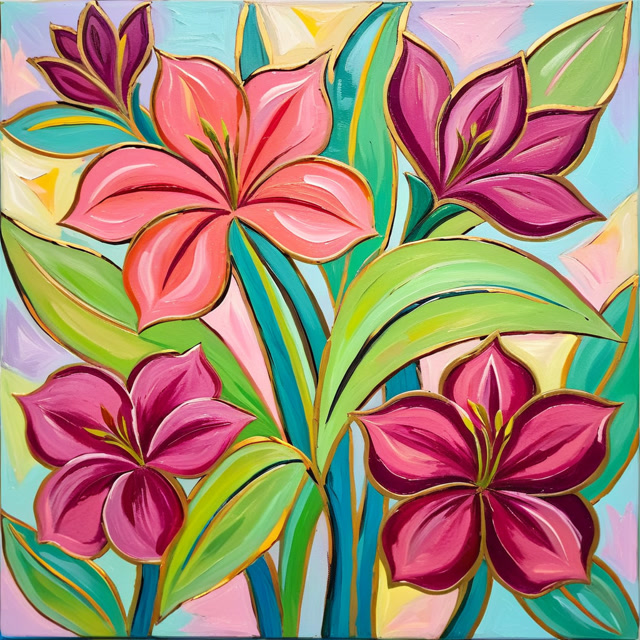
A reference and three relatives
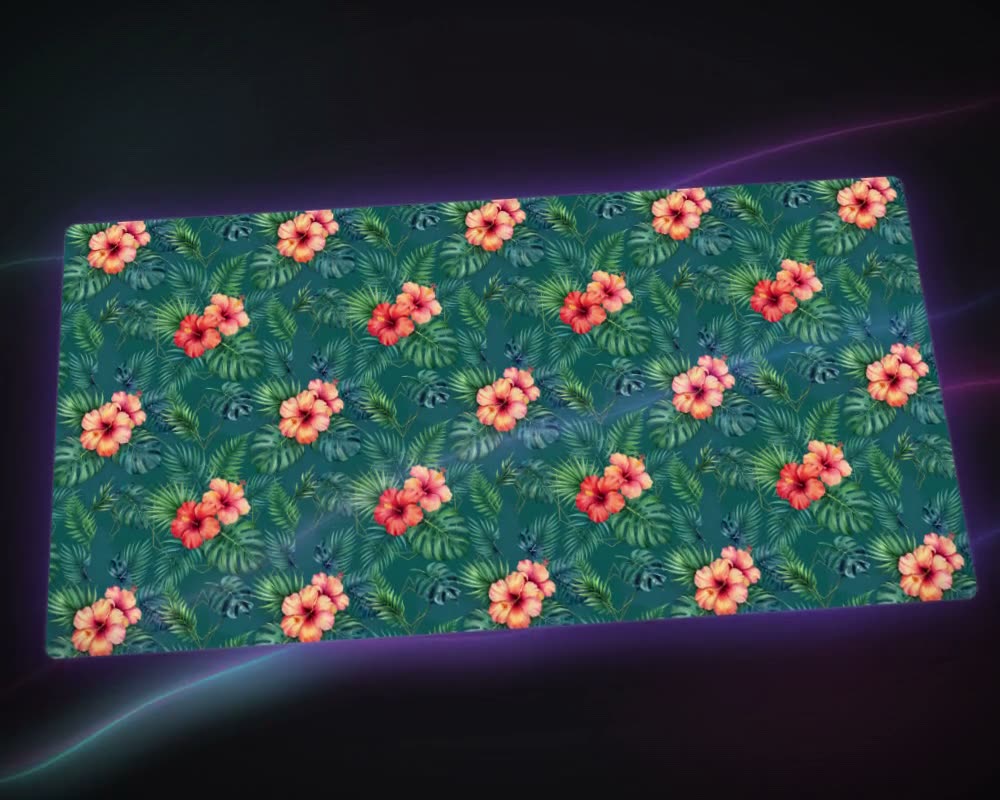
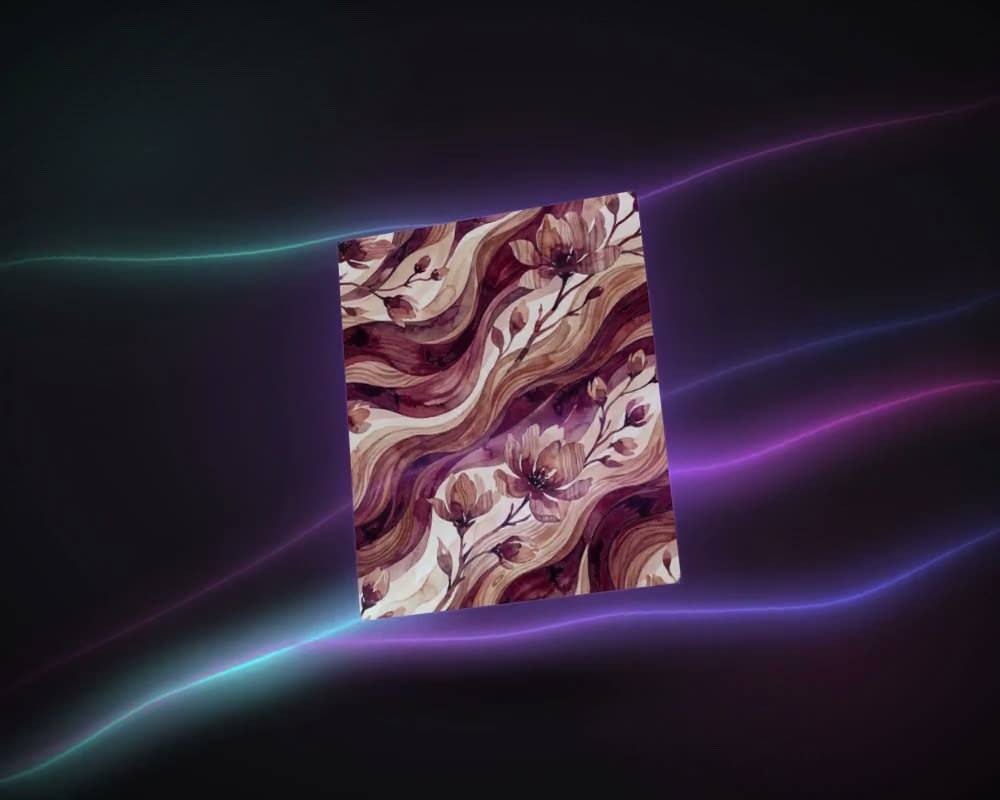
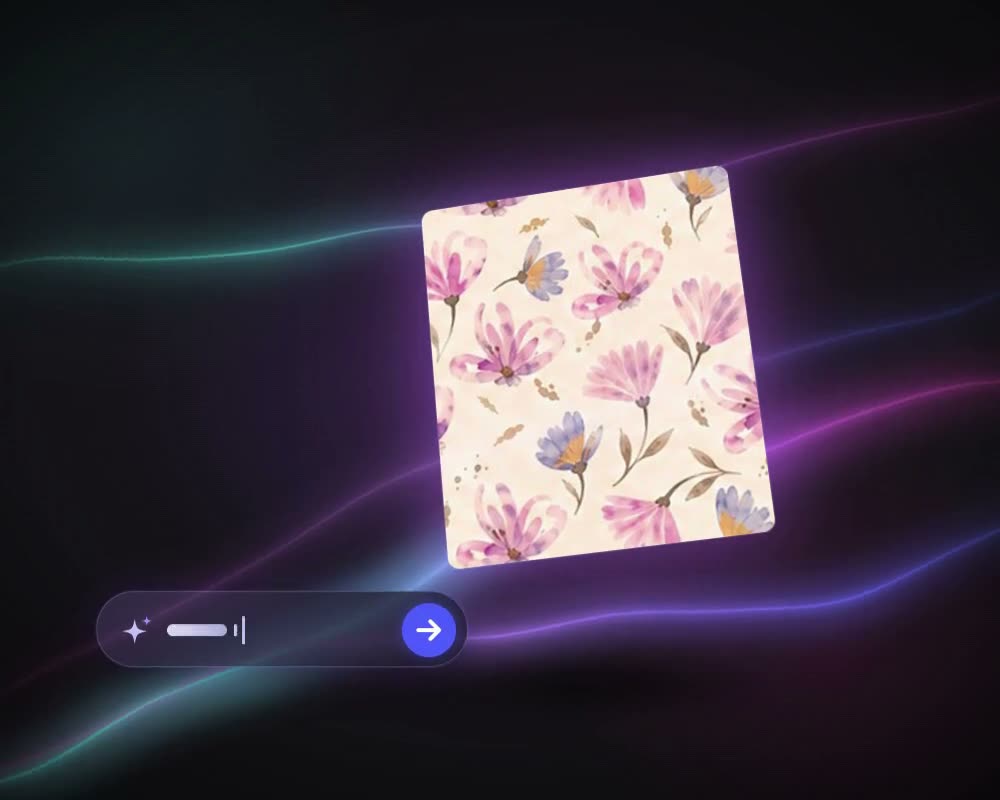
Three variations at the default 50% similarity. The flowers, the palette and the stained-glass ground carry over; the drawing changes in each.
What it is for
Print variations from one reference
A print that sells, or one a buyer liked, usually needs relatives: a few more designs in the same spirit for a collection, a fresh take for next season, options to show next to the original. Generate Similar makes them from the design itself. Add the reference and it returns new designs that keep its motifs, style and mood while the drawing changes.
One setting does most of the work. Similarity runs from 10% to 90%: higher stays closer to the reference, lower gives the AI more room. In the example above, at the default 50%, the flowers, the palette and the ground carried over. There is no prompt, only an optional Styles pick. Each variation is a new design in your history: recolour it with Colorway, put it into repeat with Make Seamless, or take the reference to Create Pattern with a prompt to change it in a described way.
Who uses it
Print designers
Build a family of prints around one design, so a collection holds together.
Fashion and home-textile brands
Refresh a best-seller for a new season without starting from a blank page.
Textile mills
Offer a buyer close alternatives to the design they picked, as close or as free as the brief allows.
The details
What goes in, what comes out
- Input
- One reference image: PNG, JPG, WEBP or TIFF
- Similarity
- 10% to 90% in steps of 10, 50% by default
- Styles
- Optional, picked from the app’s style list
- Per run
- 1 to 4 variations (2 by default), each charged separately
- Mode
- One model: no Pro mode, no prompt, no repeat or size setting
- Output
- New designs in your history; the reference stays as it was
Questions
About Generate Similar
Something else? Ask the team.
What does the similarity percentage change?
How far the new designs may move from the reference. Higher values keep the composition, motifs and colours close; lower values give the AI more room to change the style.
Where should I start?
At the default 50%. Move up if the results stray too far from the reference, down if they look too alike.
Can I steer the variations with words?
Not here: Generate Similar has no prompt, only an optional style. To change a reference in a described way, add it to Create Pattern together with a prompt.
Will the variations tile?
Generate Similar has no repeat setting. Send the variation you keep to Make Seamless and choose the repeat it needs.
Are the variations new designs or copies?
New designs. Each variation is drawn anew from the reference, as close to it as the similarity you set; the reference itself is not changed.
Pattern AI · every plan
Try it on your own design.
Every plan includes every tool. Credits are in your account the moment payment is confirmed.