- All in MYTH
- Pattern AI
- Collection Lab
Pattern AI · AI collection design Lab
Collection Lab
One brief, a whole collection.
Feed the lab trend links, PDF reports, moodboards and your brand’s visuals, list the products you need, and it designs them as one consistent collection.
Up to 30 productsTrend report PDF
How it works
Three steps in Collection Lab
- 01
Write the brief
Name the collection and add Trend URLs, PDF trend reports and images under Sources, plus Brand identity images and a Brand logo. Every product uses this brief.
- 02
Plan the products
Add product request for each item: category, product type, target audience, season, region, size, aspect ratio, resolution and quantity. Duplicate a card when only a field changes.
- 03
Price it, then generate
Calculate credit cost prices the plan; Generate collection starts it. Designs appear as they finish, and Generate trend report turns your picks into a PDF.
See it work
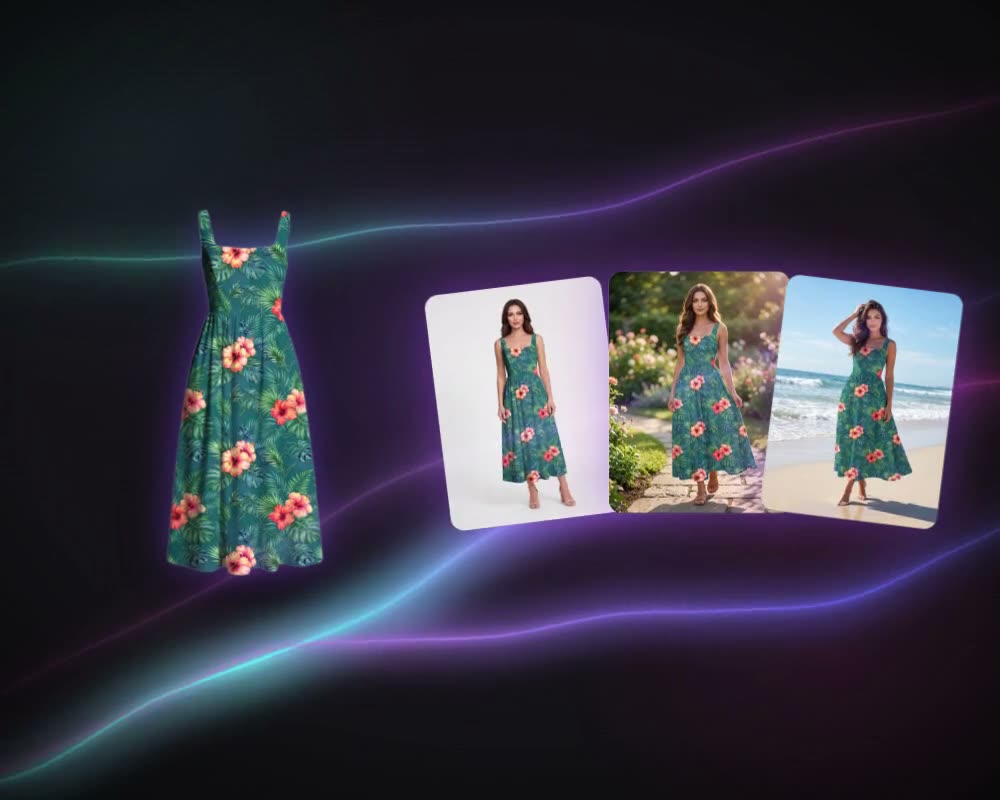
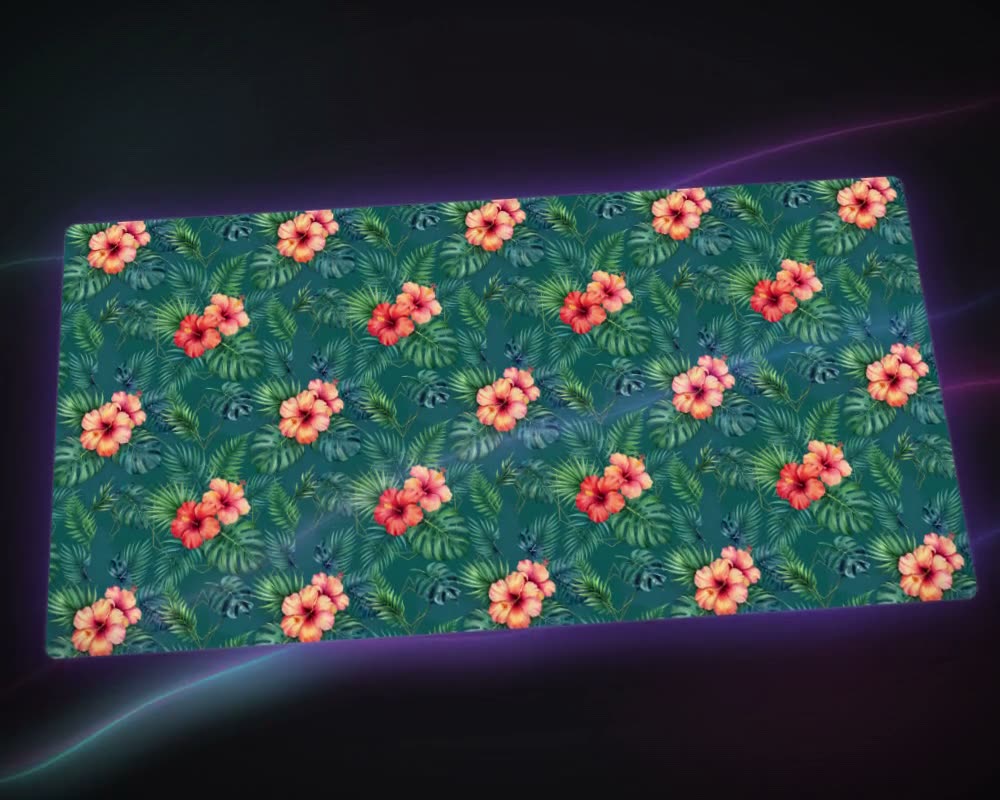
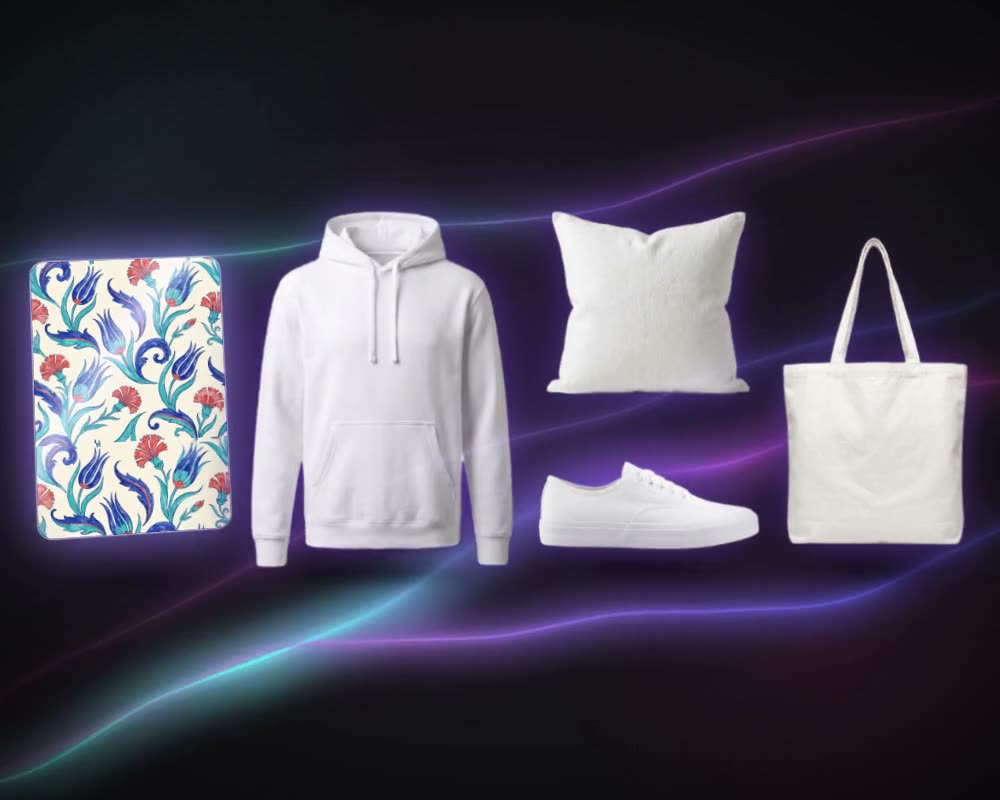
From print to product
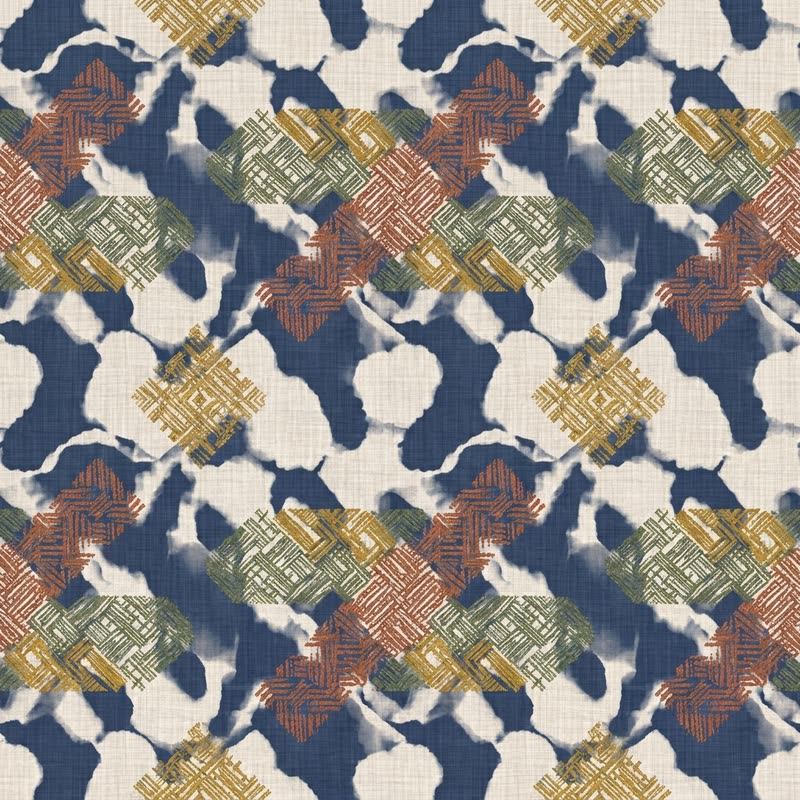
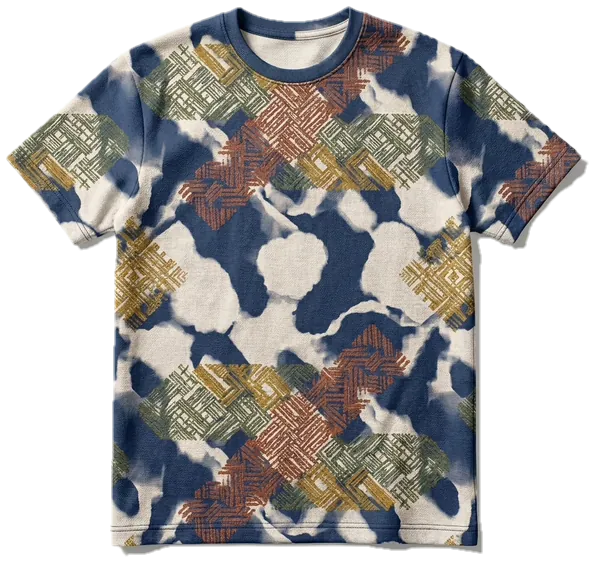
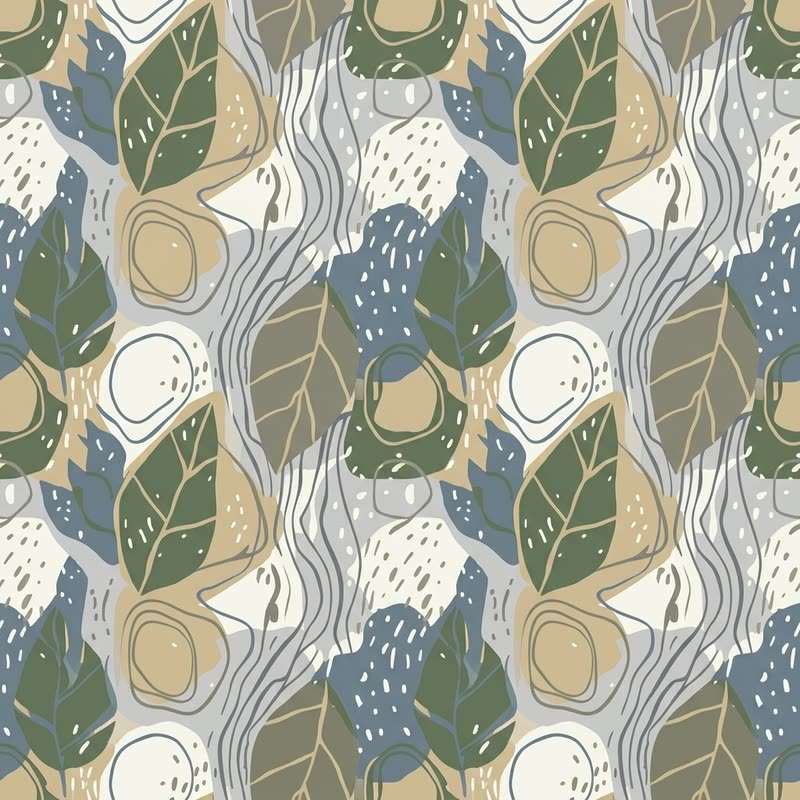
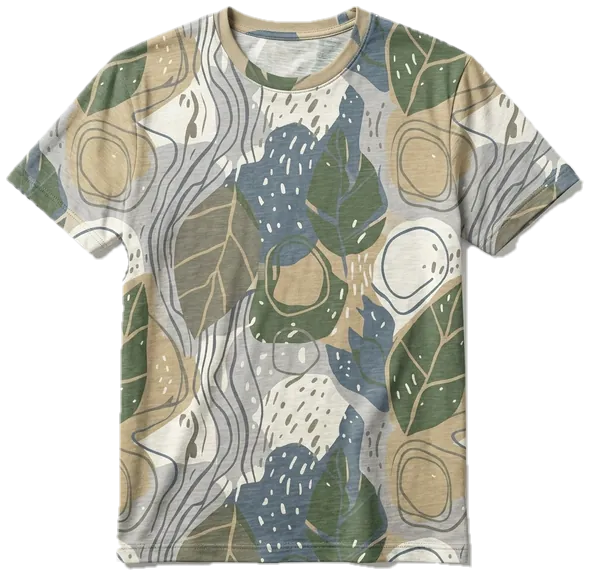
From Collection Lab sessions: each print with the T-shirt the lab put it on.
What it is for
From trend research to a range
A collection starts with research: trend reports, moodboards, a colour story and the look of the brand, then a plan of the products the season needs. Collection Lab keeps that sequence in one place. You write the brief once, with up to 10 trend links, 20 PDF reports, 20 moodboard images, 100 brand identity images and a logo, and every product request draws on it, so a print, a fabric and a T-shirt come out as one family rather than separate ideas.
Each request sets its own category, product type, audience, season, region and size, patterned or plain, so a capsule of a few pieces and a full season, up to 30 product requests, are planned the same way. The planner prices the whole plan before anything runs, and designs arrive as they finish. Select the strongest and the lab writes an AI trend report on them, as a PDF to share with a buyer or the team.
Take the prints further with Make Seamless and Colorway, or start a single design in Create Pattern.
Who uses it, and for what
Fashion brands and retailers
Turn a season’s trend research into a first range of prints and products to review before sampling.
Print studios
Build a themed set of prints from one brief to show a buyer, with a trend report to go with it.
Home-textile and carpet makers
Plan patterns, fabrics and carpets for a season under one brand identity.
Merchandising and product teams
Price a collection plan before it runs, and change one field at a time with Duplicate to compare options.
The details
What goes in, what comes out
- Brief
- A collection name, up to 10 trend URLs, 20 PDF reports, 20 moodboard images and 100 brand identity images, and one logo
- Files
- PDF, PNG, JPG, WEBP, BMP and TIFF. Moodboard images can also come from your Collections
- Product requests
- Up to 30 a collection, each with its own category, type, audience, season, region, size, ratio (3:4 by default) and resolution (1K by default)
- Quantity
- Up to 99 for a pattern request, 33 for other categories
- Designs
- Quantity × 1 for patterns, fabrics, carpets and plain products, quantity × 2 for the rest; the planner shows the total
- Options
- A Patterned or Plain surface and an additional prompt for each request
- Trend report
- An AI report on the designs you select, 3 credits, downloaded as a PDF
- Runs
- Each run gets its own tab and keeps going if you leave the page; Past collections keeps them all
Questions
About Collection Lab
Something else? Ask the team.
What is AI collection design?
Using AI to turn trend research and a brand’s identity into a set of designs that belong together. In Collection Lab you give the sources and the brand identity once, list the products, and every design is generated from that same brief.
What can I feed it?
Links to trend pages, trend reports as PDF, reference and moodboard images (including images from your MYTH Collections), images of your brand’s identity and your logo.
How does it keep the collection consistent?
You describe the brand and season once. Every product request draws on that same brief: the sources, the moodboard and the brand identity.
How many designs will I get?
A request gives one design per unit of quantity for patterns, fabrics, carpets and plain products, and two for other categories. The planner adds up every design across all requests and prices the plan before you generate.
What is the trend report?
Select designs from a run and the lab writes an AI trend report about them, for 3 credits. Download it as a PDF to share.
Do I have to wait while it generates?
No. Each run has its own tab and keeps working if you plan another collection or leave the page. Closing a tab only hides it; past runs stay in Past collections.
Pattern AI · every plan
Try it on your own design.
Every plan includes every tool. Credits are in your account the moment payment is confirmed.