What seamless means for print
Printed fabric is one tile repeated many times along and across the roll. If the tile’s edges do not match exactly, every join shows as a line, a gap or a cut-off motif, and on a curtain or a duvet cover that line comes back every few centimetres. A seamless pattern is one where whatever leaves one edge of the tile comes back in on the opposite edge, so the joins disappear.
Seamless always means seamless for a particular repeat type. A tile made for a block repeat matches straight across; one made for a half drop matches with a half-tile shift. Decide the type first: the repeat types guide explains each one.
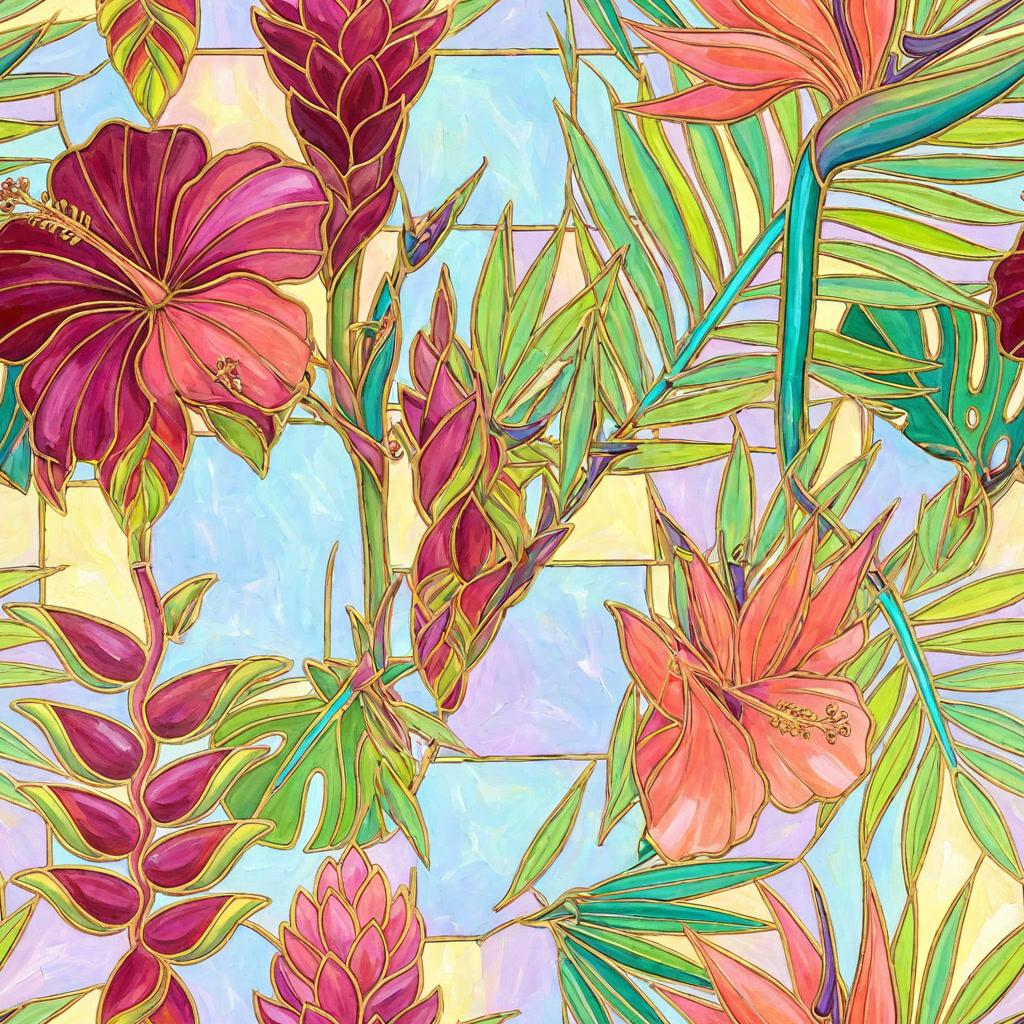
The repeat unit
The tile, or repeat unit, is the smallest rectangle the print is built from. Plan three things before you draw:
- Its size at print scale, in centimetres or inches. The scale of the motifs on the fabric follows from it.
- Its resolution, in pixels at the DPI your printer asks for: pixels = centimetres × DPI ÷ 2.54.
- The repeat type, which decides how its edges must match.
Leave room for motifs that cross the edges. In a good repeat, some motifs always run over the tile boundary, so the eye cannot find it.
By hand in Photoshop
- Draw the middle. On a canvas the size of your tile, arrange the motifs in the centre, clear of the edges.
- Offset. Choose Filter › Other › Offset, enter half the width and half the height, and select Wrap Around. The old edges now meet in a cross through the middle of the canvas, and the new outer edges are sure to match.
- Clean the seams. Fill the cross with motifs, move elements that are cut awkwardly, and retouch any line or colour step along it. Leave the outer edges alone.
- Preview the repeat. Turn on View › Pattern Preview to see the canvas tiled around itself as you work, and adjust the spacing until no gaps or lines appear.
- Define the pattern. Select all and choose Edit › Define Pattern. Fill a large test canvas with it at print scale for a final look.
For a half drop or a brick, build the larger rectangle first, two tiles wide or two tall, as the half drop and brick guides show.
In Illustrator
Select your artwork and choose Object › Pattern › Make. The Pattern Options panel shows the repeat live around the tile. Pick a Tile Type: Grid for a block, Brick by Row for a brick, Brick by Column for a half drop, or one of the hex layouts. Set the tile’s width and height, or size the tile to the artwork, and move motifs until the spacing is even. The pattern is saved as a swatch, and because it is vector it scales to any print size without losing sharpness.
The AI way, in MYTH
MYTH can make the repeat for you, in two ways:
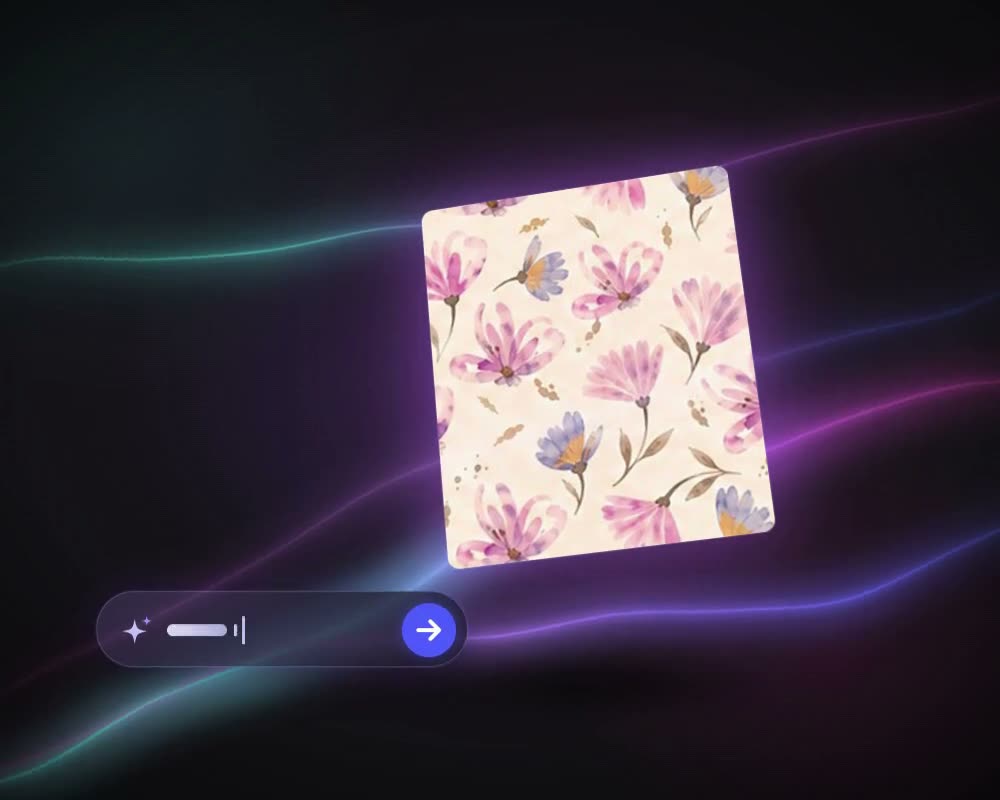
- Generate it as a repeat. In Create Pattern, choose Normal mode and set the Repeat Mode: Block, Half Drop, Brick, Horizontal or Vertical. The design comes out as a repeat. Pro mode makes single images up to 4K; repeats are made in Normal.
- Turn any design into one. Make Seamless takes an upload or any result, Pro images included, and makes a new seamless tile in the repeat type you choose. The original is kept, and an existing repeat can be converted to another type.
Then check and prepare it in MYTH Edit:
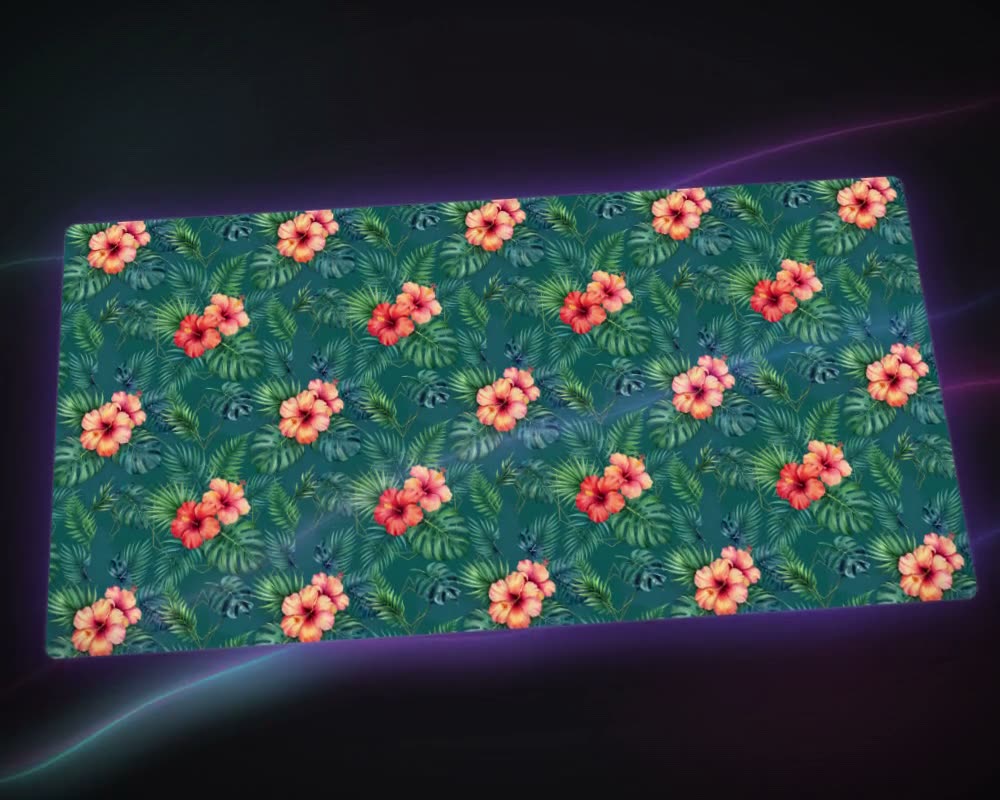
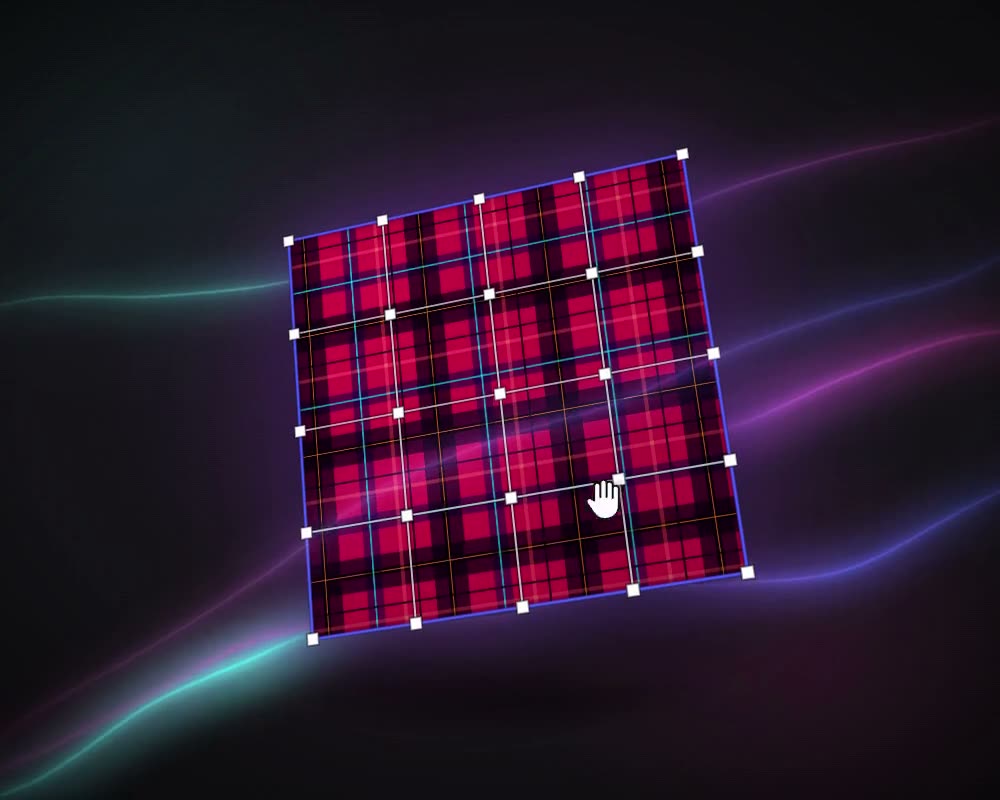
- Preview as Tile shows the frame as Block, Half Drop, Brick, Horizontal or Vertical, with tile size, spacing and tile lines.
- A3 Print Preview lays the repeat out at real size on an A3 sheet with a centimetre ruler, the colour strip and a fabric thumbnail, ready to print at 100%.
- Export sets the format (TIFF, PNG, JPEG, WEBP, BMP, GIF or PDF), the DPI from 72 to 1400, the units, the tile size and the repeat mode, and can snap the canvas to whole tiles so nothing is cut at the edge.
If the tile is too small for its print size, Upscale Pro enlarges it 2× or 4×, up to 4096 × 4096 px, without changing the design. For screen printing, Colorway separates it into one layer per colour, and Vectorizer turns it into an SVG with every colour on its own layer.
Size and resolution for print
Work out the pixels from the print size, not the other way round: pixels = centimetres × DPI ÷ 2.54. Digital textile printers commonly ask for 150 to 300 DPI at the final size; ask yours before you start.
| Tile at print size | At 150 DPI | At 300 DPI |
|---|---|---|
| 16 cm | 945 px | 1,890 px |
| 32 cm | 1,890 px | 3,780 px |
| 64 cm | 3,780 px | 7,559 px |
All three sizes divide evenly into a 64 cm rotary screen, a common circumference. MYTH Edit exports up to 8,192 px on a side, enough for a 64 cm repeat at 300 DPI.
Checklist before printing
- The repeat type is the one the product needs, and the printer knows it.
- No seams, gaps or colour steps at the tile edges, checked across several tiles.
- No accidental lines or stripes when many tiles are seen at a reduced size.
- Some motifs cross the tile edges, so the tile boundary is hard to find.
- The tile size fits the fabric width and, for rotary printing, the screen.
- The resolution is right at print size.
- The colour count suits the printing method: one screen per colour for screen printing.
- The file format and colour mode are the ones the printer asked for.
- A real-size print-out or a strike-off has been checked.