- All in MYTH
- Product AI
- Create Product
Product AI · AI clothing design
Create Product
Describe a product, see it made.
Write the item, fabric, colour and details, start from a product photo, or both. MYTH picks the right route and returns finished product visuals, in Pro quality up to 4K.
Text, image or both1K · 2K · 4K
How it works
Three steps in Create Product
- 01
Describe or upload
Write the item, fabric, colour and details in the Prompt, add a product photo, or both. MYTH chooses Text to Design, Image to Design or Image and Text to Design for you.
- 02
Set the output
Pro is on by default for sharper, more realistic detail. Choose the aspect ratio and 1K, 2K or 4K, and between 1 and 4 images in Number of Images.
- 03
Create and carry on
Press Create Product. Pin a result to send it to the next tool, or press Create tech sheet on it for a technical flat and tech sheet (paid plans).
See it work
Two prompts, two products
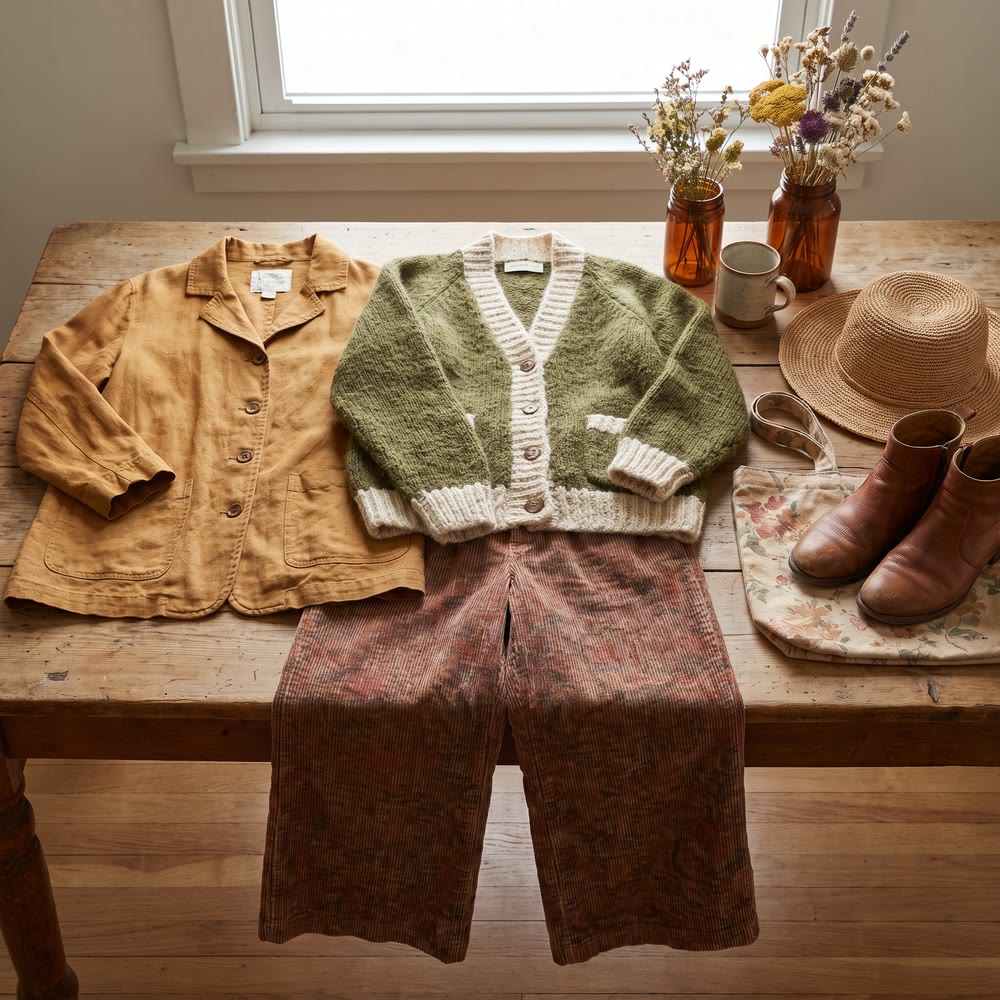
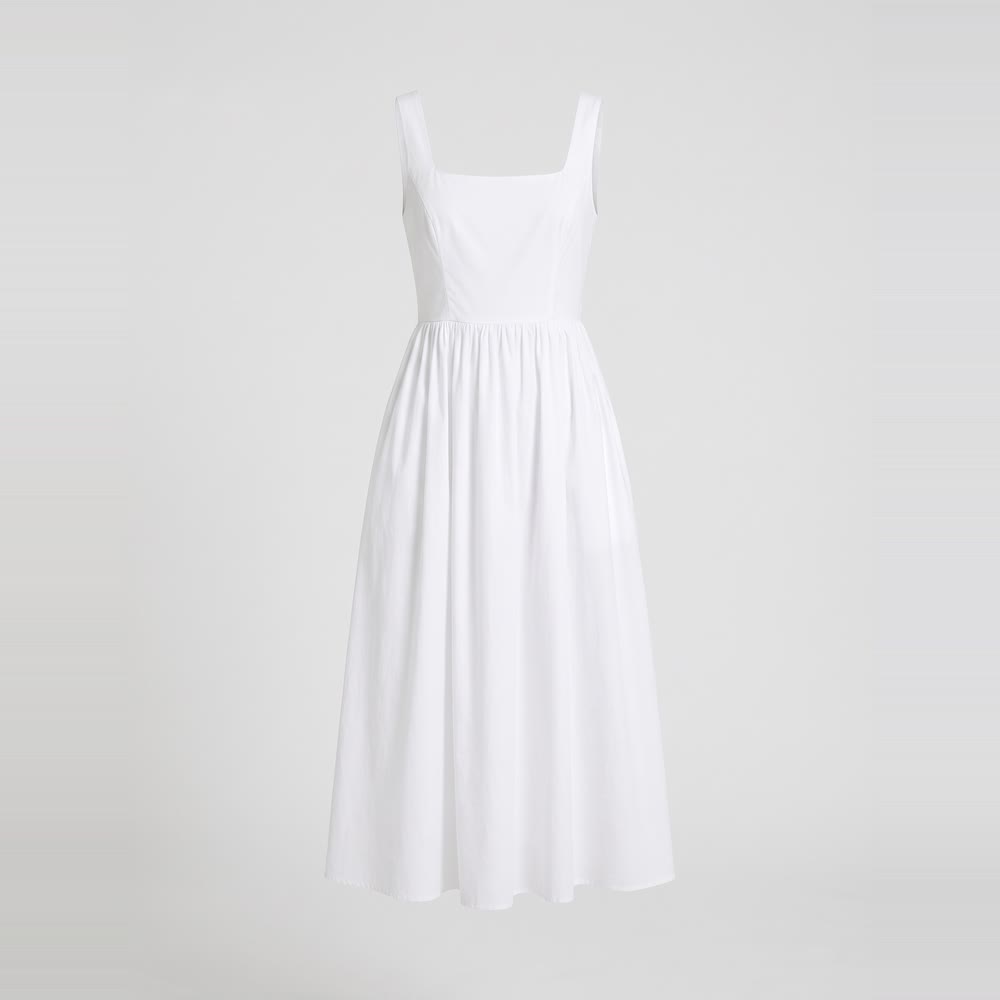
Both from a written prompt, made in Pro at 2K: a women’s wear outfit with a vintage, earthy feel, and a white poplin A-line sundress on an invisible ghost mannequin.
What it is for
A product visual from a brief
Create Product is the AI design generator in MYTH for finished products rather than flat prints. Describe the item the way a brief would (the cut, the fabric, the colour, the trims), add a photo of an existing piece, or both, and it returns product visuals in Pro quality up to 4K. It covers clothing, footwear, bags and accessories, home and interior pieces and packaging, so fashion and home-textile teams can brief it in the same way.
Use it to look at a direction before a sample is made: a new fabric or colour on a best-selling shape, a line extension, a few options for a buyer. From a photo you can keep the cut and change the material. Results are single product images, never repeat tiles; for prints, use Create Pattern, and to start from a drawing, Sketch to Reality. Once a design is chosen, Real to Sketch turns it into a technical flat and a tech sheet.
Who uses it, and for what
Fashion brands
Try a new fabric, colour or detail on an existing style from its photo, and compare the options before the first sample.
Home and interior brands
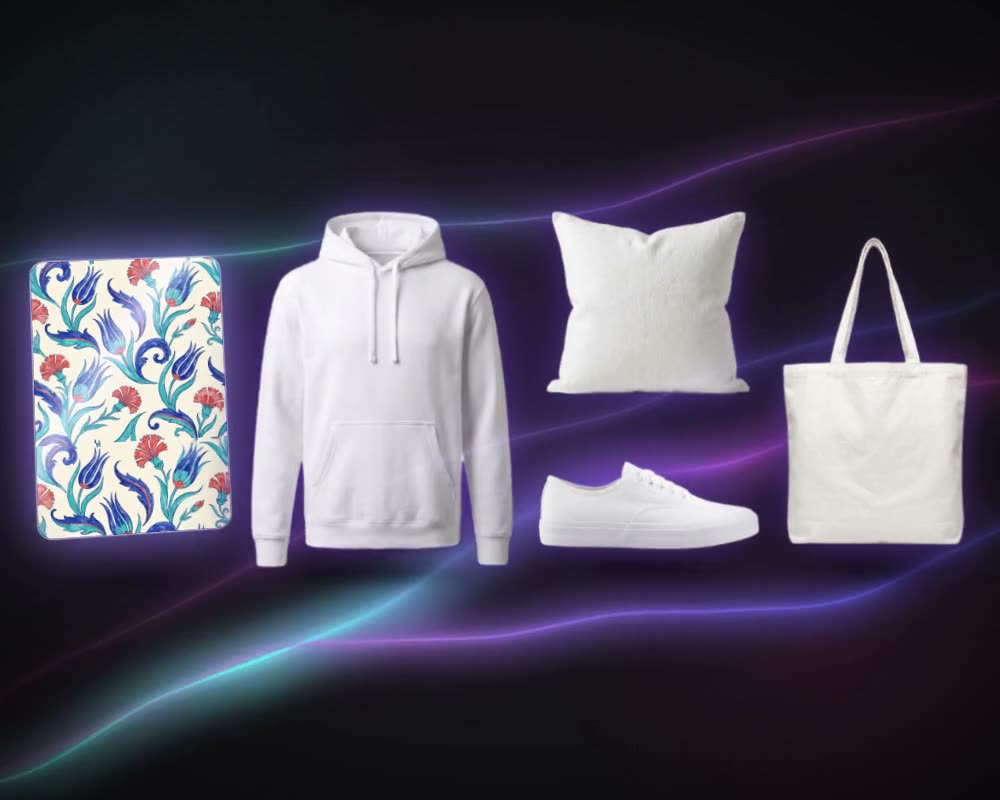
Describe a cushion, a throw or table linen and see it made, then dress it in your own prints with Mockup Generator.
Footwear and accessories
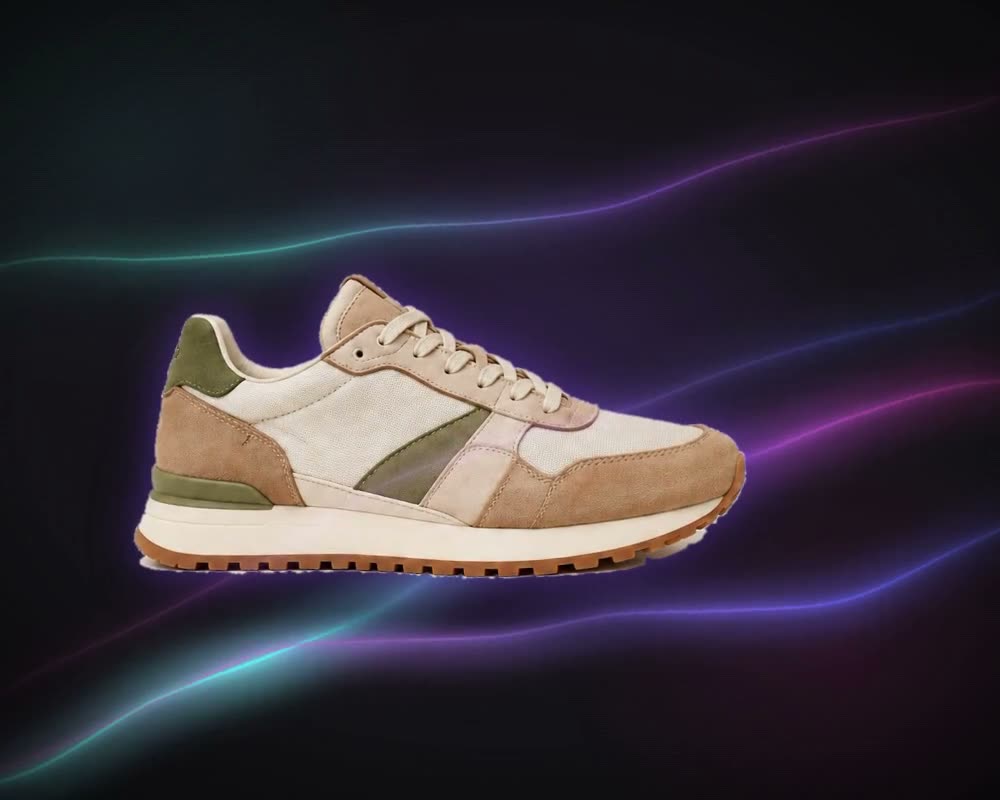
Shoes, bags and other accessories work the same way: write them from scratch, or start from a photo and say what changes.
Product development teams
Turn a written brief into images the team can review, then pin the chosen one to chain it into the next tool, such as an upscale or a technical drawing.
The details
What goes in, what comes out
- Input
- A prompt of up to 750 characters, a product photo (PNG, JPG, WEBP or TIFF), or both
- Routes
- Text to Design, Image to Design or Image and Text to Design, picked from what you give it
- Modes
- Pro (default): a newer model for sharper, more realistic results, prompts in any language. Normal: sharpness 1–10 and 18 fixed sizes
- Output size
- Pro: 1K, 2K or 4K in 10 aspect ratios, from 1:1 and 3:4 to 9:16 and 21:9
- Photo and prompt
- A balance slider sets how much the photo and how much the prompt lead, in 5% steps
- Prompt tools
- Enhance Prompt, Generate prompt from image, Find & Replace, Negative Prompt and Styles
- Per run
- 1 to 4 images, 2 by default. Product results come as single images, never as a repeat tile
- Cost
- Credits are shown before you create; each image is charged separately and a failed run is refunded
Questions
About Create Product
Something else? Ask the team.
What can I make with it?
Any product you can describe or photograph: clothing, footwear, bags and accessories, home and interior pieces, packaging. The examples in the app run from a linen dress and a cable-knit sweater to a kids’ T-shirt and a kilim cushion.
Can I start from a photo of an existing product?
Yes. Add the photo and say what stays and what changes, for example keep the cut and make it linen in emerald green. With the photo alone, MYTH makes new versions of it.
Normal or Pro?
Pro uses a newer model for sharper, more detailed and more realistic results, understands prompts in any language and outputs at 1K, 2K or 4K. Normal gives you the sharpness slider and a set of fixed pixel sizes.
Will a product come out as a repeat tile?
No. Create Product returns product images, so no repeat is applied. For prints and repeats, switch to Create Pattern.
What can I do with the result next?
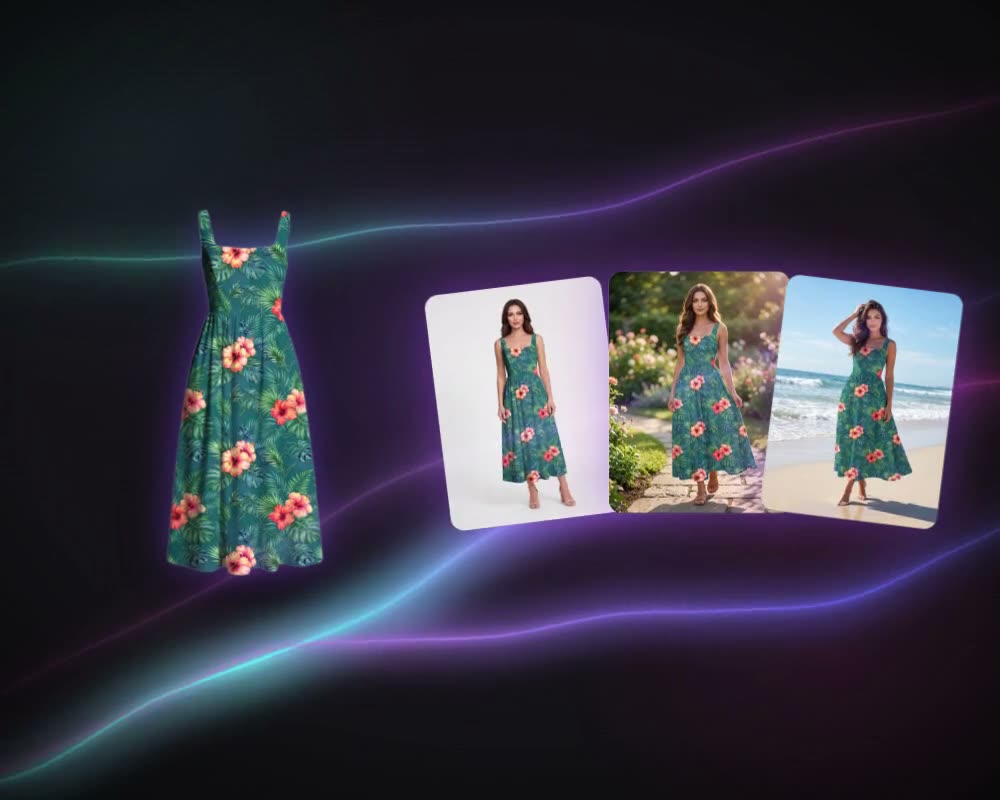
Put it on a model with Photoshooting AI, try prints on it with Mockup Generator, or get its technical flat and tech sheet with Real to Sketch, which comes with every paid plan.
What if I have a sketch instead of a photo?
Add the sketch, or draw one with the pencil, and MYTH switches to Sketch to Reality, which is made for turning drawings into product visuals.
Can I design home textiles with it?
Yes. Home and interior pieces are one of its product groups, alongside clothing, footwear, bags and accessories, and packaging; the app’s own examples include a kilim cushion. For the print on the piece, make it in Create Pattern and put it on the product with Mockup Generator.
Product AI · every plan
Try it on your own design.
Every plan includes every tool. Credits are in your account the moment payment is confirmed.