- All in MYTH
- Pattern AI
- Abstract Creation
Pattern AI · Abstract pattern generator
Abstract Creation
One image in, painterly abstracts out.
Give Abstract Creation one image and it returns loose, painterly abstract prints with soft edges instead of hard outlines. No prompt to write; up to four results a run.
From one imageRepeat modes
How it works
Three steps in Abstract Creation
- 01
Add one image
Drop a print, a swatch or a photo on the Image tile, or pick one from your uploads, generations, collections or MYTH Gallery. The tool works from the image alone.
- 02
Tune the result
Set Sharpness from 1 to 10 for crisper or softer edges, choose a Repeat Mode, and ask for 1 to 4 under Number of Images.
- 03
Create and pick
Press Create Design. Keep the result you like, then upscale it, make it seamless or recolour it in MYTH Edit.
See it work
One print, three abstracts
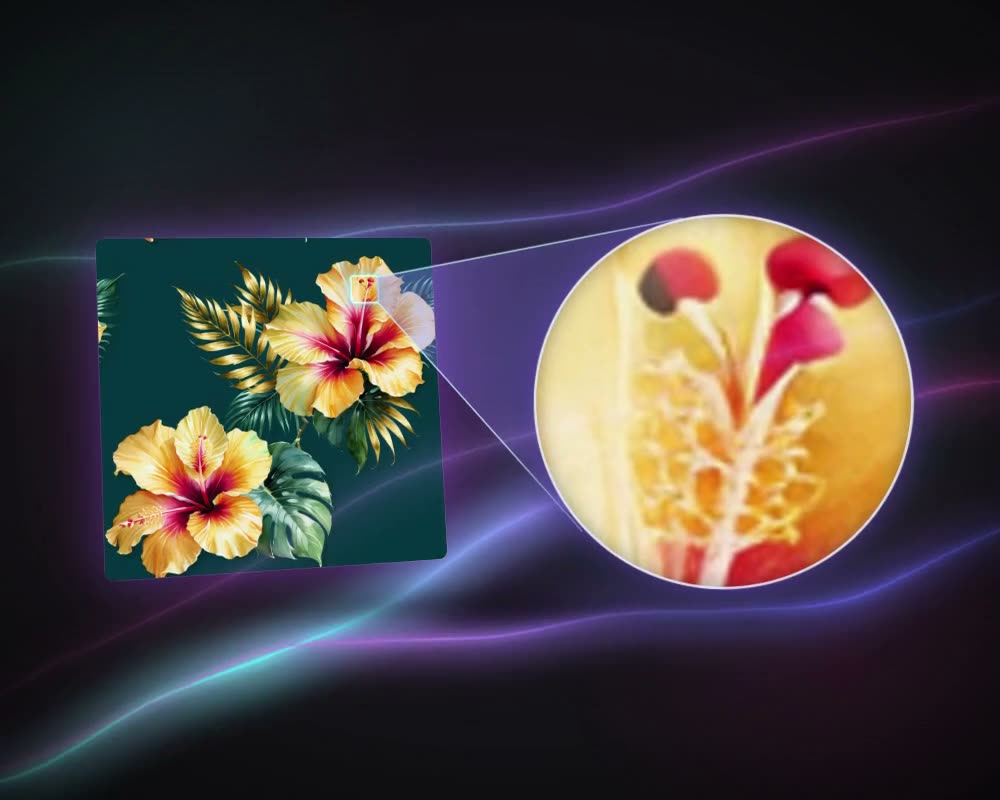
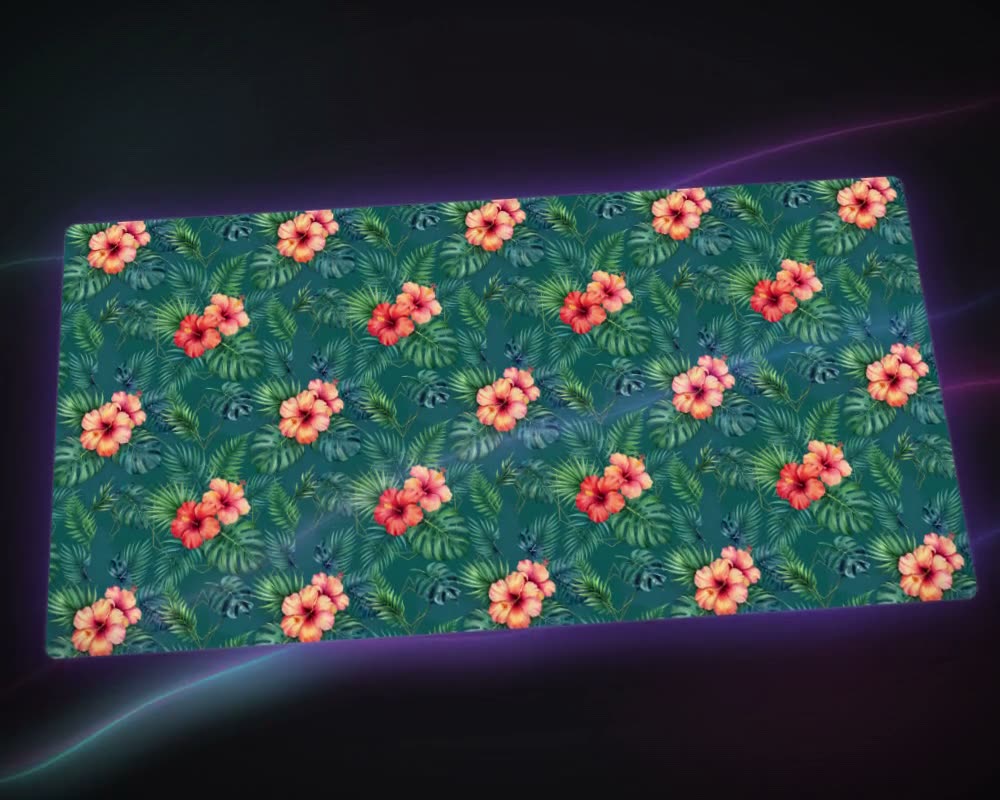
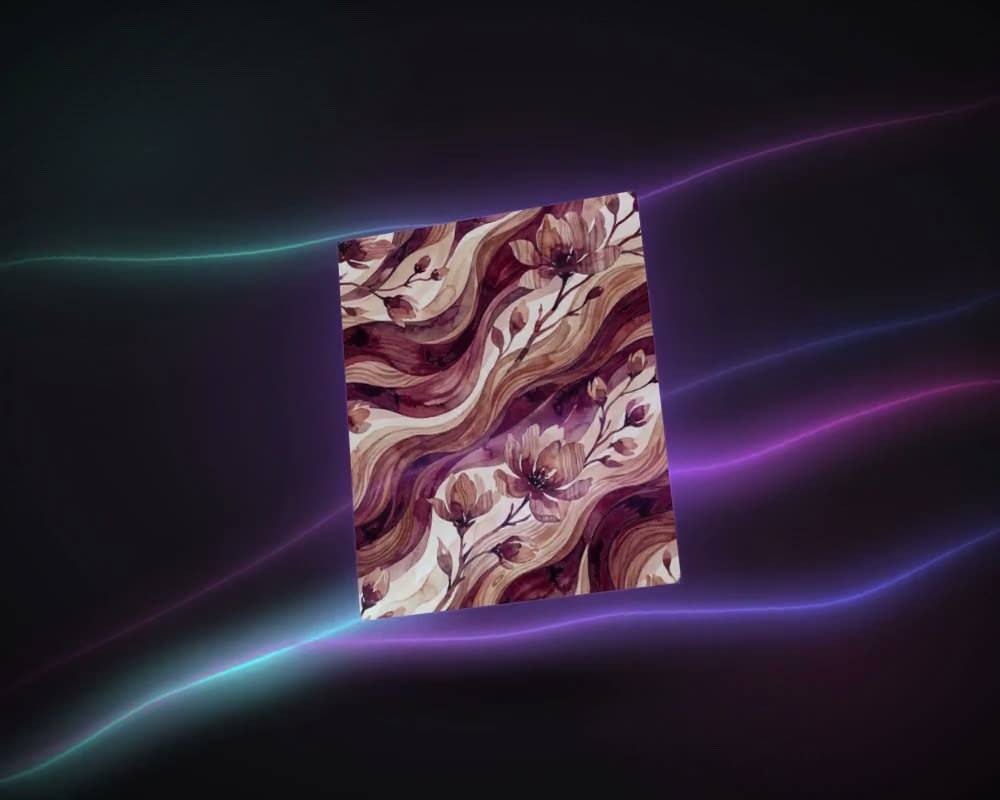
A peacock and iris print went in. Abstract Creation returned these from the image alone, with no prompt.
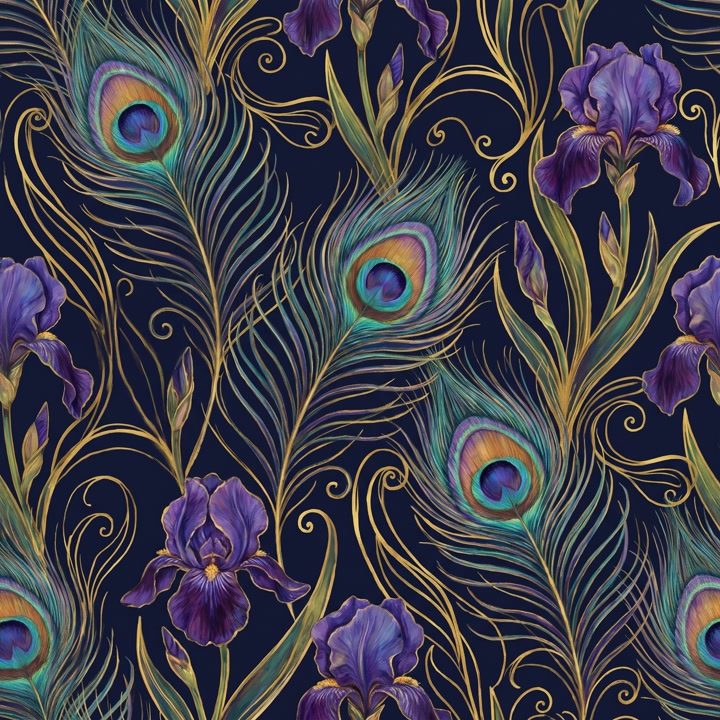
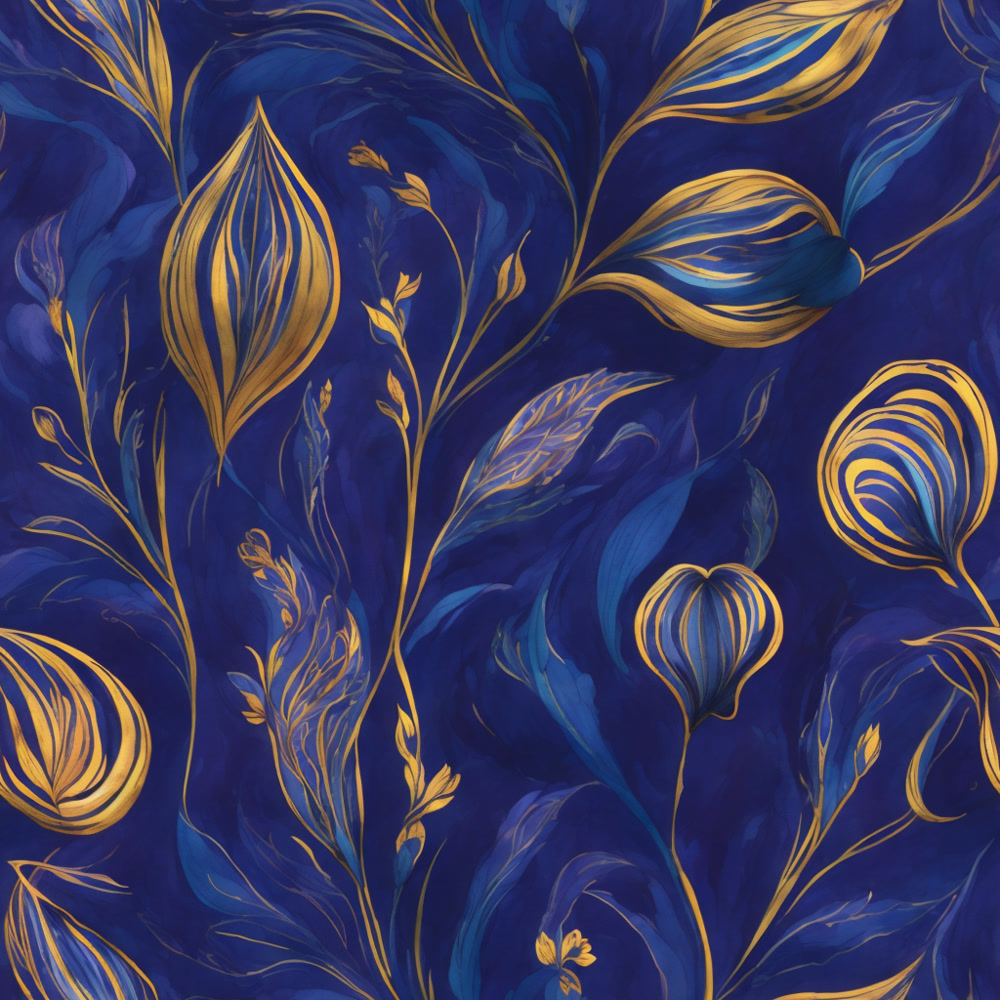
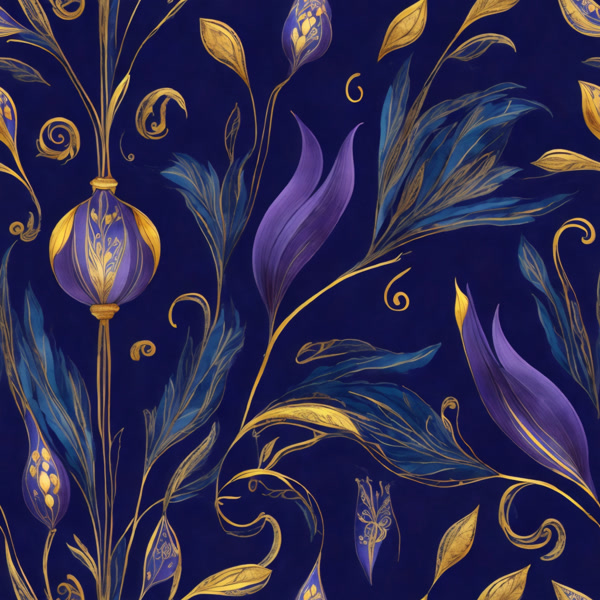
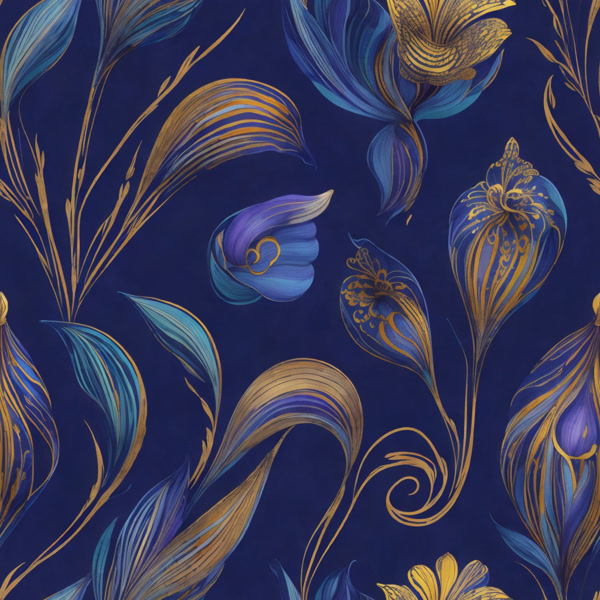
What it is for
Abstract prints with a hand-painted feel
Abstract prints run through fashion and home textiles: brushstroke grounds for dresses and shirts, washes of colour for scarves, cushions and curtains. Abstract Creation makes them from a picture you already have. Give it one image, a print, a fabric swatch or a photo, and it returns loose, painterly abstracts drawn from it, with soft edges instead of hard outlines.
There is no prompt to write and no Pro mode: the image and three settings decide the result. Sharpness, from 1 to 10, sets how crisp the edges are. Repeat Mode makes the print a seamless Block, Half Drop, Brick, Horizontal or Vertical repeat, or a single panel with Placement Design. Number of Images asks for up to four a run. To steer an abstract with words, take the same image to Create Pattern with a prompt; to change the repeat later, run Make Seamless.
Who uses it
Print designers
Turn a floral or figurative print into an abstract companion for the same collection.
Fashion brands
Painterly all-over prints for dresses and shirts, made as a seamless repeat.
Home-textile brands
Soft abstract grounds for cushions, curtains and bedding, where a looser look is wanted.
Accessory designers
One painted panel with Placement Design instead of a repeat, for scarves and other placed prints.
The details
What goes in, what comes out
- Input
- One image, required: PNG, JPG, WEBP or TIFF. There is no prompt field
- Sharpness
- 1 to 10, 5 by default. Higher gives crisper edges, lower softer transitions
- Repeat Mode
- Block (default), Half Drop, Brick, Horizontal, Vertical or Placement Design
- Per run
- 1 to 4 designs (2 by default), each charged separately
- Mode
- One model, no Pro mode and no size setting
- Cost
- Shown on the button before you create
Questions
About Abstract Creation
Something else? Ask the team.
Do I need to write a prompt?
No. Abstract Creation has no prompt field: the image and three settings are all it needs. To steer a design with words, use Create Pattern with the image and a prompt.
How is it different from Create Pattern?
Create Pattern follows your prompt or your reference and offers Pro mode. Abstract Creation takes only an image and always turns it into a loose, painterly abstract: use it when you want a hand-painted feel rather than a faithful copy of the motifs.
Can the result repeat?
Yes. Choose Block, Half Drop, Brick, Horizontal or Vertical under Repeat Mode before you create, or Placement Design for a single panel. To change the repeat later, run Make Seamless on the result.
What makes a good input?
A clear, well-lit image with strong colour and contrast. Images under 1024 px on both sides get a warning, because small images limit the detail of the result.
Does the input have to be a print?
No. A print, a fabric swatch or a photo all work: Abstract Creation reads the image and draws new abstracts from it.
Pattern AI · every plan
Try it on your own design.
Every plan includes every tool. Credits are in your account the moment payment is confirmed.