What AI textile design means
Generative AI makes images from a written prompt, a reference image or both. In textile design that is only the start: a print has to repeat, fit a colour count, hold up at full size and reach the mill in a file it can use. AI textile design is the use of these models along that whole chain, for print and pattern design, home textiles and fashion, with the designer choosing, correcting and approving at each step.
MYTH AI is built for that chain. It runs on a closed, proprietary model trained only on licensed data, and brings the steps below into one workspace.
Prints and patterns
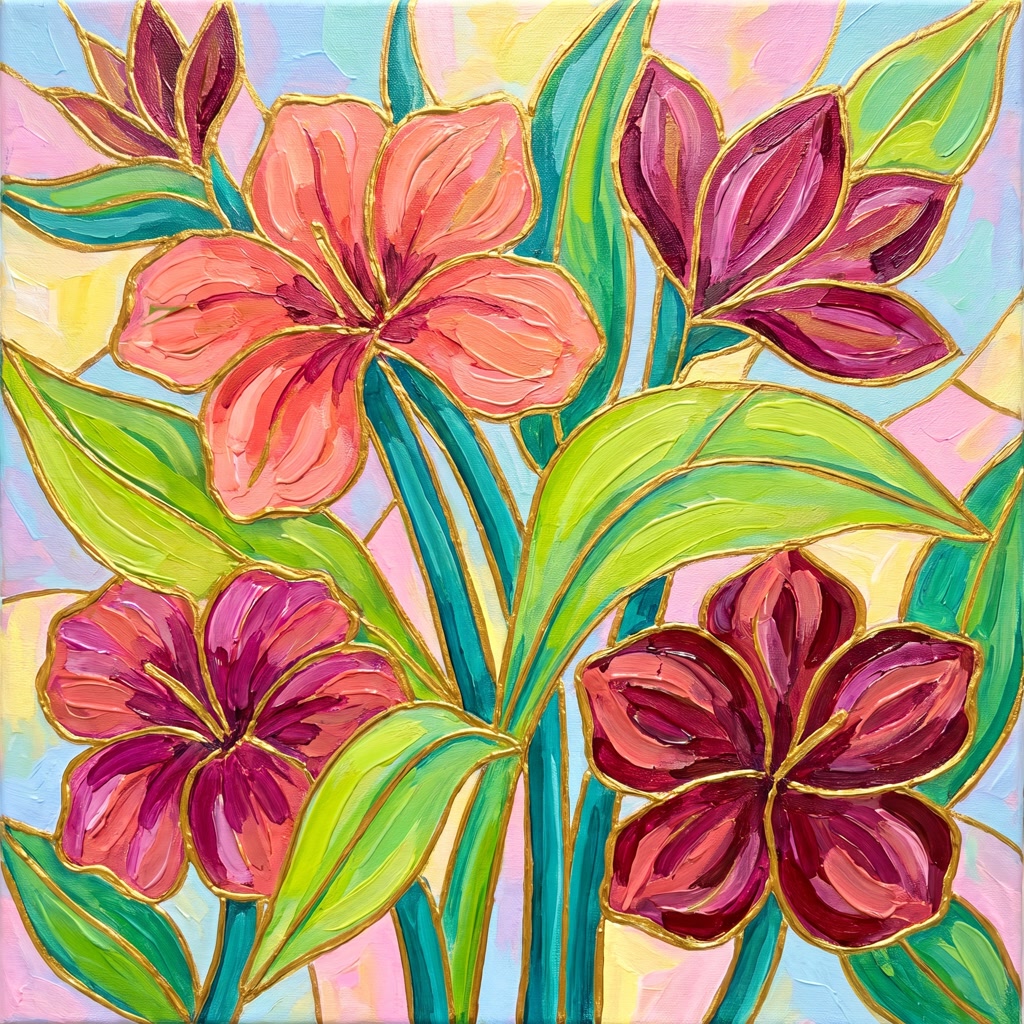
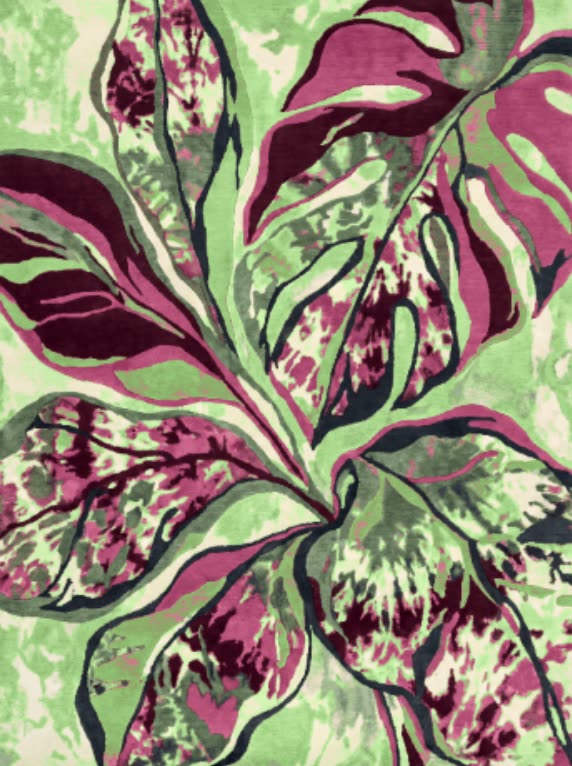
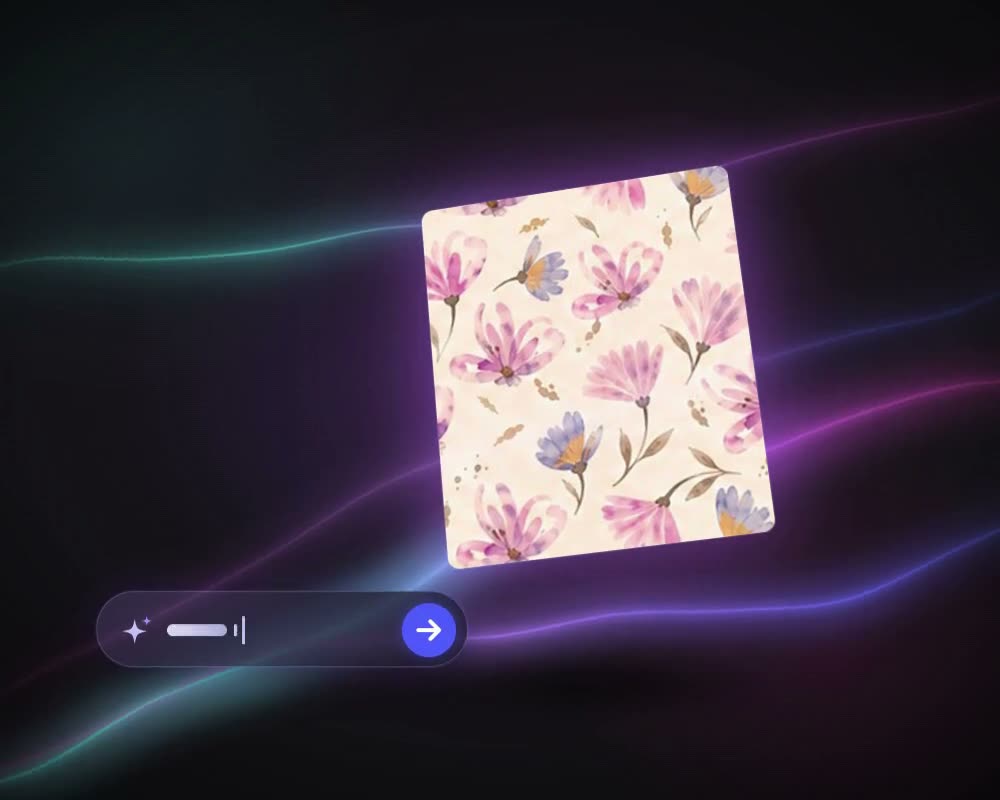
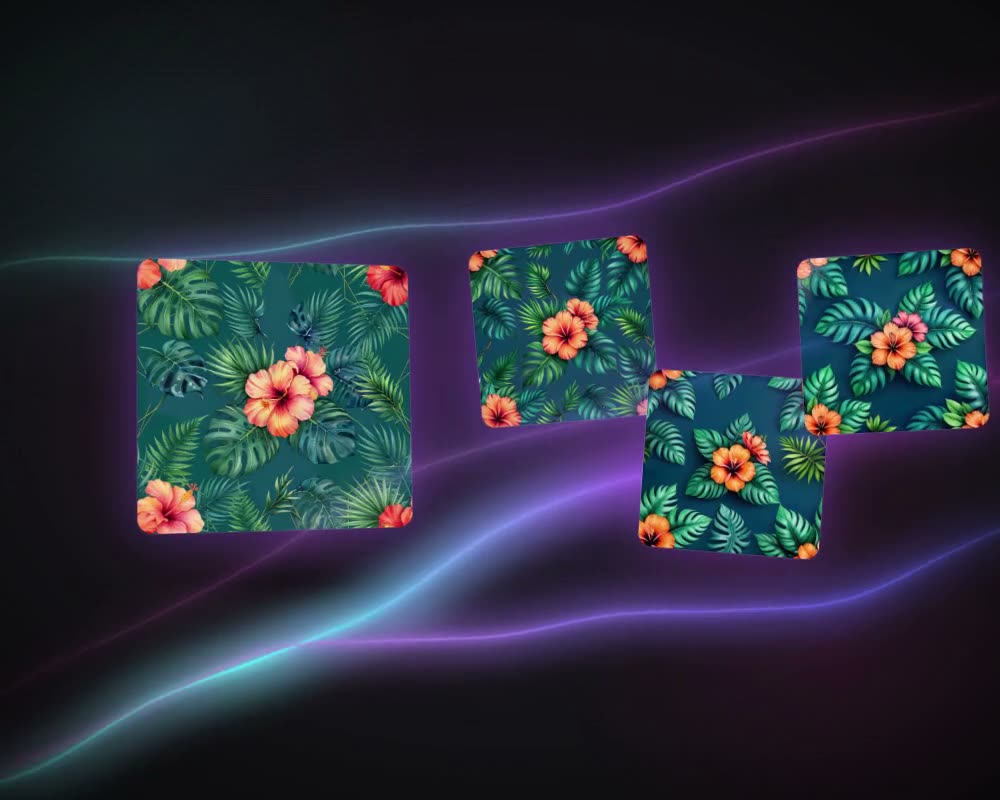
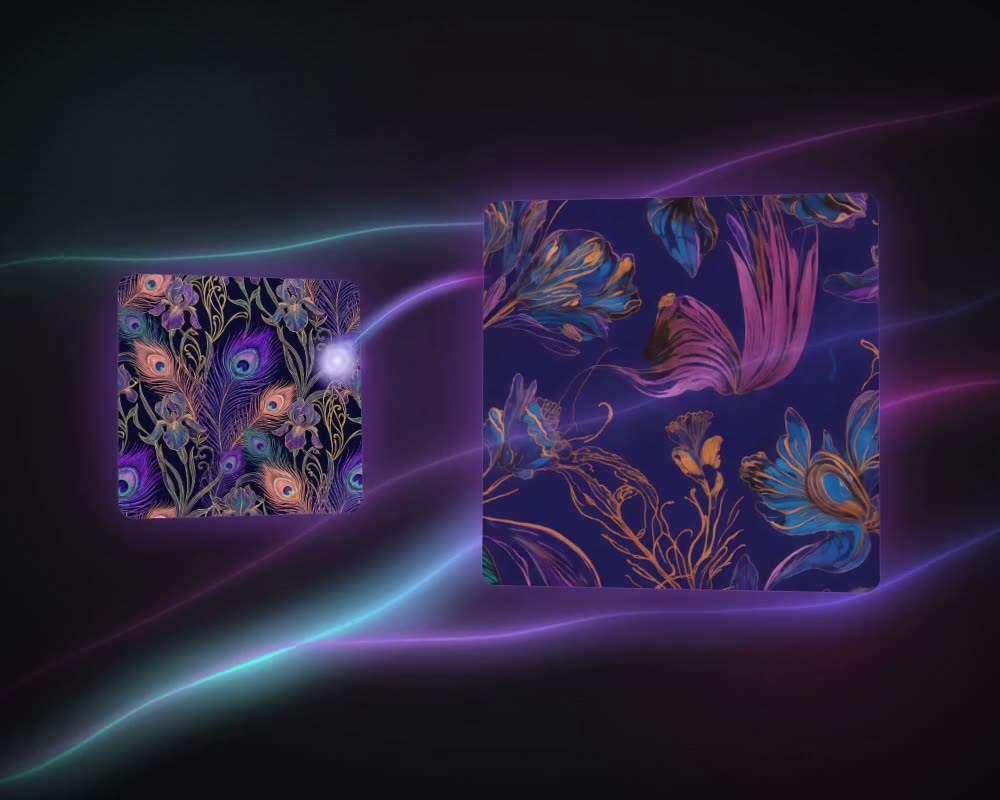
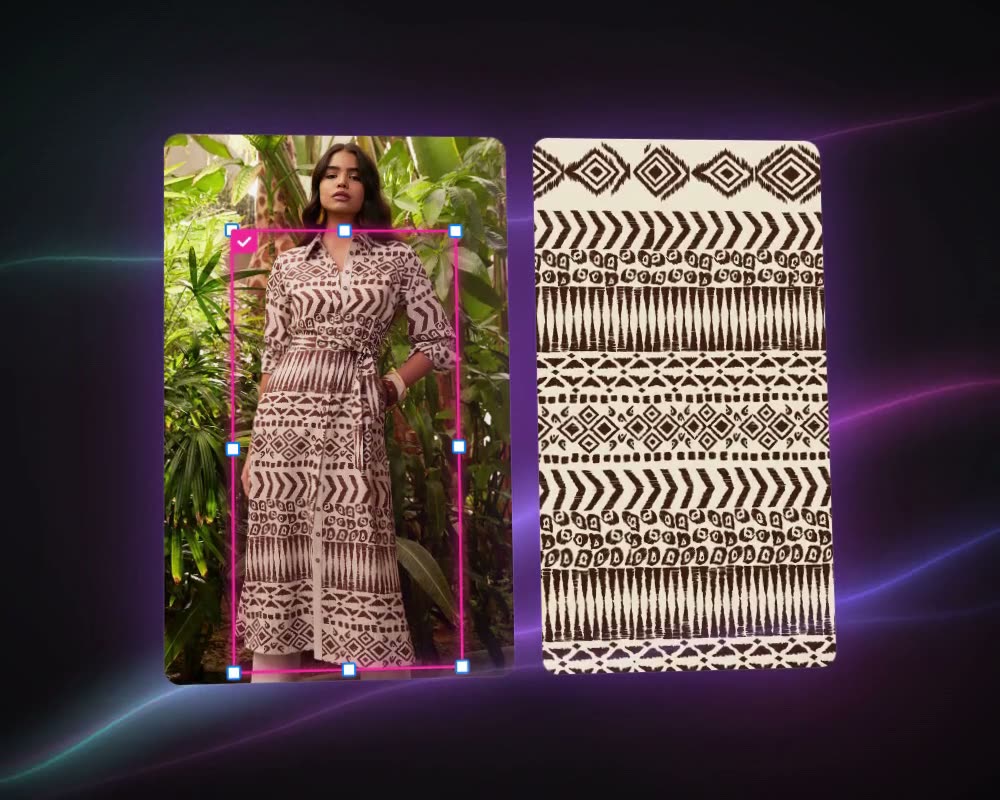
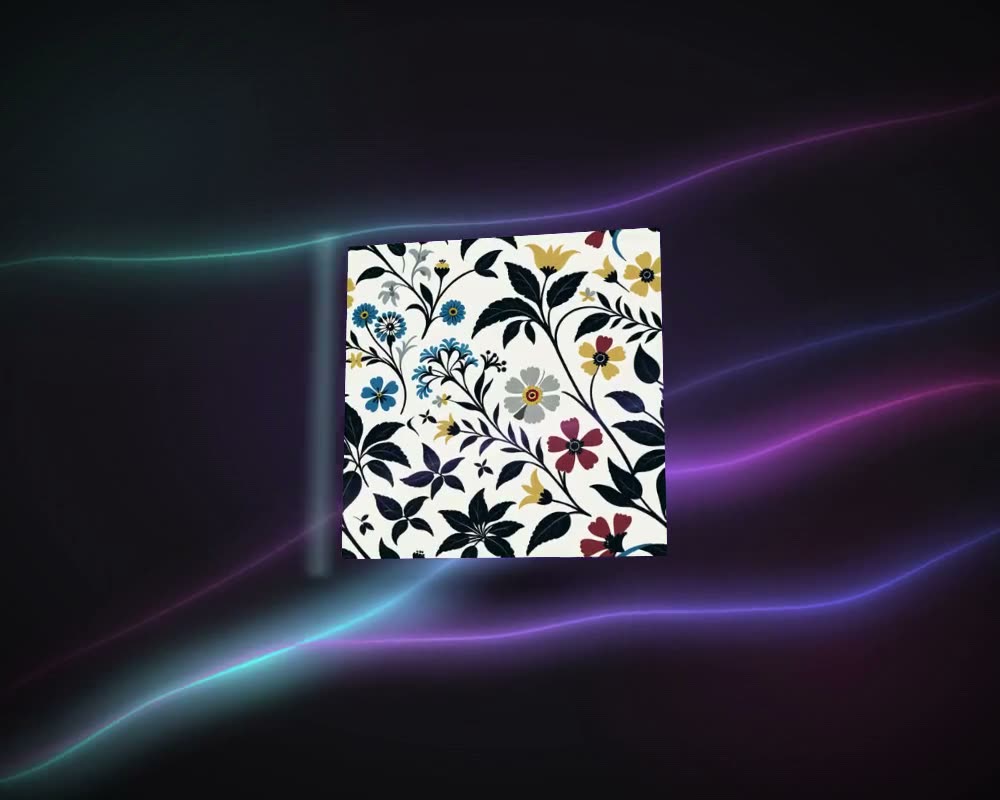
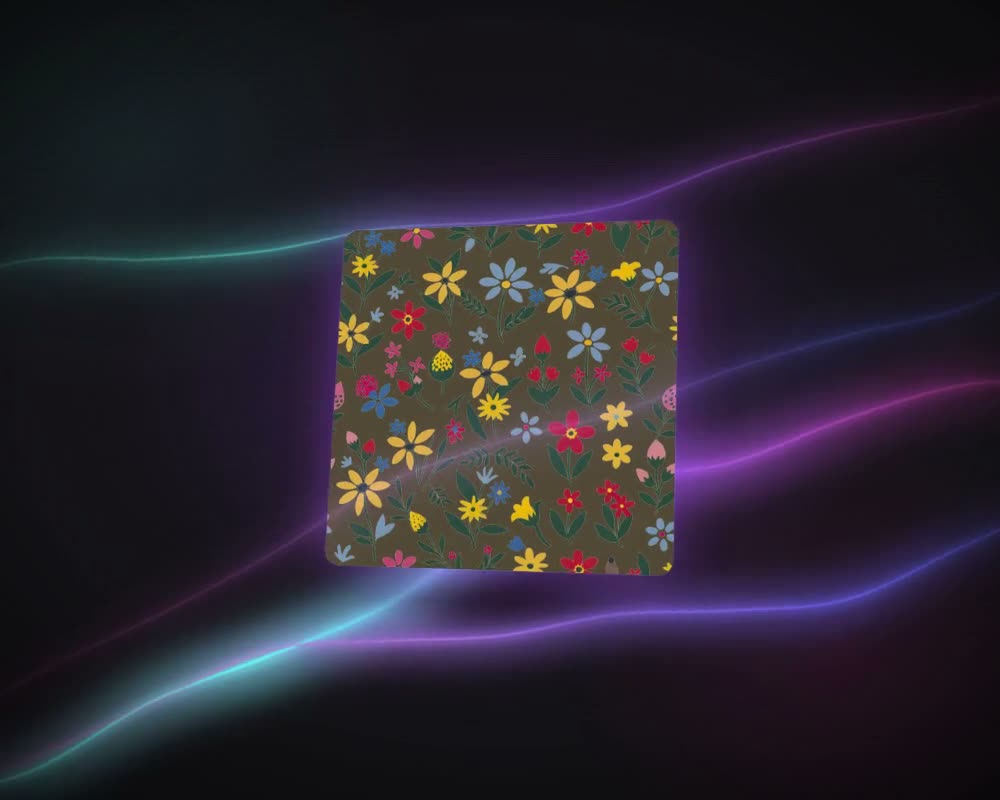
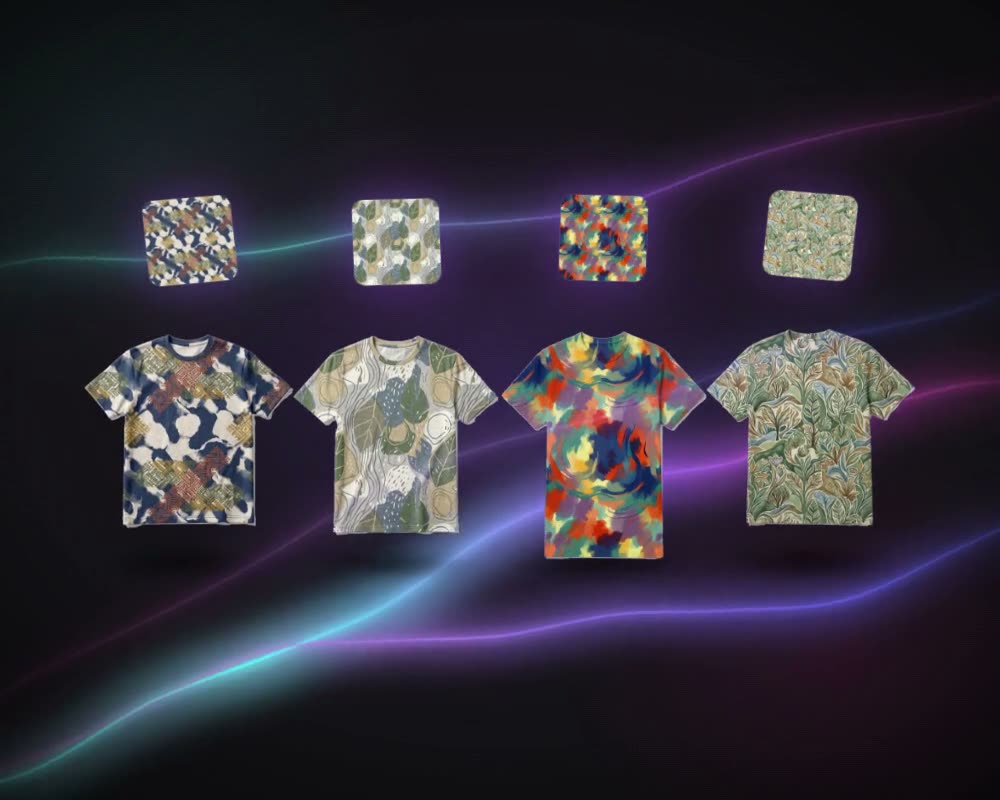
The most visible use is generating new prints. A designer describes a print in words, the motif, colours, ground and style, or gives a reference image, or both, and the model returns several options to choose from. Close relatives: variations of a print that already sells, abstract designs from a single image, and prints lifted cleanly off a photograph of a garment or a fabric.
Repeats
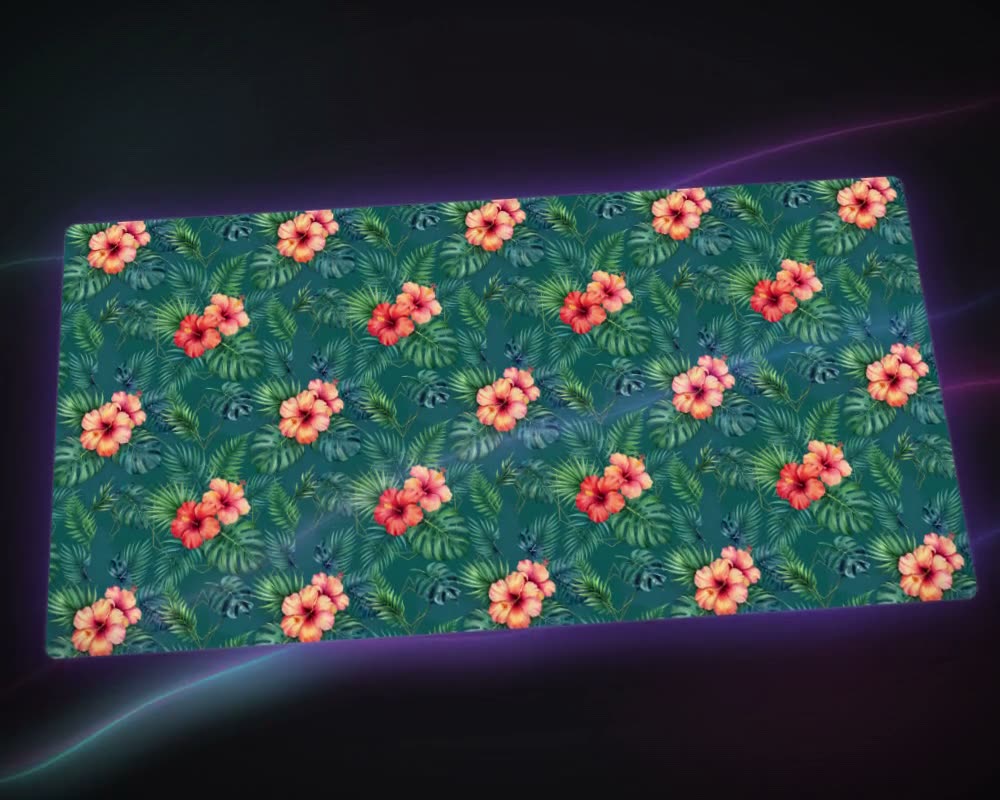
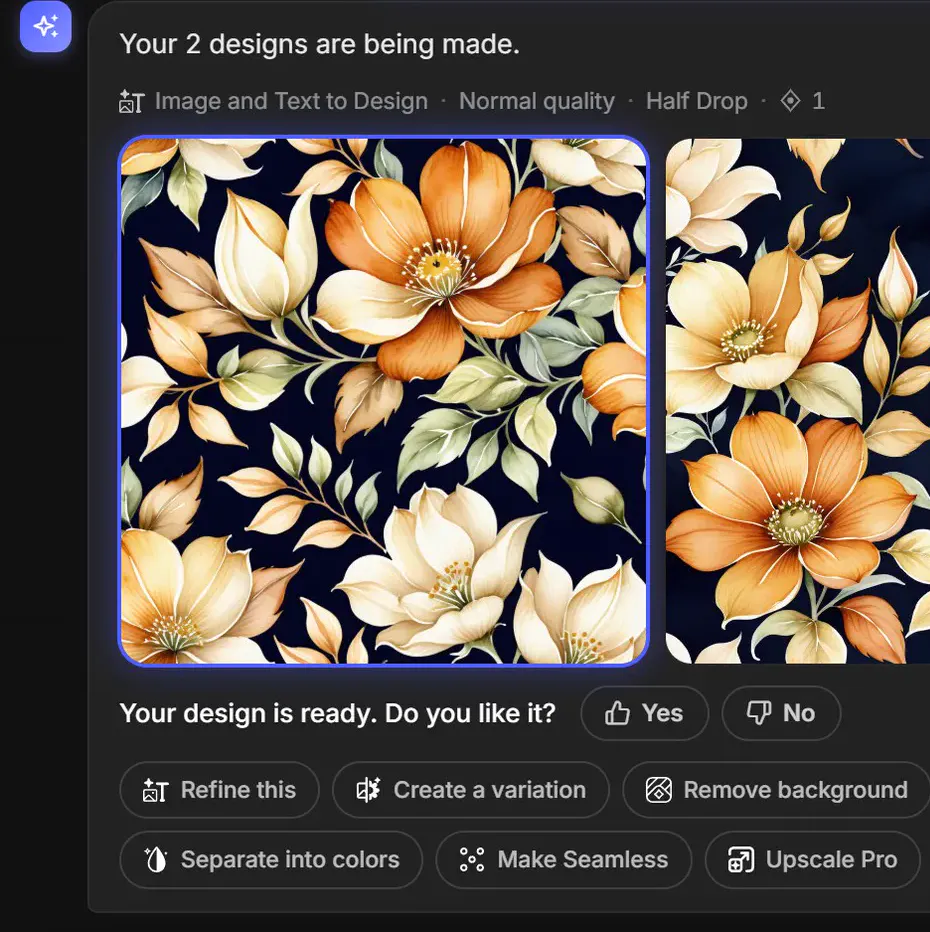
An all-over print has to repeat without a visible join, in the layout the product needs. AI can generate the design as a repeat, or turn a finished design into one, work that used to mean careful retouching in Photoshop. In MYTH, Make Seamless does it in Block, Half Drop, Brick, Horizontal or Vertical. See pattern repeat types and how to make a seamless pattern.
Colourways and colour separation
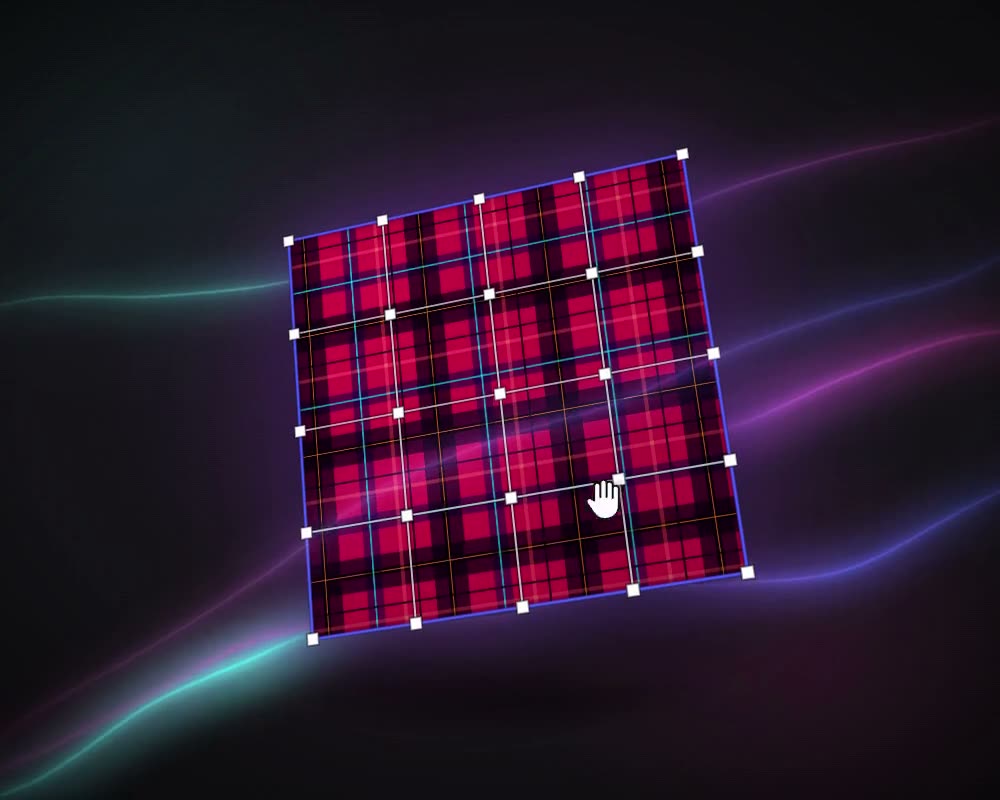
A print is often offered in several colourways, and screen printing needs it split into one layer per colour, one screen each. Separating the colours automatically, then recolouring by hand, by a colour rule or from a saved palette, lets a designer try many colourways and keep the colour layers for production.
In MYTH, Colorway finds 2 to 22 colours in a design, shows the nearest Pantone for each and exports a TIFF with one layer per colour. It runs free in the browser.
Ready for production: resolution and vectors
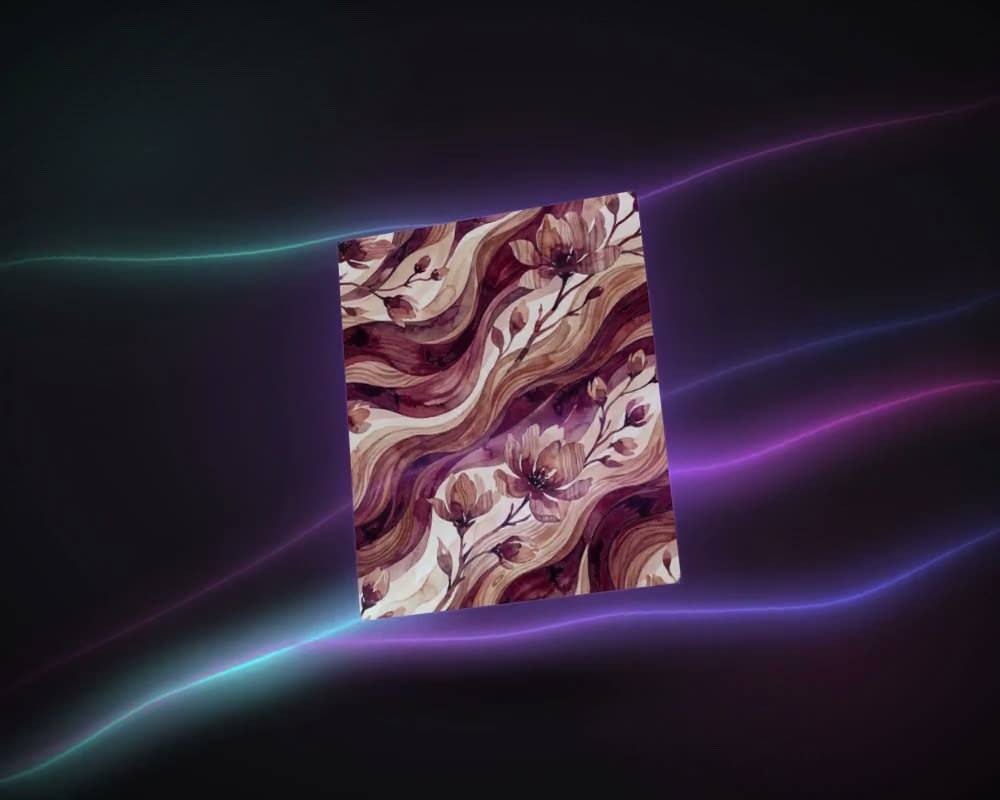
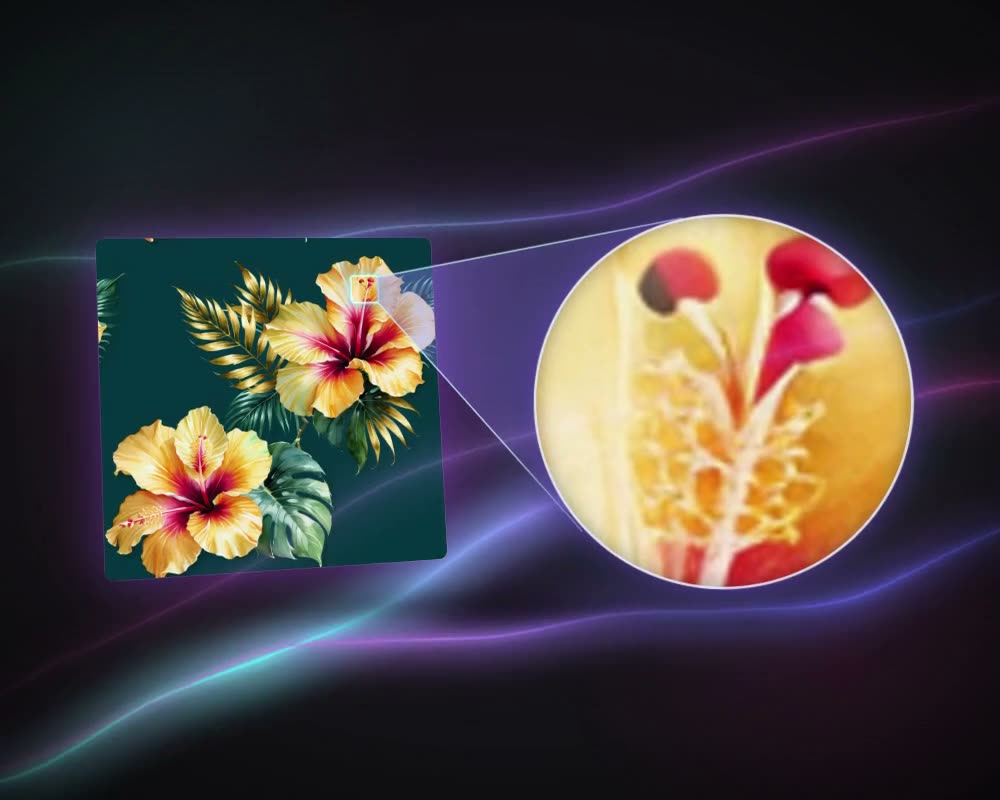
Generated images are raster files at a fixed size. For large-format printing they may need more pixels; for screen printing and for scaling without limits, a vector is often the better file. Upscaling enlarges a design without redrawing it, and vectorizing traces it into clean shapes, colour by colour.
In MYTH, Upscale Pro enlarges a design 2× or 4×, up to 4096 × 4096 px, and leaves the design as it was. Vectorizer turns it into an SVG with every colour on its own layer. MYTH Edit exports TIFF, PNG and other formats at 72 to 1400 DPI, including TIFF with layers.
Product visuals from sketches
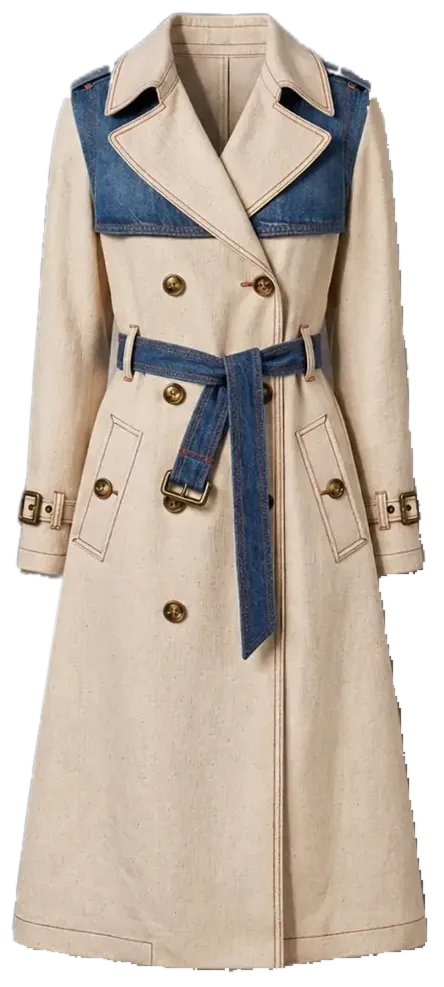
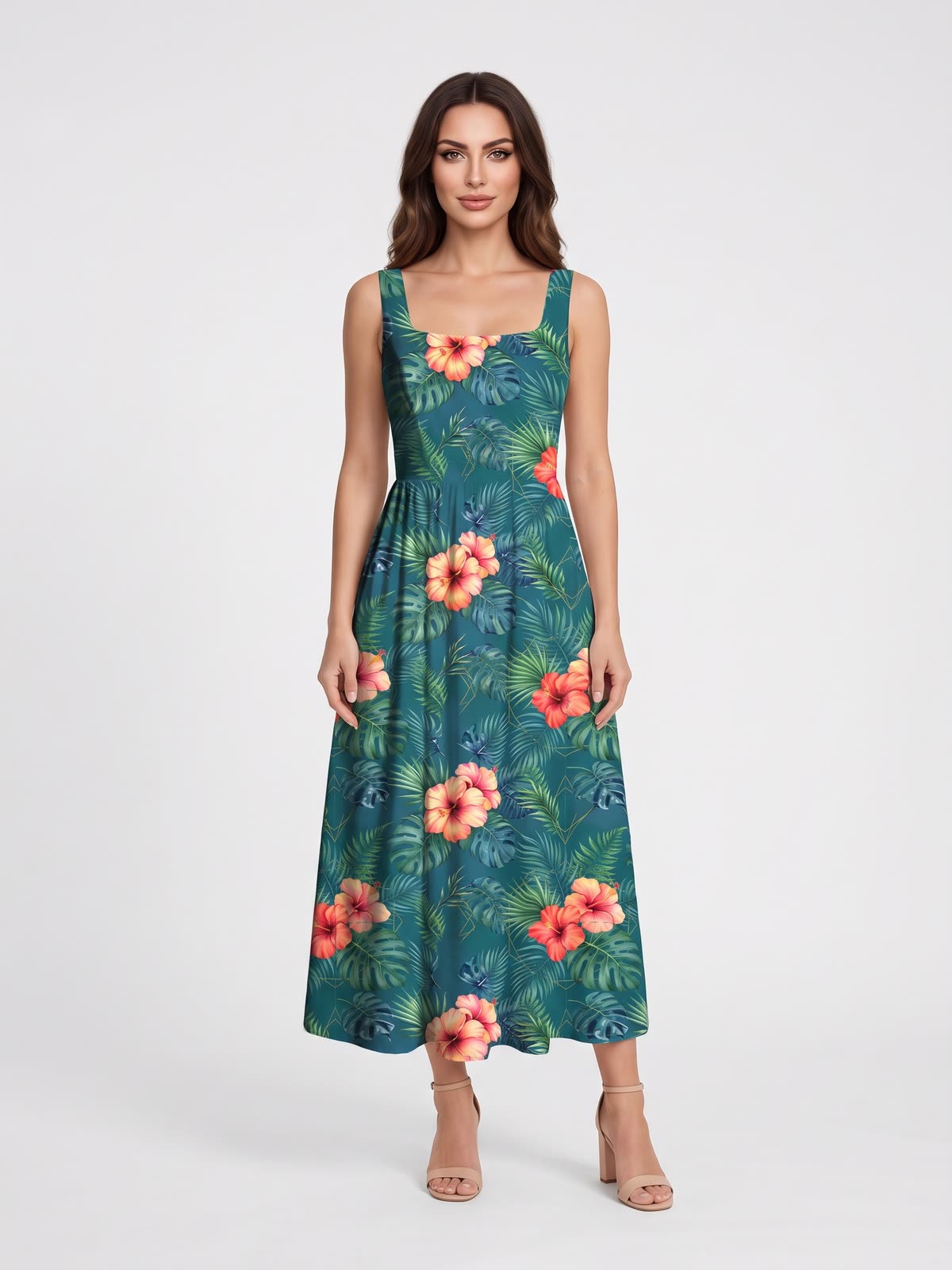
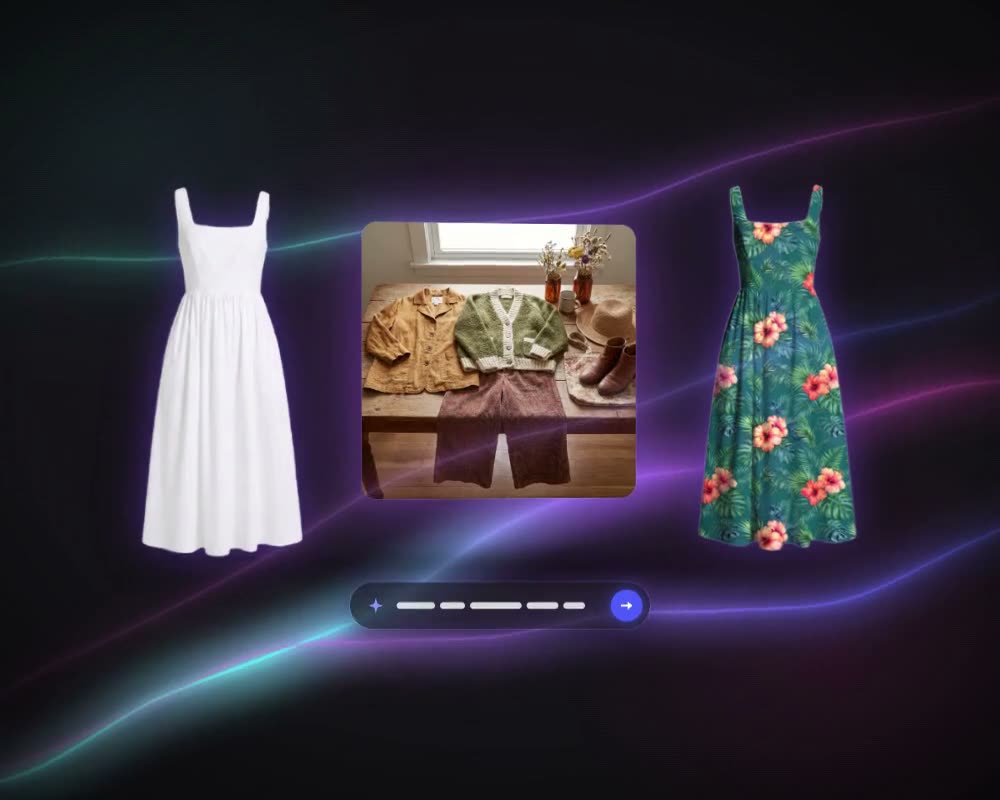
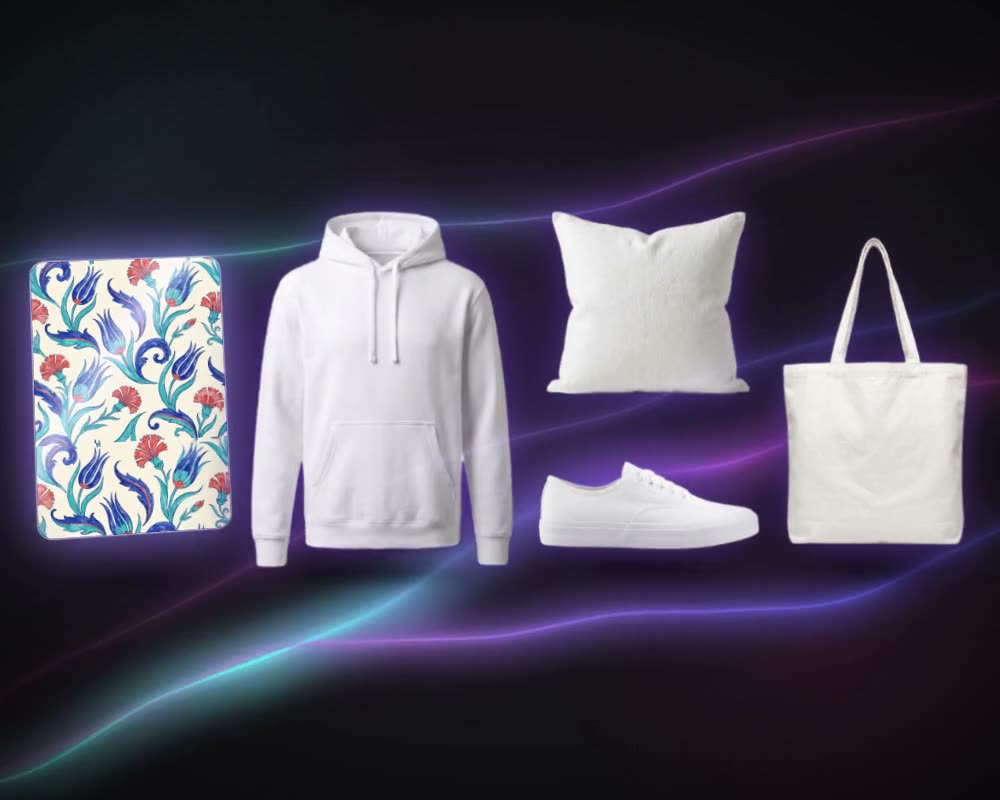
The same models can turn a sketch or a technical drawing into a realistic product visual, put a print onto a product photo so it follows every fold, or generate a product from a description. Teams use this to see a style before a sample is made, and to try one print on garments, bedding or curtains.
Technical flats and tech packs
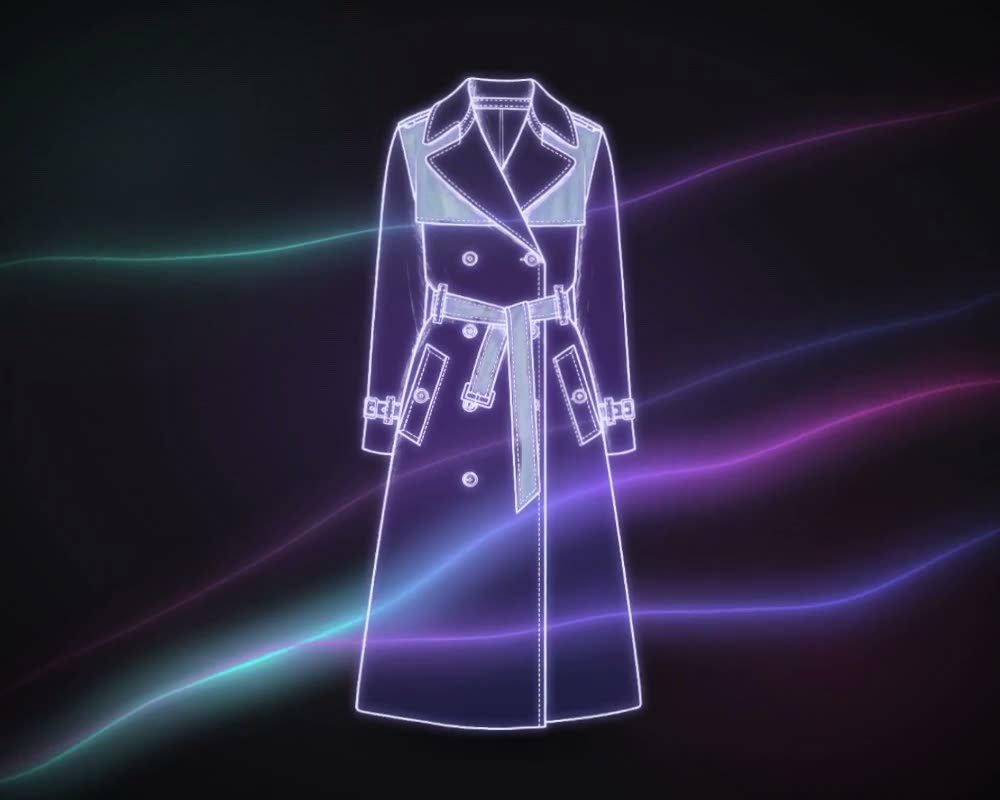
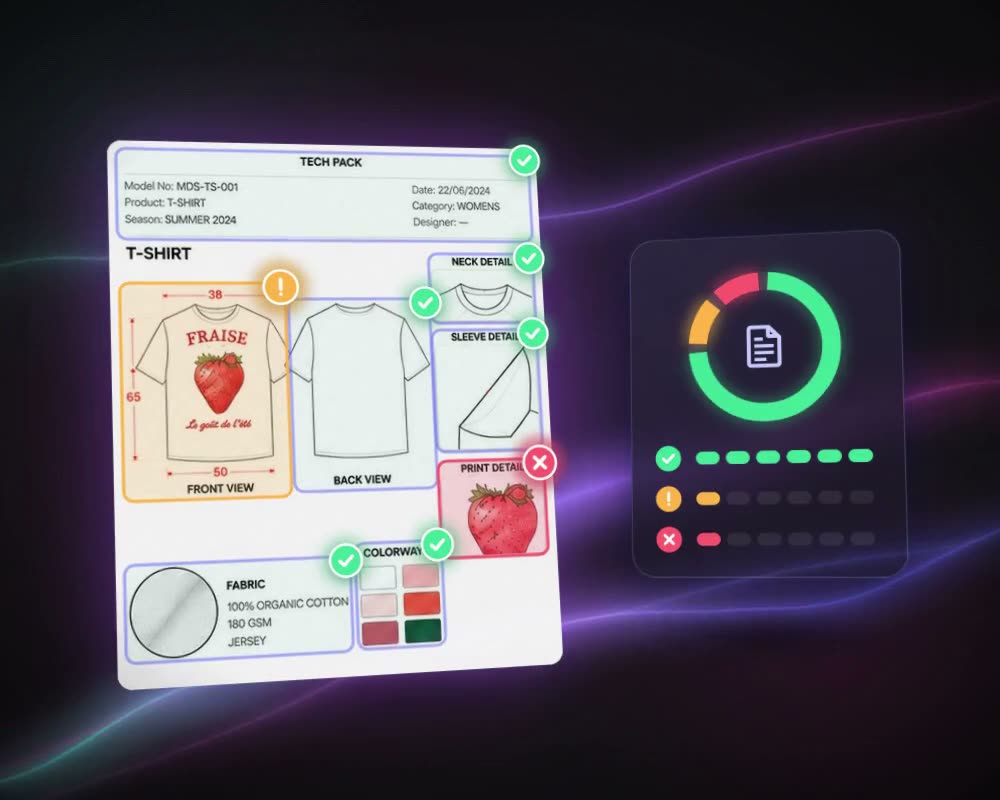
Production runs on technical drawings and tech packs. AI can draw a technical flat from a product photo, and read an existing tech pack to check its measurements, tolerances and materials before it goes to a factory.
In MYTH, Real to Sketch draws the flat from a photo, a sketch or a PDF and exports CAD DXF, SVG and PNG with an annotated A4 tech sheet. Tech Pack Reading reads a PDF or a scan, flags missing or inconsistent measurements, tolerances and materials, and exports to Excel.
AI photoshoots
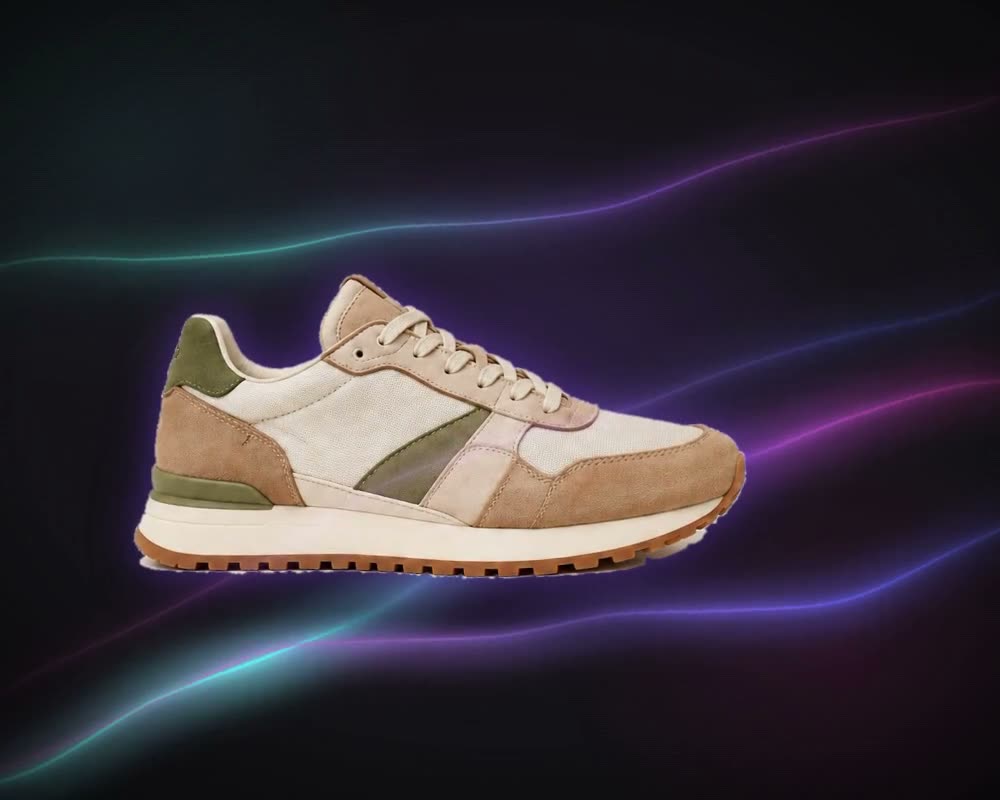
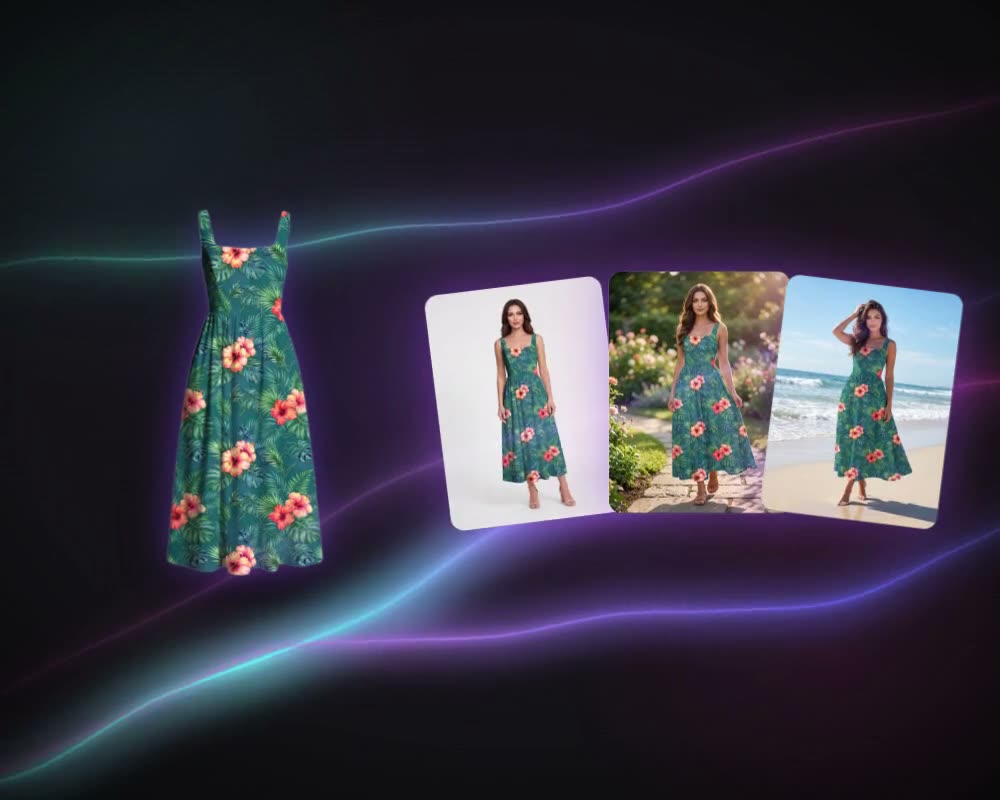
Once a garment exists, it has to be photographed on a model for e-commerce and lookbooks. An AI photoshoot starts from a photo of the garment, flat, on a hanger or worn, and produces a set of on-model images, with the model, the poses and the background chosen by the team.
Photoshooting AI in MYTH shoots a six-shot set, front, back, side and detail, or single crops, with an AI model, your own model, a mannequin or a ghost mannequin.
Collections from trend sources
Collection planning starts from trend reports, moodboards and the brand’s own visuals. AI can read those sources together and design a range of products that belong together, which gives a team a coordinated starting point instead of a blank page.
Collection Lab takes up to 10 trend links, 20 PDF reports and 20 moodboard images with your brand’s visuals, plans up to 30 product requests and writes an AI trend report on the designs you pick. Create with Chat asks a few quick questions and picks the right tool for you.
Searching the archive
Many textile companies already own large design archives, scattered across drives and named by code. AI search finds a design by what it looks like, not only by its file name, so a team can reuse and adapt what it owns before designing from scratch.
MYTH Digi is MYTH’s design archive. It finds any design by text, by file name or design code, by image or by colour, including HEX, Pantone and Coloro codes, and its Tile view shows an archived design as a repeat.
What designers still do
AI makes options quickly. It does not know the customer, the mill or the season. Designers still:
- write the brief and judge which results fit the brand;
- set the scale, spacing and colour of a print for the product it goes on;
- check repeats, colour counts and file sizes against how the fabric will be printed;
- approve strike-offs and samples, and agree with the factory on what can be made;
- build the story of a collection across products and seasons.
MYTH’s joint project with KOTON is built on that balance: AI speeds up the early stages while the designers keep full creative control.
Ownership and originality
Two questions come with every AI design tool: who owns the result, and is it original? MYTH’s answers, as set out on its About page:
- MYTH runs on a closed, proprietary model trained only on licensed, high-quality data.
- It never generates a design with 70% or higher similarity to existing outputs.
- Every design you create belongs to you, with full IP rights and a certificate of authenticity you can save as a PDF.
- What you upload and generate stays in your workspace. It is never shared with, reused for or shown to other users.
The full conditions are in MYTH’s terms of use. Whatever tool you use, keep your references and sketches with each project.
How textile teams use it
MYTH’s case studies show the range:
- KOTON runs a joint innovation project with MYTH AI: moodboards in; patterns, palettes and fabric concepts out.
- Menderes Textile brought 90% of its home-textile design process into digital form as part of its Industry 4.0 work.
- Halmer Textile’s on-demand pattern design department designs 90% faster with MYTH AI.
- Sarev brought MYTH AI into the design of its printed and woven duvet cover sets and bedspreads.
- Penti’s design teams use MYTH AI for innerwear and activewear.
- Gamateks works with MYTH AI on print and design selection, with design teams in six locations.
- Karaca Home’s designers trained with MYTH Academie on the way to becoming MYTH AI Designers.
Read every case on the projects page.