- All in MYTH
- Pattern AI
- Mockup Generator
Pattern AI · In Editor · Pattern mockup generator
Mockup Generator
See your print on the product.
Drop a design onto a ready mockup or onto your own product photo. MYTH reads the product’s depth and light, so the print wraps around it and follows every fold.
Ready mockups freeMesh warp
How it works
Three steps in Mockup Generator
- 01
Choose the product
In MYTH Edit, open Mockup Generator and Pick a ready mockup, or Pick from the canvas to turn your own product photo into one with Create mockup.
- 02
Add the pattern
Drag a frame, an image or a file onto the product, or use Add pattern. Set the Repeat, scale, rotation, blend and shadow for every pattern area.
- 03
Bend and export
Use Warp pattern to bend the print with a mesh, so checks, stripes and borders follow the folds. Then export the mockup like any other frame.
See it work
One photo, any print
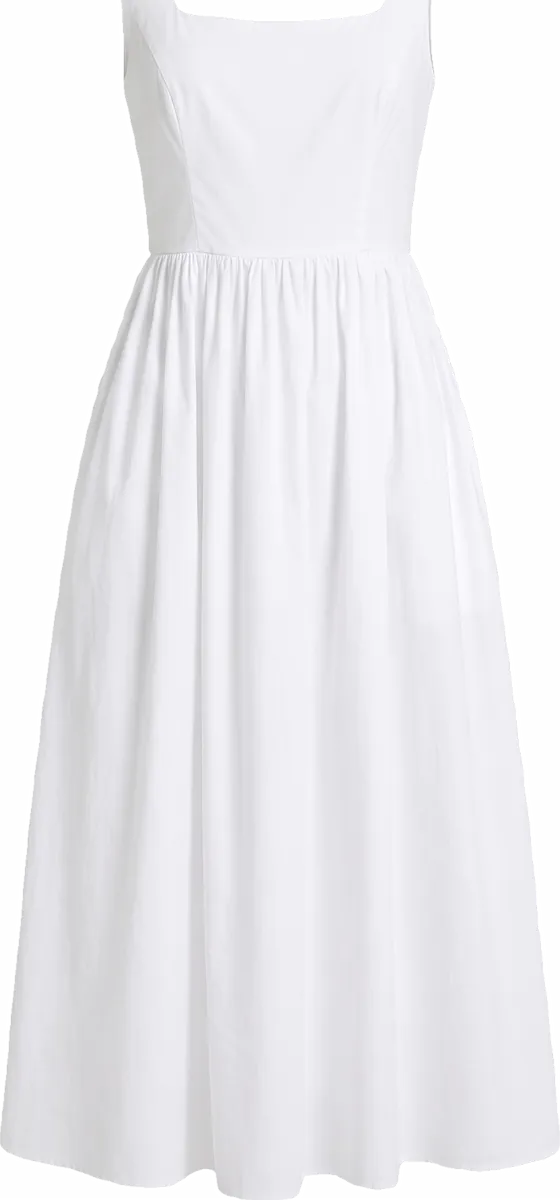
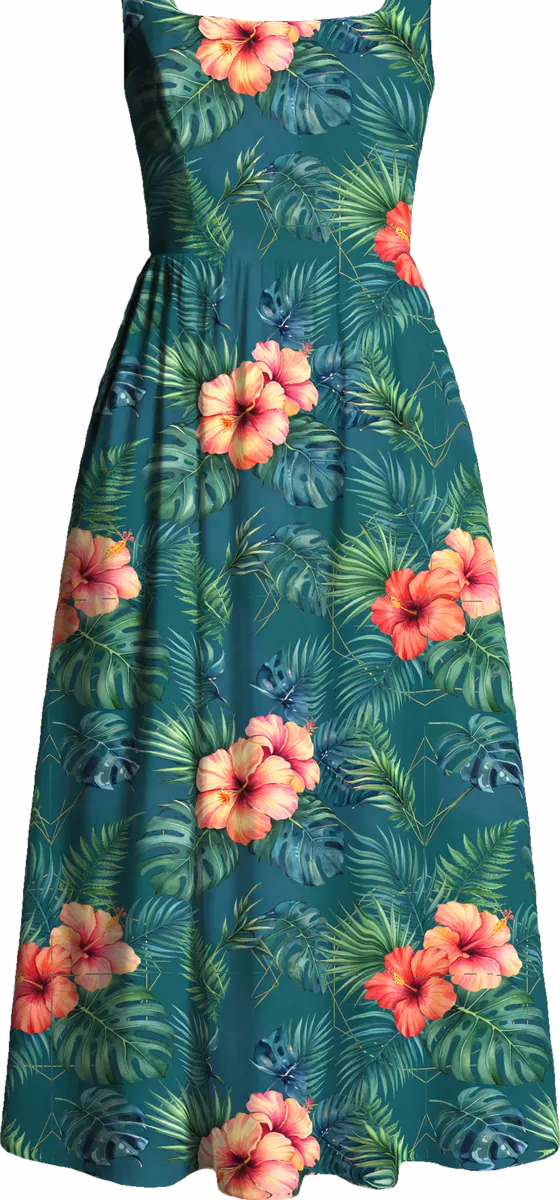
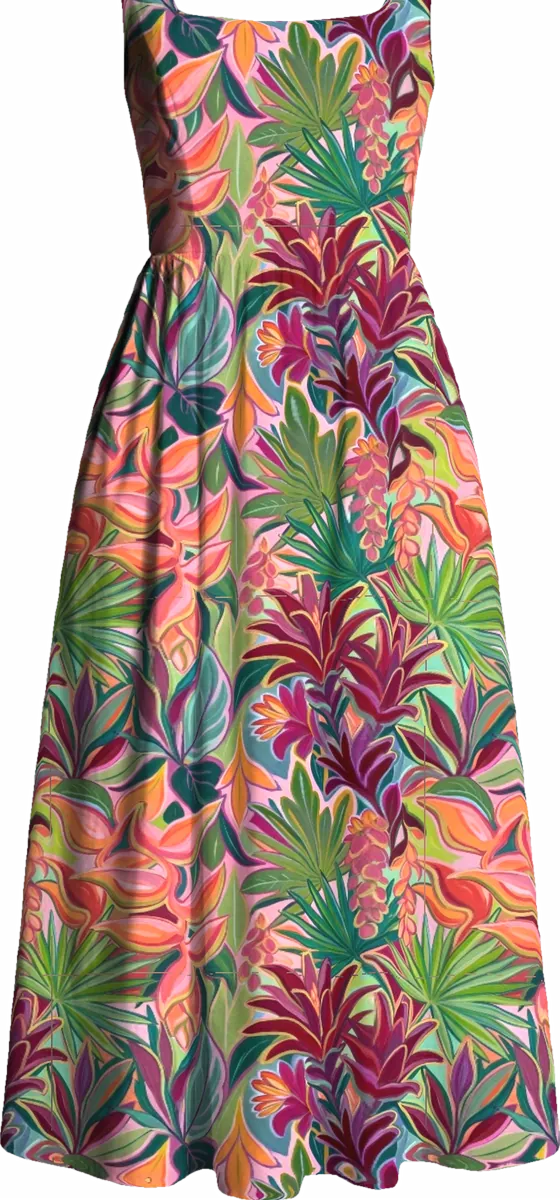
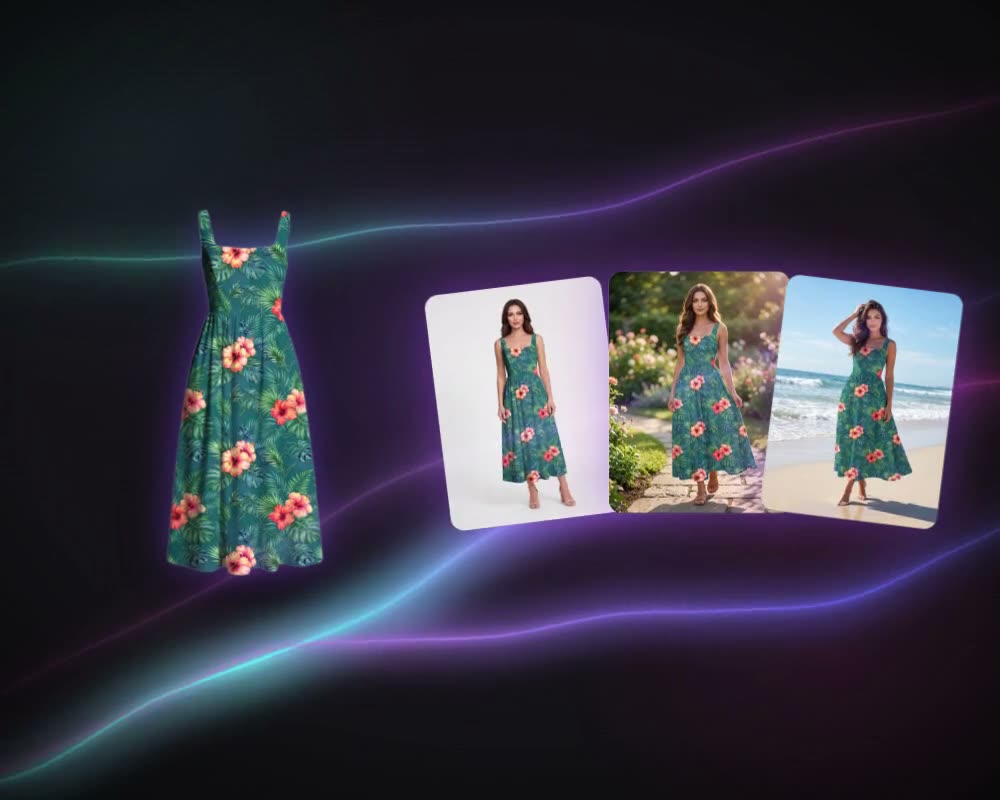
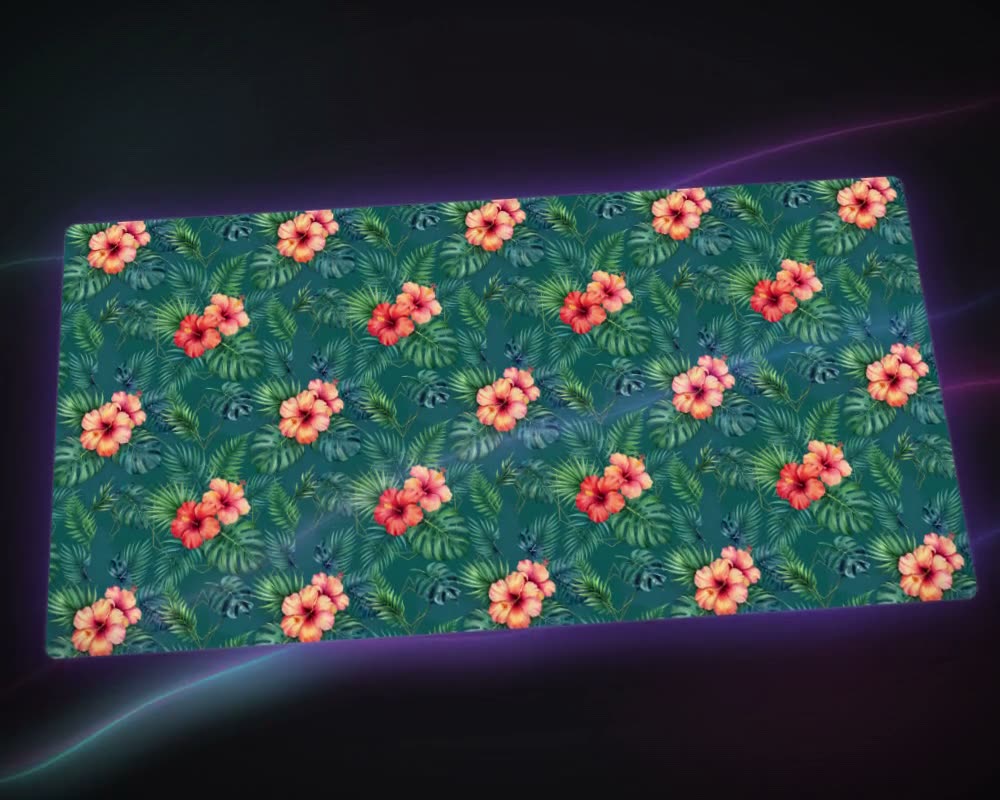
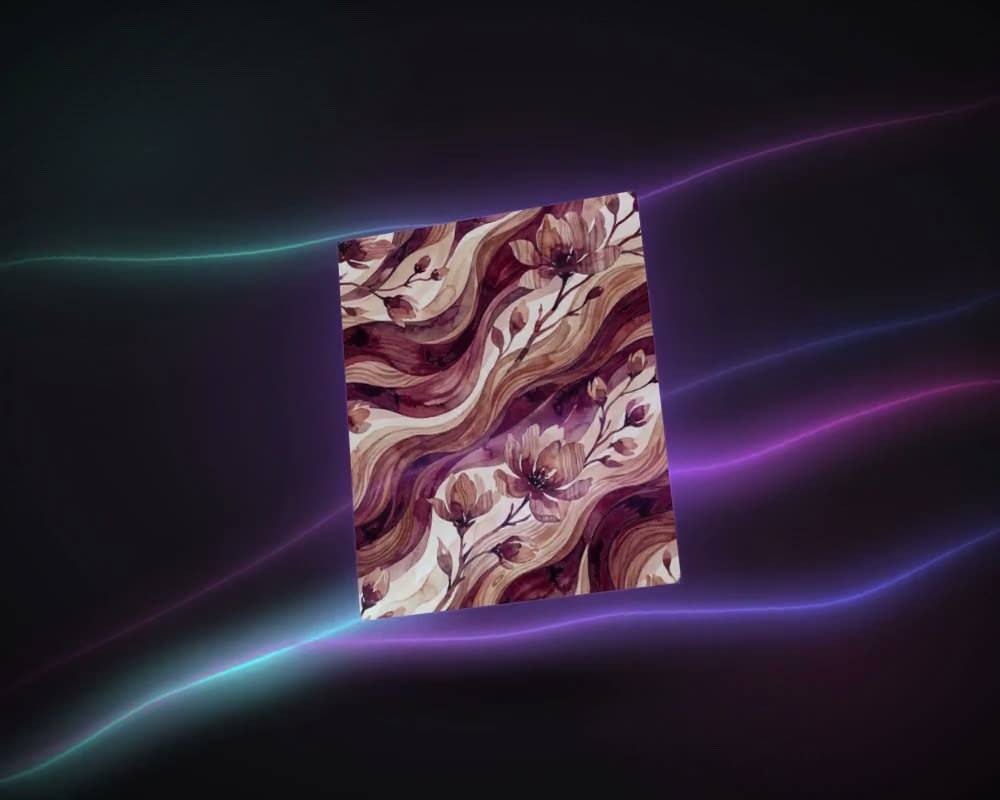
A plain sundress made with Create Product, turned into a mockup once and then dressed in two different prints. The folds, the gathers and the shadows all come from the photo.
What it is for
See the print before it is printed
A mockup shows a print where it will end up, on a dress, a duvet set, a curtain or a rug, before a metre of fabric is printed. Mockup Generator in MYTH Edit puts any design on a ready product mockup or on your own product photo. It reads the photo’s depth and light, so the print bends into the folds and gathers and keeps the shadows instead of sitting flat on top.
Each pattern area takes its own repeat, from Block and Half Drop to Placement Design, with its own scale and rotation, so you can judge a motif’s scale on a bedding set or place a single print on a T-shirt. Warp pattern bends checks, stripes and borders with a mesh until they follow the cut. Make the tile with Make Seamless, recolour it with Colorway, and show the same product in every colourway.
Who uses it, and for what
Home-textile brands
Show one print across a whole range. The quick preview alone holds 18 home-textile products, from duvet sets, cushions and throws to curtains, table linen, towels and bath mats.
Fashion brands and print studios
Try a print on dresses, swimwear, shirts or kidswear and judge the motif scale on the garment before anything is sampled.
Textile mills presenting to buyers
Turn a customer’s own product photo into a mockup once, for 2 credits, then dress it in every design you propose.
Rug and decor ranges
Put a design on a rug, a carpet, wallpaper, a plate or a mug from the quick preview’s decoration products.
The details
What goes in, what comes out
- Two ways in
- Pick a ready mockup: product photos with the pattern areas already marked. Pick from the canvas: your own photo becomes a mockup
- Cost
- Ready mockups are free. Your own photo costs 2 credits, charged once per product photo, and then stays in your library
- Product categories
- Clothing, Footwear, Home Textiles, Curtain, Decoration and Accessories
- Per pattern area
- Pattern, surface, placement, Repeat (Block, Half Drop, Brick, Mirror, Placement Design), 11 blend modes, hue, saturation, brightness, contrast, shadow, displacement, opacity, scale and rotation
- Warp
- A Photoshop-style mesh with grid, split and straighten. It stays on the product, so the next pattern follows the same shape
- Quick preview
- Preview on Mockup: 49 ready products in six groups, from dresses to duvet sets, rugs and bags; download as PNG or Adapt to 3D mockup
Questions
About Mockup Generator
Something else? Ask the team.
Can I use my own product photo?
Yes. Put the photo in a frame and pick it from the canvas. MYTH reads its depth and lighting and turns it into a mockup for 2 credits, charged once for that photo. It stays in your library for every pattern after that.
Do the ready mockups cost anything?
No. Ready mockups are free to use as often as you like; only turning your own photo into a mockup uses credits.
What does the quick preview cover?
Preview on Mockup has 49 ready products: 12 for women, 4 for men, 3 for kids, 18 home textiles from duvet sets and cushions to curtains, towels and bath mats, 6 decoration pieces such as rugs, wallpaper and mugs, and 6 accessories including bags, shoes, socks and a phone case.
How do checks and stripes follow the folds?
With Warp pattern. A Photoshop-style mesh lets you drag points and handles until the print bends with the fabric. The mesh stays on the product, so a new pattern drops into the same shape.
Can one product carry more than one pattern?
Yes. Mark as many pattern areas as the product needs and give each its own pattern, repeat, blend and scale. Settings can be copied from one area and pasted onto others.
Can I check a motif’s scale on the product?
Yes. Every pattern area has its own scale and rotation, so you can see how large a motif sits on a duvet set or a dress before anything is printed. For a quicker look, Preview on Mockup shows the design on 49 ready products and downloads the result as a PNG.
Pattern AI · every plan
Try it on your own design.
Every plan includes every tool. Credits are in your account the moment payment is confirmed.