- All in MYTH
- Pattern AI
- Make With Elements
Pattern AI · In Editor · Repeat from your motifs
Make With Elements
Your motifs, wrapped into a repeat.
Build a print from your own motifs in MYTH Edit. With Mirror Mode on, whatever crosses the frame’s edge comes back in on the other side: a seamless tile.
Mirror ModeYour own motifs
How it works
Three steps in Make With Elements
- 01
Bring your motifs
Use Add Image… to put your elements in a frame in MYTH Edit. Cut a motif free with Remove Background, or select it with the magic wand and use Selection to New Layer.
- 02
Turn on Mirror Mode
Open the frame’s menu and switch on Mirror Mode. Move, scale, rotate, flip and Duplicate the motifs: whatever crosses an edge wraps round to the other side.
- 03
Check and export
Open Preview as Tile to see the repeat at any tile size, then export at your print size and DPI, or as TIFF with Layers with every motif still on its own layer.
See it work
From loose motifs to a repeat
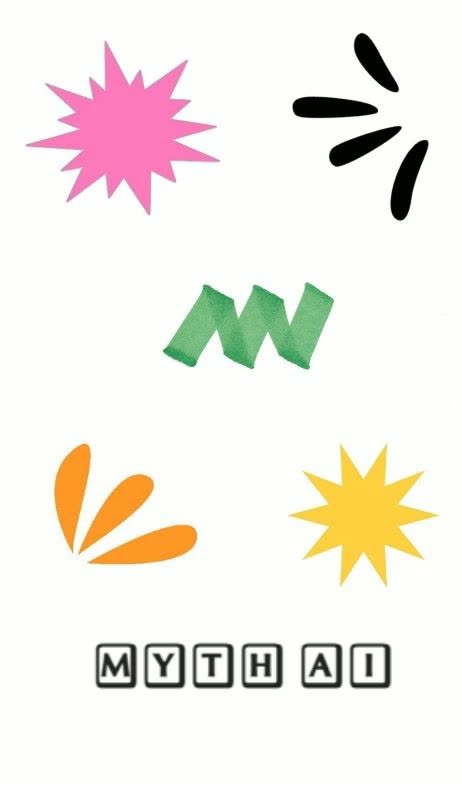
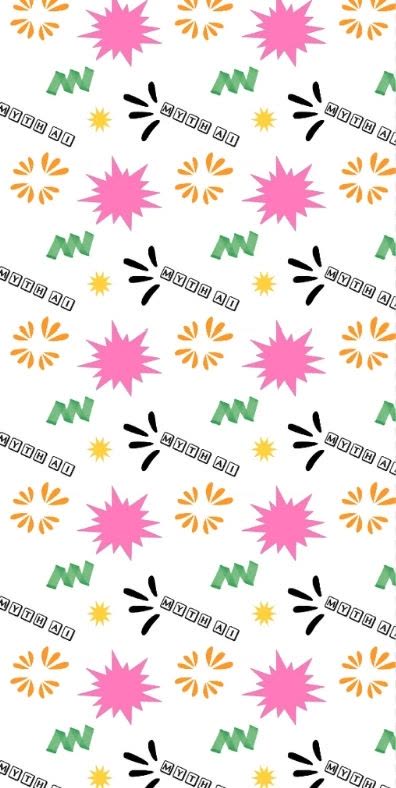
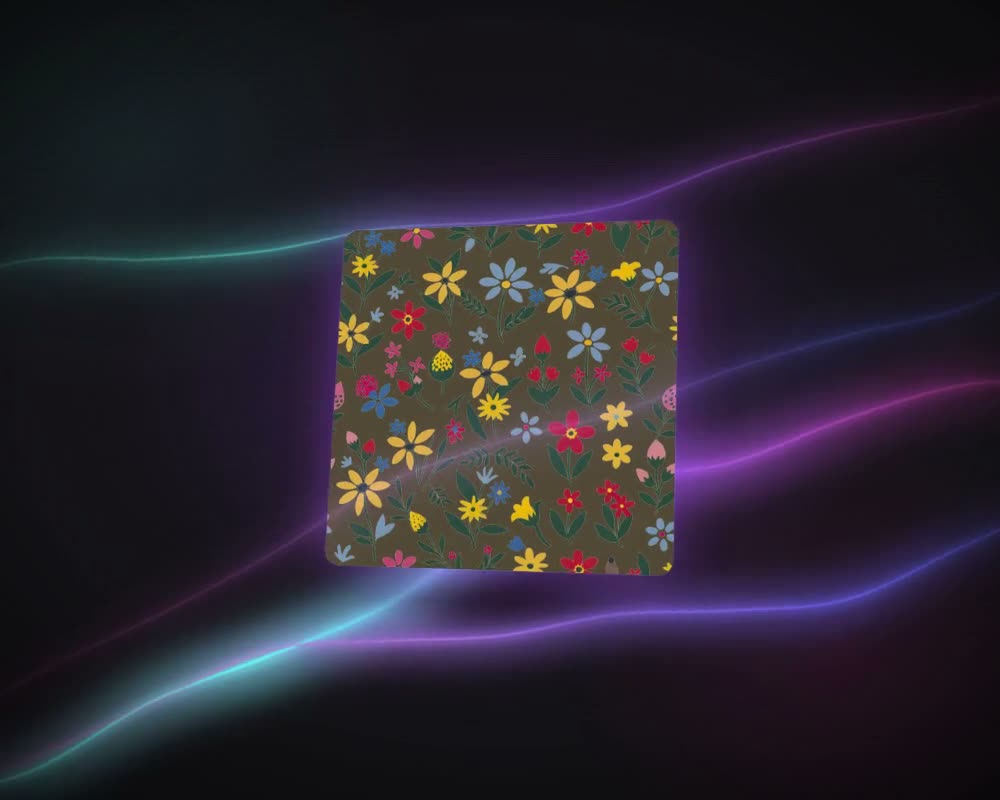
Six separate elements on the left, and the all-over print arranged from them on the right.
What it is for
A repeat you arrange by hand
Not every print starts from a prompt. Often the motifs already exist: a painted flower, a scanned sketch, a logo, a few shapes. Make With Elements, now Mirror Mode in MYTH Edit, turns a frame into a repeat tile that you arrange yourself. Place a motif anywhere; the part that runs off one edge carries on from the opposite edge, so the tile meets itself with no visible seam.
The frame tiles as a block repeat, also called a straight or full drop repeat: side by side and top to bottom. Because you place every motif yourself, it suits tossed and all-over layouts, ditsy florals and novelty prints, where the motifs float rather than sit in rows. Check it with Preview as Tile. If a straight grid starts to show, or the print should run as a half drop or a brick, Make Seamless makes a new version in that repeat type and keeps yours. The guide to repeat types shows how they differ.
Who uses it, and for what
Print designers
Turn a set of painted or hand-drawn motifs into a tossed, all-over repeat, with every motif still on its own layer for the next round of changes.
Studios reworking an archive
Lift motifs out of older designs with Remove Background or Selection to New Layer, then rearrange them into a new repeat.
Brands with their own artwork
Scatter a logo, a monogram or brand icons across a tile for an all-over print, and export it at your print size and DPI.
Home-textile teams
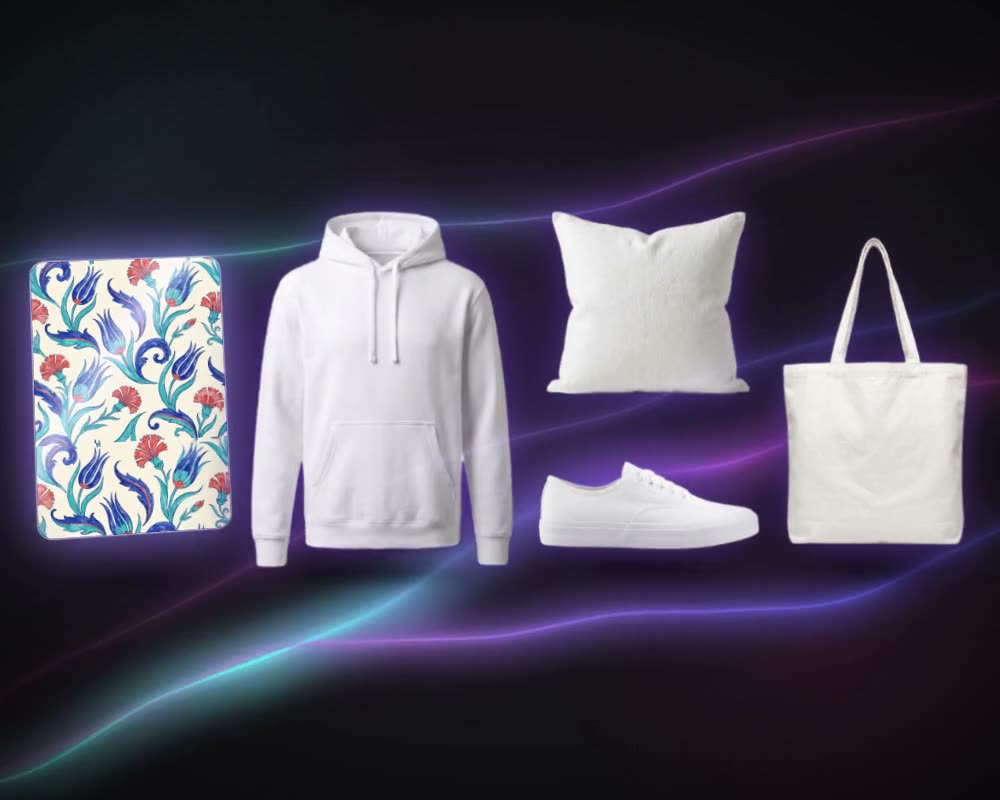
Build a scattered print for bedding, cushions or table linen, check it at real size with A3 Print Preview, then see it on a duvet set with Mockup Generator.
The details
What goes in, what comes out
- Where you find it
- MYTH Edit: the frame’s menu, Mirror Mode. Earlier versions of MYTH called it Make With Elements
- How it works
- A layer that runs over the frame’s edge comes back in from the opposite edge, so the frame edges behave like a seamless tile
- Your elements
- Images from your computer, uploads, generations, collections or MYTH Gallery, plus text, shapes and drawings
- Arranging
- Move, scale, rotate, flip, duplicate, group, opacity and 16 blend modes, layer by layer
- Checking
- Preview as Tile with tile size, spacing and tile lines; A3 Print Preview at real size
- Export
- TIFF, PNG, JPEG, WEBP, BMP, GIF or PDF at 72 to 1400 DPI, up to 8192 px; TIFF with Layers keeps every element separate
- Cost
- No credits. Only AI tools use credits, such as background removal with the Pro Model
Questions
About Make With Elements
Something else? Ask the team.
Where did Make With Elements go?
Into MYTH Edit. The blank-canvas repeat builder is now a frame setting called Mirror Mode, so it works together with layers, blend modes, background removal and the export.
Will the result really repeat without a join?
Yes. With Mirror Mode on, the frame’s edges behave like the edges of a tile: a motif cut off on the right carries on at the left, one cut off at the bottom carries on at the top. The export and the tile preview follow the same rule.
Does Mirror Mode reflect the motifs?
No. Despite the name, Mirror Mode does not flip anything: it wraps. A motif that crosses the right edge comes back in at the left, and one that crosses the bottom comes back in at the top. To reflect a motif, duplicate it and use Flip Horizontal or Flip Vertical.
Which repeat type does it make?
A block repeat: the frame tiles side by side and top to bottom on a straight grid. For a half drop or a brick, run Make Seamless on the finished frame. It is an AI tool, so it uses credits, and it makes a new version in the repeat type you choose while the original stays as it is.
Where do the motifs come from?
Your own files, earlier generations, your collections or MYTH Gallery. Remove Background, the magic wand or Object Select cut a single motif out of a larger image.
Can I keep the elements editable?
Yes. Download the frame as TIFF with Layers and every element arrives on its own layer, ready to open in Photoshop.
Does it use credits?
No. Arranging and wrapping happen in the editor. Credits are only used by AI tools, such as background removal with the Pro Model.
Pattern AI · every plan
Try it on your own design.
Every plan includes every tool. Credits are in your account the moment payment is confirmed.