- All in MYTH
- Pattern AI
- Make Seamless
Pattern AI · Seamless pattern maker
Make Seamless
Any design, as a repeat.
Convert any design into a production-ready seamless pattern and choose from five repeat formats to control how your motif tiles across any surface.
5 repeat typesOriginal kept
How it works
Three steps in Make Seamless
- 01
Bring a design
Upload an image or pick one from your generations. A result that isn’t a repeat yet offers Make Seamless right on its card.
- 02
Choose the repeat
Pick Block, Half Drop, Brick, Horizontal or Vertical. MYTH makes a new tiling version; the original stays as it is.
- 03
Check and export
Preview it as a tile in MYTH Edit, then export at your print size and DPI, or turn the repeat into another type.
See it work
Five ways to repeat
The highlighted square is one repeat unit. Switch the type and see how the same motif tiles.
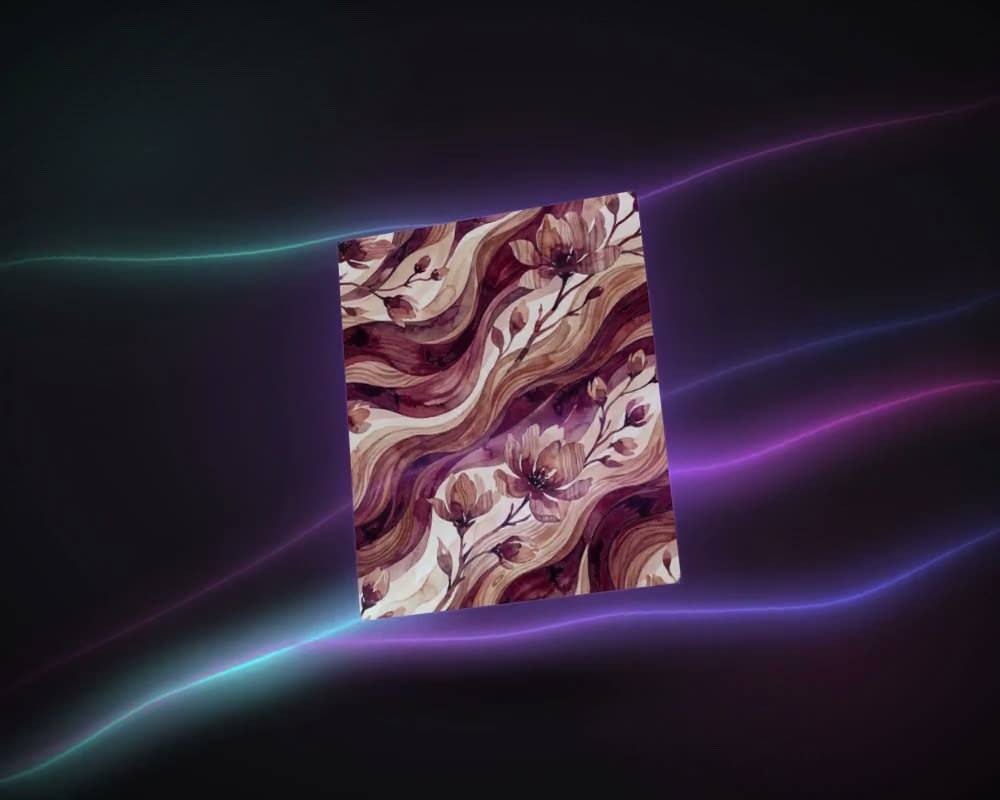
The motif repeats side by side and top to bottom on a straight grid.
Pattern repeats
Repeat software without the plug-in
An all-over print is built from one repeat unit: the tile that steps across the width and down the length of the fabric. If its edges do not meet, the joins show as seams on every repeat, and closing them by hand with offsets and retouching is slow work. Make Seamless does that step in MYTH, in the browser, with nothing to install. Give it a finished design, even one never drawn as a repeat, and it returns a new tile in the repeat you choose.
The repeat type decides how the tile steps. Block, also called a full drop or straight repeat, sets it on a straight grid: even and easy to read, though bold motifs can show the grid. Half Drop moves every other column down by half a tile, so the motifs run on a diagonal, which suits large florals on bedding and curtains. Brick moves every other row sideways by half a tile. Horizontal and Vertical repeat in one direction only, for borders and stripes. The guide to repeat types compares them.
Then check the tile in MYTH Edit: Preview as Tile shows the repeat, the A3 Print Preview lays it out at real size, and Export sets the tile size, the canvas size and the DPI of the print file.
Who uses it
Print designers
Put a sketch, a scan or an AI result into repeat without rebuilding the edges by hand.
Textile mills and print houses
Convert a design to the repeat type a buyer or a print run calls for, and check it at real size before a strike-off.
Home-textile brands
Half drop and block repeats for duvet covers, curtains, upholstery and table linen.
Fashion and e-commerce teams
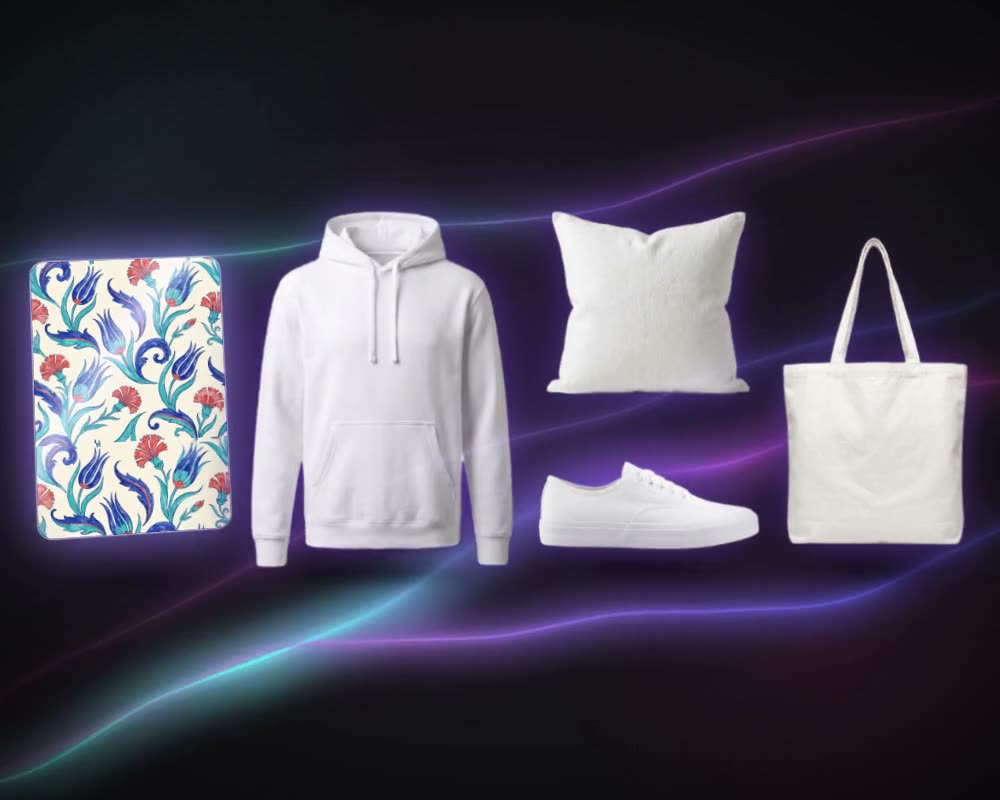
All-over prints for garments, and seamless tiles to try on products in Mockup Generator.
The details
What goes in, what comes out
- Input
- One image: PNG, JPG, WEBP or TIFF, from your uploads, your generations, your collections or MYTH Gallery
- Repeat types
- Block, Half Drop, Brick, Horizontal and Vertical
- Output
- A new tile in the chosen repeat. The original is kept untouched
- Where you find it
- Pattern AI, on any result that is not a repeat yet, in MYTH Edit and in Create with Chat
- Change a repeat
- An existing repeat can be converted to another type
- Cost
- A fixed number of credits per run, shown before you start
Questions
About Make Seamless
Something else? Ask the team.
Do I need to design a repeat from scratch?
No. Make Seamless takes a finished, non-repeating design and builds the repeat for you. The original image stays in your history as it was.
Which repeat should I choose?
Block for a straight grid, Half Drop or Brick when you want the motif to flow without visible rows or columns, and Horizontal or Vertical for borders and stripes that repeat in one direction only.
Can a Pro result be made seamless?
Yes. Pro generations are made as single images; send the result to Make Seamless afterwards to get the repeat you need.
How do I check the repeat before printing?
Open it in MYTH Edit and use Preview as Tile, or lay it out on an A3 sheet at real size. Export sets the DPI (72 to 1400), the units and the tile size.
What is a half drop repeat?
A repeat in which every other column of tiles moves down by half the tile’s height. The motifs line up on a diagonal instead of in rows, so the grid is harder to see. Choose Half Drop in Make Seamless to make one; the half drop guide explains it in more detail.
What is the difference between block, half drop and brick?
Block, also called a full drop or straight repeat, sets the tile on a straight grid. Half drop moves every other column down by half a tile; brick moves every other row sideways by half a tile, like brickwork.

Pattern AI · every plan
Try it on your own design.
Every plan includes every tool. Credits are in your account the moment payment is confirmed.